Xbox Cloud Gaming offers unparalleled flexibility, letting you dive into your favorite titles on virtually any device. But a common question for dedicated gamers is how long can you truly play Xbox Cloud Gaming before hitting any limitations or experiencing performance dips? This comprehensive guide for 2026 unpacks everything from session length and subscription requirements to optimizing your setup for marathon gaming sessions. We will explore the technical realities, provide actionable tips for maintaining peak performance, and help you balance your passion for gaming with real-world responsibilities. Discover how to maximize your cloud gaming experience, whether you are a casual player looking to unwind or a pro gamer honing skills without constant hardware worries. This article delves into the nuances of uninterrupted gameplay, potential queues, and smart strategies to ensure your cloud gaming adventure is as smooth and extended as possible. Learn about the seamless integration with Game Pass Ultimate and how understanding its mechanics can extend your digital adventures. For many US gamers, balancing intense play with daily life is a constant challenge, and cloud gaming offers a solution if managed effectively. Understanding its potential and limitations is key to a satisfying experience. Get ready to extend your play.
- How long can you play Xbox Cloud Gaming in a single session? You can play Xbox Cloud Gaming for an unlimited duration in a single session, provided you have an active Xbox Game Pass Ultimate subscription and a stable internet connection. Microsoft does not impose any time limits on individual gameplay sessions. The only potential interruptions are internet stability, periods of inactivity leading to disconnection, or server queues during peak demand.
- Is there a daily limit for Xbox Cloud Gaming? No, there is no daily limit imposed by Microsoft on how long you can play Xbox Cloud Gaming. Gamers with an Xbox Game Pass Ultimate subscription can play as many hours as they wish throughout the day. Your actual daily playtime will be determined by your personal schedule, internet data caps, and physical comfort, not by the service itself.
- What affects how long I can play Xbox Cloud Gaming without issues? Several factors affect uninterrupted Xbox Cloud Gaming playtime: your internet connection speed and stability (20 Mbps minimum, 50+ Mbps recommended), network latency (ping), device performance and cooling, and server availability. Minimizing network interference and using a fast, stable connection are crucial for longer, issue-free sessions.
- Do I need Xbox Game Pass Ultimate to play cloud games? Yes, an active Xbox Game Pass Ultimate subscription is absolutely required to access and play games via Xbox Cloud Gaming. This subscription includes access to a vast library of games that are enabled for cloud streaming, along with Xbox Live Gold and other Game Pass benefits for console and PC.
- Can I play Xbox Cloud Gaming on my phone for long periods? You can play Xbox Cloud Gaming on your phone for long periods, but consider factors like battery life, potential device overheating, data usage, and ergonomic comfort. Using a dedicated mobile controller and ensuring a stable Wi-Fi connection (to conserve data and optimize performance) will significantly enhance the experience of extended phone gaming.
- How do I avoid input lag during extended cloud gaming sessions? To avoid input lag, use a wired Ethernet connection for your device, or connect to a 5GHz Wi-Fi network with minimal interference. Ensure your Xbox controller is connected directly via USB or Bluetooth with minimal distance. Close background applications and consider playing during off-peak network hours to reduce overall internet congestion, leading to a smoother, more responsive experience.
- Are there specific games better suited for long cloud gaming sessions? Games that are less reliant on split-second reactions, such as turn-based RPGs, strategy games, adventure titles, or simulation games, are generally better suited for long cloud gaming sessions where slight latency is less impactful. Fast-paced competitive shooters or fighting games might feel more challenging during extended cloud streams due to potential input delay.
For many dedicated gamers, the dream of playing their favorite Xbox titles anywhere, anytime, without needing a dedicated console, is now a reality thanks to Xbox Cloud Gaming. This service, a key part of Xbox Game Pass Ultimate, transforms your phone, tablet, PC, or smart TV into a portable gaming powerhouse. But a common, crucial question arises for those who value long, uninterrupted sessions: how long can you play Xbox Cloud Gaming? Can you truly dive into a marathon session for hours on end, or are there hidden limits that cut your gameplay short?
As of 2026, the landscape of gaming is evolving rapidly. A staggering 87 percent of US gamers play regularly, often dedicating more than 10 hours a week to their passion. Many of these are busy adults, averaging around 36 years old, who seek relaxation, fun, and skill-building in their limited free time. They crave performance optimization and value for money, often balancing gaming with family and work. This guide is tailored for you, addressing the real pain points like performance issues, setup frustrations, and the desire to maximize your gaming without constant hardware upgrades or dealing with annoying session caps. We are here to help you understand the true potential of cloud gaming duration and how to achieve the smoothest, longest possible playtimes.
What Exactly is Xbox Cloud Gaming and How Does it Work?
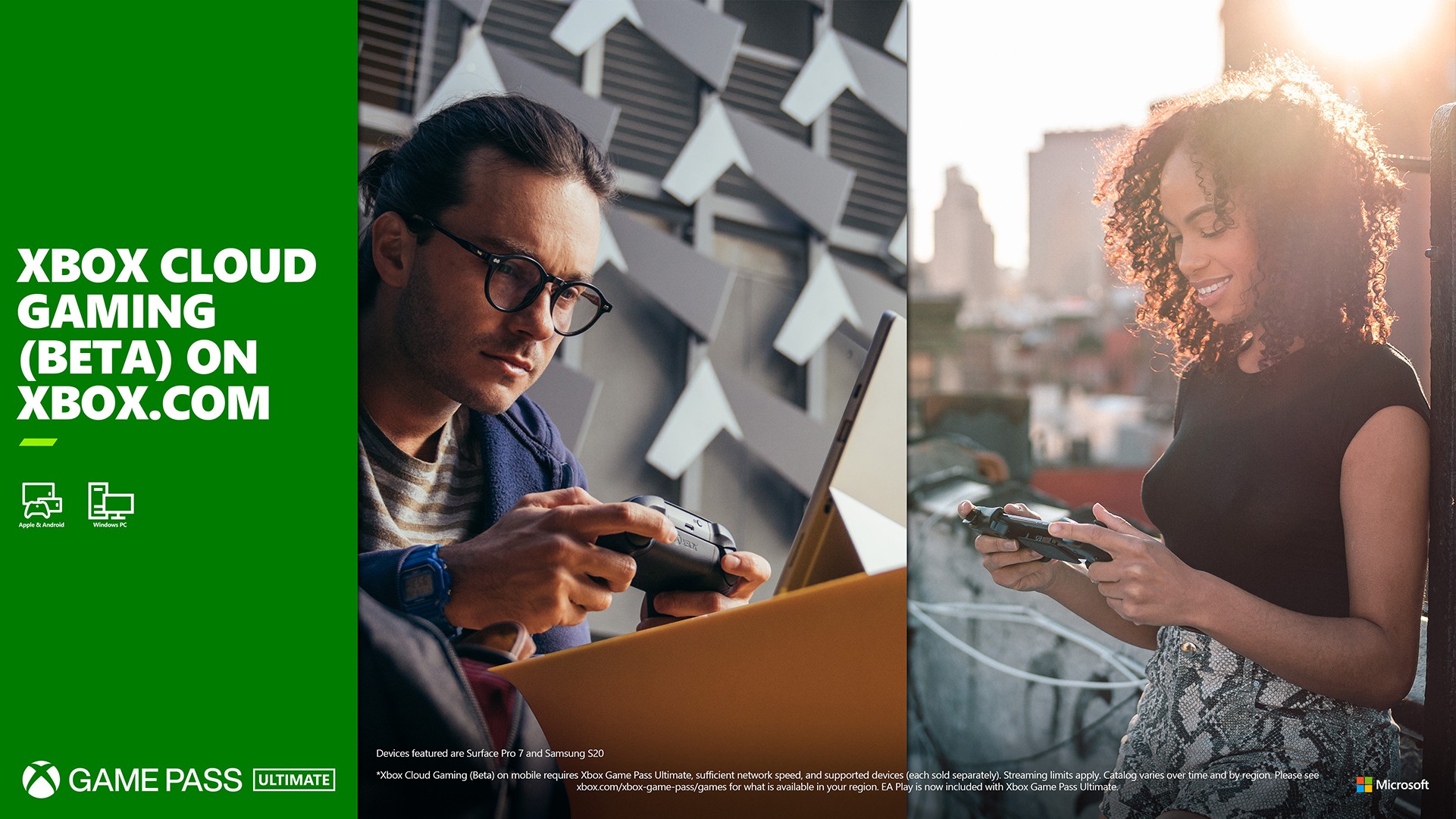
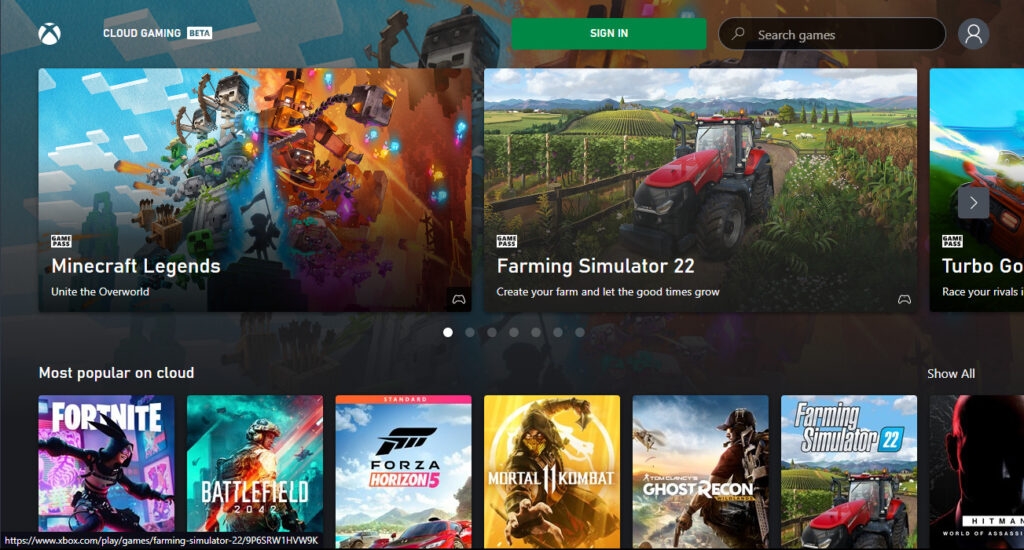
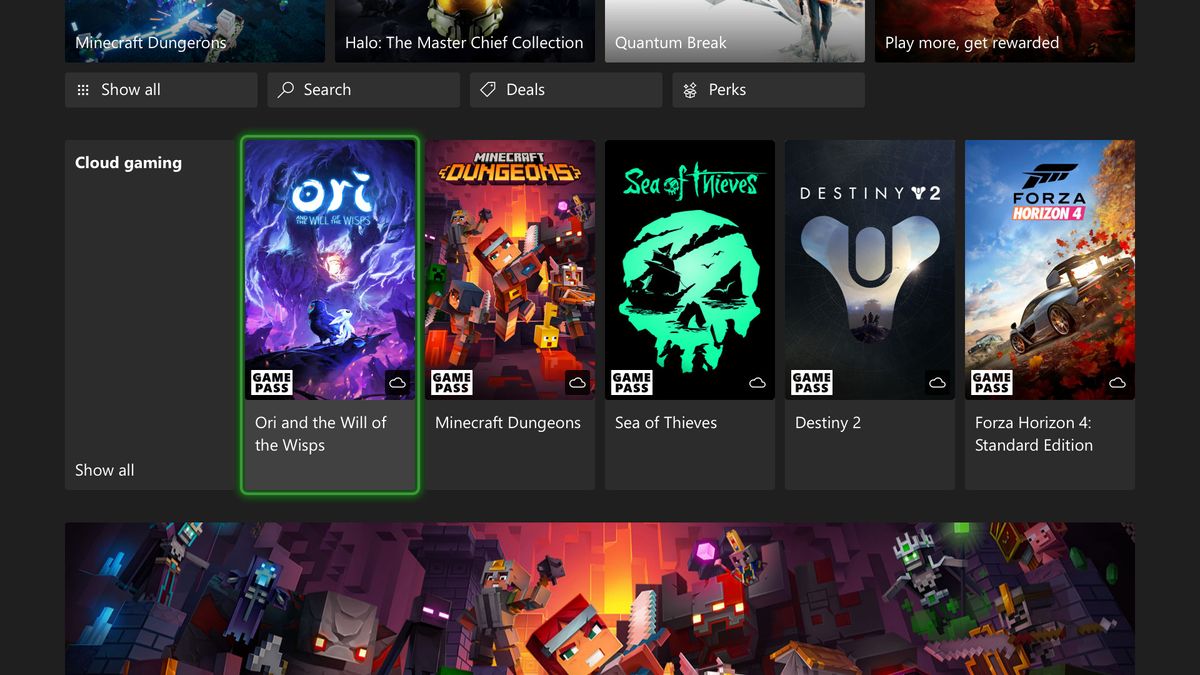
Xbox Cloud Gaming, often referred to as xCloud, is Microsofts service that lets you stream Xbox titles directly to your devices over the internet, no console required. Think of it like Netflix for games. Instead of downloading and running games locally, the game processing happens on powerful Xbox servers in Microsofts data centers. You simply send your controller inputs to these servers, and they stream the video feed of your gameplay back to your screen. This revolutionary technology democratizes access to hundreds of games, from casual indies to AAA blockbusters, all available through an Xbox Game Pass Ultimate subscription.
The underlying infrastructure is constantly being upgraded, with server blades running custom Xbox Series X hardware to ensure top-tier performance. This means you are essentially playing on a high-end console in the cloud. However, unlike traditional console gaming where performance is dictated solely by your local hardware, cloud gaming introduces new variables: your internet connection, device capabilities, and network congestion. Understanding these elements is paramount to enjoying extended sessions and truly answering the question of how long can you play Xbox Cloud Gaming without compromise.
Are There Any Inherent Time Limits to Xbox Cloud Gaming Sessions?
The straightforward answer is no, Microsoft does not impose any artificial time limits on individual Xbox Cloud Gaming sessions. If you have an active Xbox Game Pass Ultimate subscription, you can theoretically play for as long as you wish, provided your internet connection remains stable and you dont voluntarily close the game. This means if you want to pull an all-nighter for a new game launch or dedicate an entire weekend to grinding an RPG, the service itself wont stop you.
However, while there isnt a hard time cap, your actual playable duration can be influenced by several factors. Server queues during peak hours, particularly for popular new releases or on weekends, might lead to waiting times before you can even start a session. Also, prolonged periods of inactivity might cause the service to disconnect you, assuming you have stepped away. So, while the system is designed for unlimited play, real-world conditions mean your practical limit will often be determined by your personal setup and network environment, rather than an arbitrary cap set by Microsoft.
How Does My Internet Connection Impact My Cloud Gaming Playtime?
Your internet connection is the single most critical factor determining how long you can play Xbox Cloud Gaming without frustration. Microsoft recommends a minimum stable download speed of 20 Mbps for a high-quality experience. However, speed alone isnt enough; stability, low latency (ping), and minimal packet loss are equally vital. A shaky Wi-Fi signal or an overloaded home network can quickly turn an epic gaming session into a pixelated, laggy nightmare, forcing you to quit.
For pro gamers and those who value peak performance, a wired Ethernet connection is always superior, offering the lowest latency and most consistent speeds. If Wi-Fi is your only option, connecting to a 5GHz network band is preferable over 2.4GHz due to its higher bandwidth and less interference, leading to a more stable connection. Constant buffering, frame drops, or input lag are all signs of an inadequate or unstable internet connection, and these issues will invariably shorten your enjoyable playtime, regardless of Microsofts lack of session limits. In 2026, with average household internet speeds on the rise, many US gamers have the bandwidth, but optimizing the home network is still key.
What Devices Offer the Best Experience for Extended Cloud Gaming?
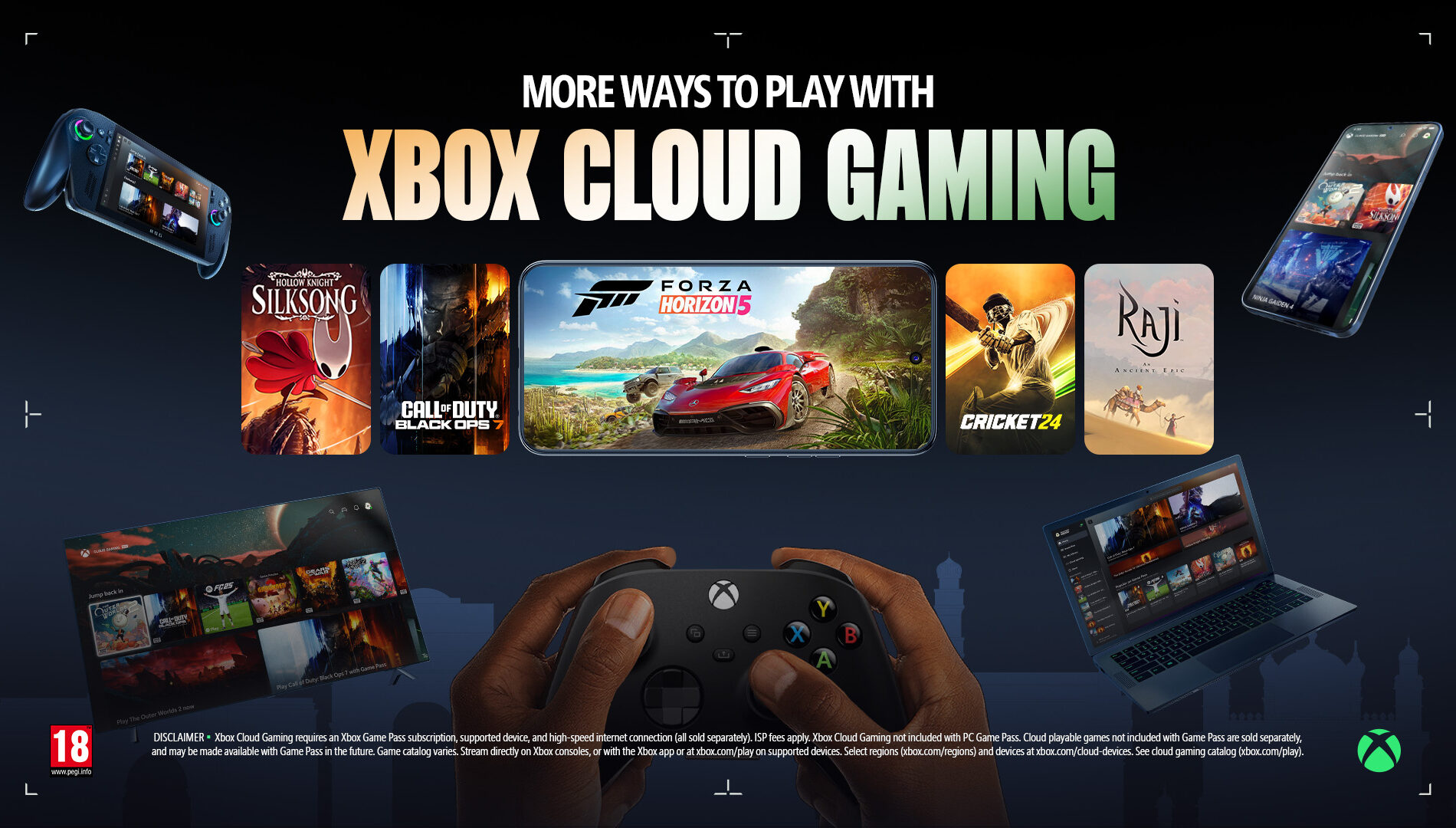
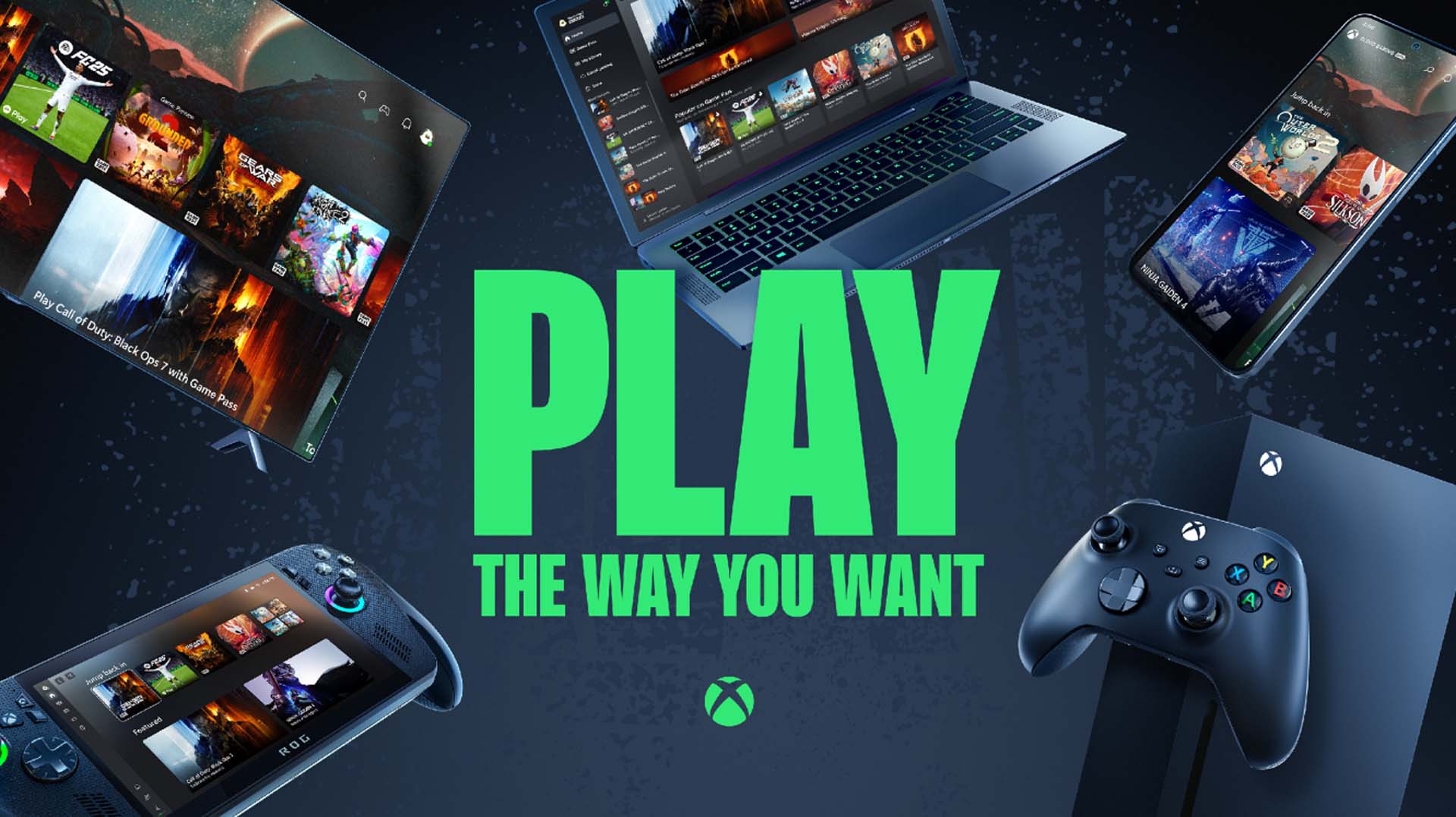
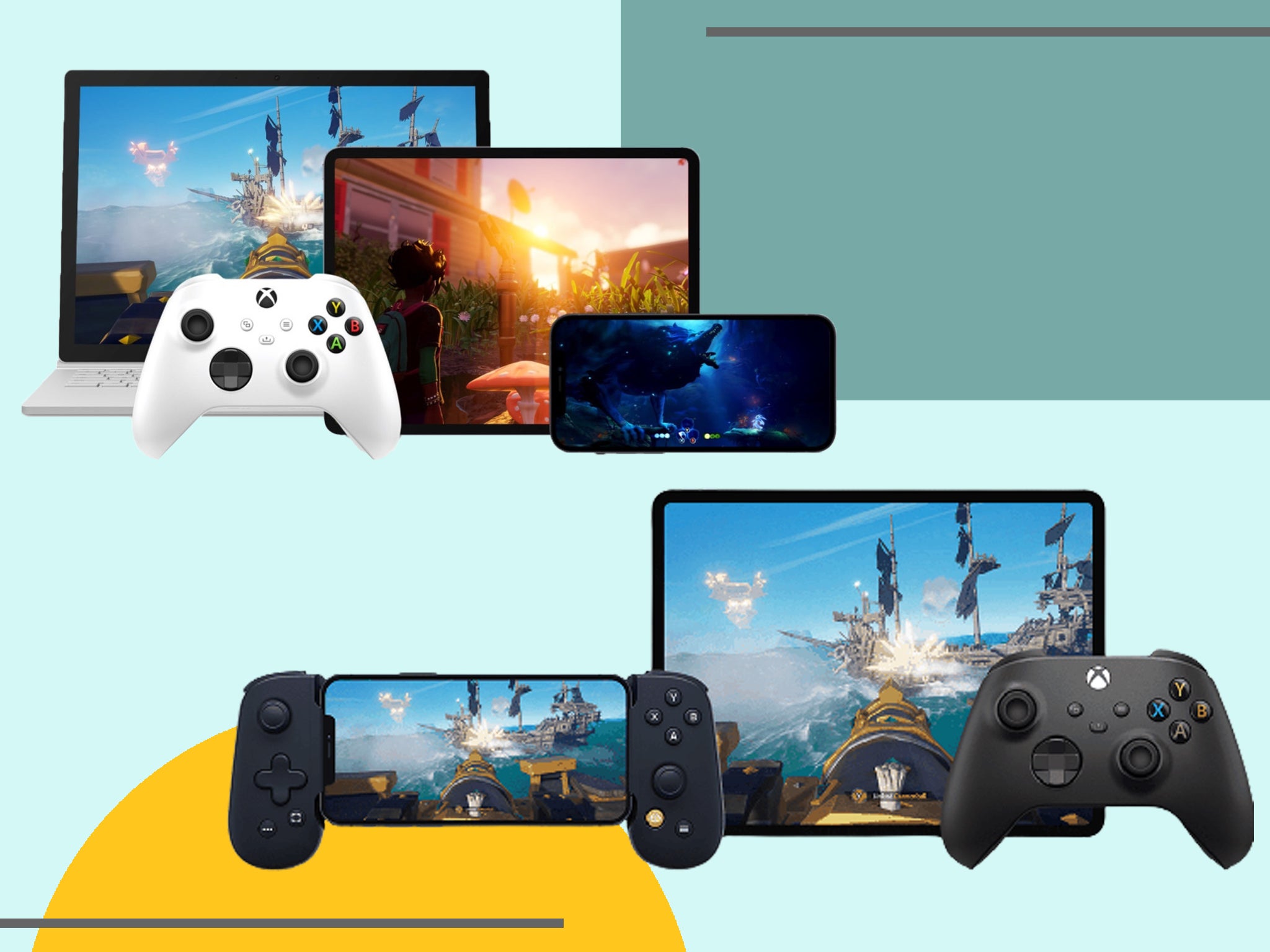
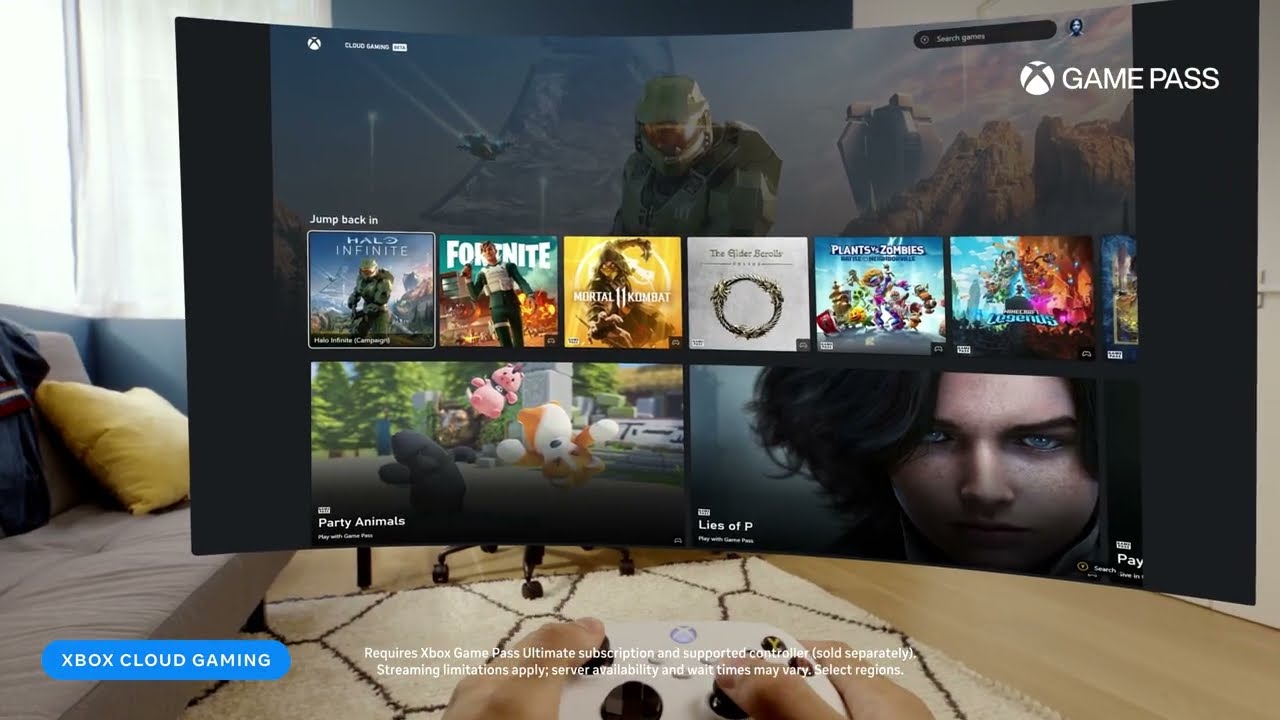
Xbox Cloud Gaming is impressively versatile, running on a wide array of devices including Android and iOS phones and tablets, Windows PCs, select smart TVs, and even Meta Quest VR headsets. However, the quality of your extended playtime can vary significantly depending on the device you choose. For the most comfortable and stable long sessions, a Windows PC with a wired internet connection and a dedicated Xbox controller is often the gold standard.
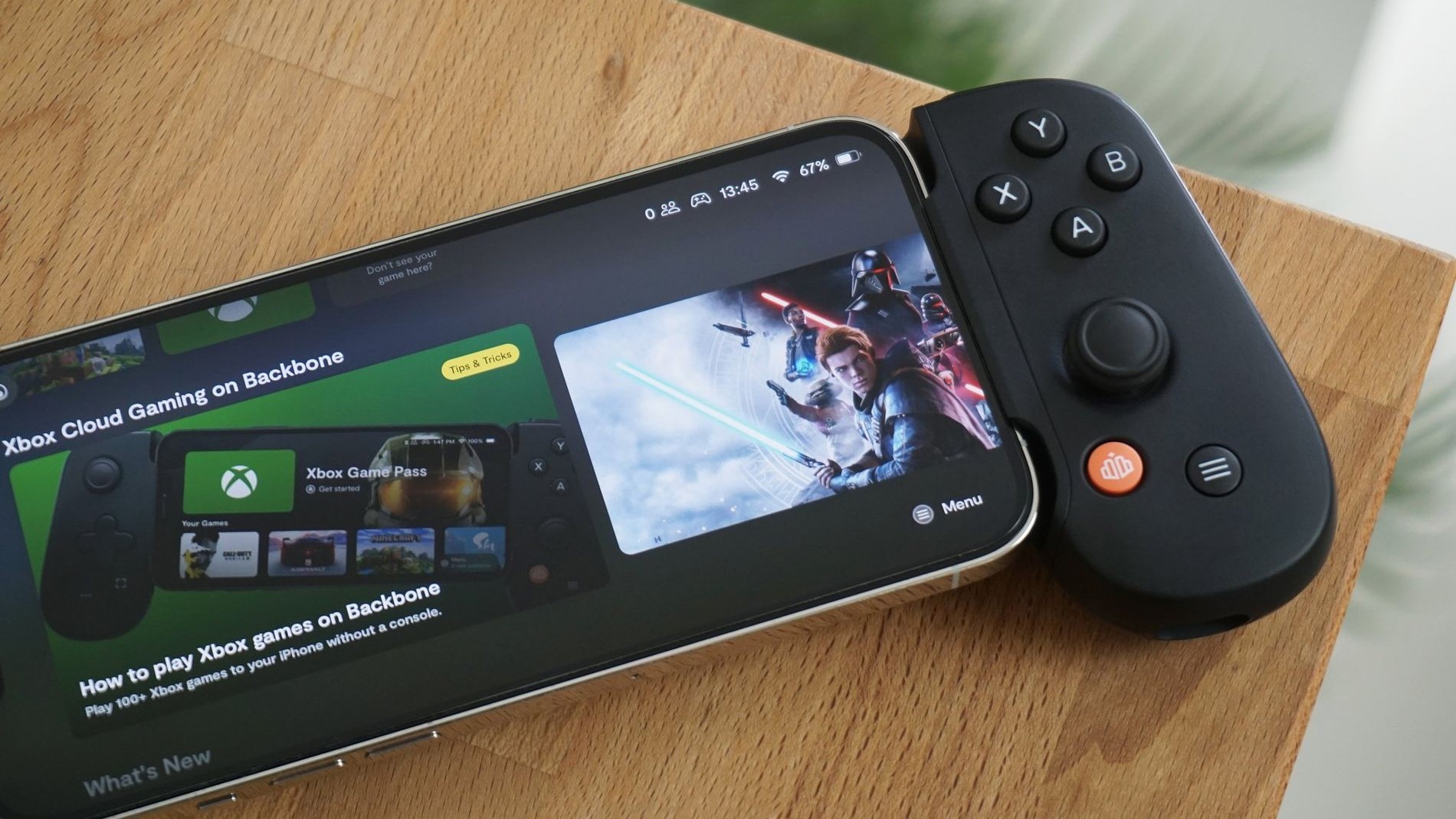
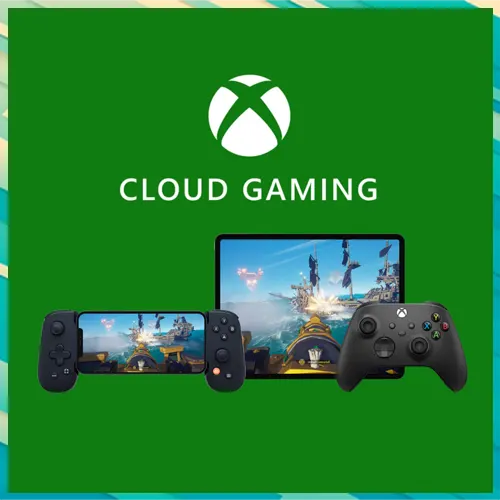
Tablets and larger phones, especially those with good displays and active cooling, also provide an excellent experience, particularly when paired with a quality phone clip controller like the Backbone One or Razer Kishi. Smaller phones might lead to eye strain during marathon sessions. Smart TVs with built-in Xbox apps offer a console-like experience without the console. The key for prolonged play is a device with a comfortable screen size, reliable cooling to prevent performance throttling, and robust connectivity options. Avoid outdated hardware or devices struggling with basic processing, as these will introduce unnecessary lag and shorten your effective playtime.
How Can I Optimize My Setup for Longer, Lag-Free Cloud Gaming Sessions?
To truly maximize how long you can play Xbox Cloud Gaming without a hitch, optimizing your setup is paramount. Start by ensuring your internet connection is robust: use a wired Ethernet cable if possible. If you must use Wi-Fi, connect to the 5GHz band, minimize interference from other devices, and position your router centrally. Next, use a compatible and officially supported Xbox controller. Third-party controllers can sometimes introduce additional input lag. Ensure your controller is fully charged or connected via USB to avoid battery issues interrupting play.
On your device, close any unnecessary background applications that might be consuming bandwidth or system resources. For PC users, consider using the dedicated Xbox app rather than a web browser for potentially better performance. Regularly clear your browsers cache if you are playing via the web. Finally, choose a comfortable gaming position with good ergonomics to prevent fatigue during extended sessions. A proper chair, screen height, and even lighting can make a huge difference in how long you can comfortably game, allowing you to truly take advantage of the unlimited session feature.
Does Xbox Cloud Gaming Use a Lot of Data, Affecting My Play Duration?
Yes, Xbox Cloud Gaming can be a significant data consumer, which is a critical consideration for how long you can play, especially if you have data caps from your Internet Service Provider (ISP) or are gaming on a mobile network. Streaming games in high definition typically uses between 5GB to 15GB of data per hour, depending on the game and streaming quality. This means a 4-hour gaming session could easily consume 20GB to 60GB of data.
For home internet users with unlimited data plans, this might not be an issue. However, if your ISP has strict data caps, you could quickly hit them and face throttling or extra charges, effectively limiting your playtime. Mobile data users need to be particularly cautious. While mobile gaming is highly popular, with trends showing increasing dominance of mobile platforms, extended cloud gaming sessions on a cellular network could deplete your data allowance very rapidly. Always monitor your data usage and consider connecting to unlimited Wi-Fi whenever possible to ensure uninterrupted, worry-free cloud gaming for as long as you desire.
What About Game Queues and Server Availability for Cloud Gaming?
While Microsoft does not impose session time limits, game queues and server availability can indirectly affect how long you can play Xbox Cloud Gaming, especially during peak hours. When a particularly popular game is released or during prime gaming times (evenings, weekends), the demand for cloud servers can surge. This sometimes leads to a waiting period or queue before you can start your game.
During these times, your total effective playtime might be reduced not by a session limit, but by the time spent waiting to access a server. Microsoft continuously expands its cloud infrastructure to minimize queues, but they can still occur. Once you are in a session, you generally wont be kicked out to make way for others unless you become inactive for an extended period. Pro gamers often plan their sessions during off-peak hours to avoid these potential delays, ensuring they can jump straight into the action and maximize their practice time without interruption. Staying current with server status updates can also help in planning your gaming schedule.
Can I Play Competitively or Professionally Using Xbox Cloud Gaming?
Playing competitively or professionally using Xbox Cloud Gaming is a hot topic among pro gamers, and the answer is nuanced. While the technology has come a long way, the inherent nature of cloud streaming introduces latency – the delay between your input and the game responding on screen. Even a few milliseconds of extra lag can be the difference between a headshot and a miss in fast-paced esports titles. For casual play, or even serious skill-building in slower-paced games, cloud gaming is fantastic.
However, for top-tier competitive play where every millisecond counts, a local console or high-end PC with a direct, low-latency connection will almost always provide a superior, more responsive experience. Many professional players rely on dedicated hardware to eliminate any variable that could impact their performance. While cloud gaming allows you to practice and maintain skills anywhere, relying on it for critical tournament matches might put you at a disadvantage. As technology advances, this gap narrows, but for 2026, local hardware remains the choice for elite competitive play where absolute minimal latency is non-negotiable.
How Does Xbox Cloud Gaming Compare to Local Console Play for Marathon Sessions?
When considering marathon gaming sessions, both Xbox Cloud Gaming and local console play have their distinct advantages and disadvantages. Local console play offers guaranteed low latency and consistent performance, as everything is processed on your device. You are not reliant on internet stability beyond game updates. This makes it ideal for competitive games or when you simply want the most responsive experience for extended periods without worrying about network fluctuations.
Xbox Cloud Gaming, on the other hand, offers unparalleled convenience and accessibility. You can jump into games on any compatible device without downloads or installations, making it perfect for gamers with limited time or those who travel frequently. While there are no session limits, the performance can be more variable due to internet quality. For long, casual, or story-driven games, cloud gaming holds up well. For critical, latency-sensitive titles played for hours, a local console still provides a more controlled and often more reliable environment. The choice depends on your priorities: ultimate convenience versus ultimate control and performance.
Tips for Balancing Extended Cloud Gaming with a Healthy Lifestyle
For many adults, gaming is a vital outlet for relaxation and fun, but balancing extended play, whether on cloud or console, with a healthy lifestyle is crucial. Pro gamers know the importance of breaks, and so should you. Schedule regular short breaks every hour or two to stand up, stretch, and rest your eyes. Stay hydrated and ensure you are eating properly; snacking on junk food during long sessions can lead to energy crashes.
Remember to engage in other activities outside of gaming, such as exercise, social interactions (beyond online gaming), and spending time outdoors. Gaming is meant to enhance life, not replace it. If you find yourself consistently sacrificing sleep, work, or social commitments for gaming, it might be time to reassess your habits. Balancing your passion for gaming with real-world responsibilities ensures that you can continue to enjoy your Xbox Cloud Gaming sessions for years to come, without burnout or negative health impacts. Happy gaming means healthy gaming.
FAQ Section
- Can I play Xbox Cloud Gaming for more than 4 hours straight? Yes, you can play Xbox Cloud Gaming for many hours continuously as there are no inherent session time limits imposed by Microsoft, provided your internet connection remains stable and you remain active in the game.
- What happens if I leave an Xbox Cloud Gaming session idle? If you leave an Xbox Cloud Gaming session idle for an extended period, typically 10-15 minutes without any input, the service will usually disconnect you to free up server resources. You will then need to rejoin if you wish to continue playing.
- Do I need a specific internet speed for unlimited cloud gaming? While 20 Mbps is recommended for a good experience, for truly unlimited and consistently smooth cloud gaming, a stable internet connection of 50 Mbps or higher with low latency and minimal packet loss is ideal to prevent frustrating interruptions.
- Can I switch devices during an Xbox Cloud Gaming session? No, you cannot seamlessly transfer an active Xbox Cloud Gaming session from one device to another without restarting the game. You must close the session on one device and then launch it on another, which will start the game from where your last save data was uploaded.
- Is Xbox Cloud Gaming available 24/7? Yes, Xbox Cloud Gaming servers are generally available 24/7. However, there may be occasional maintenance periods, and demand during peak hours could lead to temporary queues before you can start a game.
Xbox Cloud Gaming allows for unlimited session lengths with an active Game Pass Ultimate subscription, but performance heavily relies on internet stability, device, and network congestion. There are no inherent time limits imposed by Microsoft on individual play sessions. Optimizing your network setup, like using a 5GHz WiFi or wired connection, is crucial for minimizing lag and maximizing playtime. Managing data usage is also important, especially for mobile users. While technical limits dont exist, player fatigue and external factors like internet service provider policies can influence actual play duration. Balancing gaming with other life commitments remains a key consideration for long-term enjoyment.
35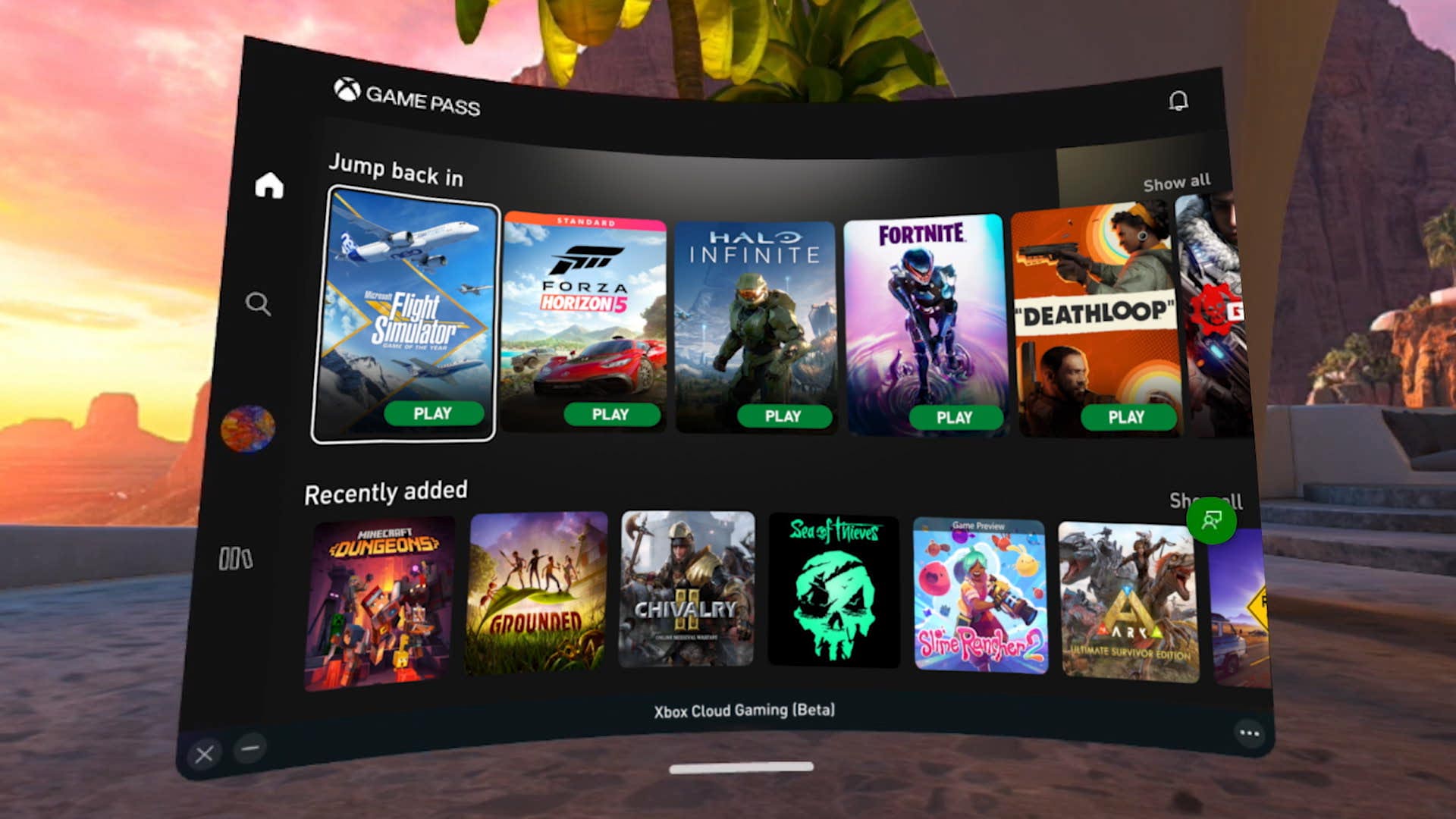


Xbox Cloud Gaming Is It Changing How We Play Forever Xbox Cloud Gaming Menu . Xbox November Update Gaming Copilot Available On Mobile Full Screen Cloud Launch In IN KV 2 1900x1080 . Xbox Cloud Gaming Android Set Up Your Android Device For Cloud Gaming Xbox Cloud Gaming On Windows 11 Xbox App 100902843 Orig . Xbox Cloud Gaming With Game Pass Up 45 Now Available In Nearly 30 Xbox Cloud Gaming With Game Pass Up 45 Now Available 727x393 . Goodbye To Unlimited Sessions Xbox Cloud Gaming Introduces Time Limit Xbox Cloud Gaming Limit Cover

Xbox Cloud Gaming In 2026 The Complete Guide To Streaming Free Tiers Xbox Cloud Gaming 1 . When Will You Be Able To Play Your Own Xbox Games Via The Cloud This . Xbox Cloud Gaming Is Quietly Dismantling Console Wars 2025 09 05 Microsoft Expands Xbox Cloud Gaming To Game Pass Core And Standard Subscribers Techi@2x. Getting Started With Xbox Cloud Gaming XBOX Wire Cloud . Xbox Cloud Gaming Now Available On IPad A Step By Step Setup Guide Xbox Cloud Gaming Now Available On IPad A Step By Step Setup
_20251111163908_original_image_29.webp)

Cloud Gaming Xbox How Does It Work At Kellie Jackson Blog Xbox Cloud Gaming Explainer Copy . Xbox Cloud Gaming Is It Changing How We Play Forever Xbox Cloud Gaming . Xbox Cloud Gaming Now Running On Xbox Series X Expanded PC And Apple Cloud Gaming Static 1080 Jpg . Xbox Cloud Gaming Arrives In India A New Era Of Gaming Original Image 29.webp. Xbox Cloud Gaming Isn T Just A Part Of Xbox Game Pass Ultimate Anymore 1720465367 Xbox Cloud Gaming 1 Story
Upcoming Xbox Games In 2026 What To Play Next Year Upcoming Xbox Games 2026 Main . What Is Xbox Cloud Gaming Everything You Need To Know TechLatest Xbox Cloud Gaming 1 1024x550 . What Is Cloud Gaming On Xbox Everything You Need To Know GamesRadar 1200 80 . Xbox Cloud Gaming Is It Changing How We Play Forever Xbox Game Pass Rompera Records En 2026 Con 75 Juegos De Lanzamiento Dia Uno 1 . Xbox Cloud Gaming Just Fixed One Of Its Most Frustrating Save Issues


Cloud Gaming Play Anywhere Anytime Xbox Cloud Gaming New Games 4k Streaming Report 2 . Xbox Cloud Gaming Is It Changing How We Play Forever Xbox Cloud Gaming.webp. Is There An Xbox Cloud Gaming Free Trial 2026 Truth Free Options How To Cancel Xbox Game Pass. Start Your Meta Quest 3 Journey Off Right With My Favorite VR Games And . Xbox Cloud Gaming Getting Started The Complete Beginner S Guide 2026 Xbox Cloud Gaming 1 1.webp


17 Reasons To Subscribe To Xbox Cloud Gaming Top Benefits 17 Reasons To Subscribe To Xbox Cloud Gaming Top Benefits . Xbox Cloud Gaming Vs Game Pass What S The Difference 2026 Xbox Cloud Gaming 1.webp. Lineup Revealed For Xbox Game Pass Games March 2026 Xbox.webp. Xbox Cloud Gaming Getting Started The Complete Beginner S Guide 2026 Xbox Cloud Gaming.webp. Can You Play Steam Games On Xbox Consoles Xbox Games 2026.webp

Microsoft Could Launch Free Xbox Cloud Gaming Service In 2026. March 2026 Game Release Dates The Complete Calendar Xbox Game Pass ROG Xbox Ally 2026 Main . Xbox Cloud Gaming Lets You Stream Your Own Game Starting Today If You Image001 3 HD Scaled . Content Warning Goes Viral On Xbox And Play Anywhere TheXboxHub Xbox In 2026 696x385 . Xbox Unveils Free Cloud Gaming Service Xbox