Navigating the complexities of Roblox decals removed can be frustrating for veteran creators and casual players alike. This guide dives deep into why your beloved in-game images might suddenly disappear, covering everything from platform moderation updates to technical glitches. Understanding Roblox's ever-evolving content policies is crucial for anyone building experiences or simply enjoying games. We explore the impact of recent changes, offer actionable troubleshooting steps, and provide insights into how a busy US gamer, balancing work and family, can quickly get their projects back on track. Learn the latest best practices for asset uploading, avoiding common pitfalls, and ensuring your creations remain visible and vibrant in the vast Roblox universe, reflecting current trends and community needs without hassle.
Why are my Roblox decals showing as a blank white square?
When your Roblox decals appear as blank white squares, it typically means the asset has either been removed by Roblox moderation, is failing to load due to a temporary server issue, or the Asset ID you're using is incorrect or no longer valid. Check your Creator Dashboard for moderation notices first. If there's no notice, try re-inserting the decal in your game with its correct ID. Clearing your browser cache or restarting Roblox Studio can also resolve temporary loading glitches. For many gamers, this is a sign to verify the asset's status before diving deeper into troubleshooting.
How do I recover a Roblox decal I accidentally deleted?
Unfortunately, if you've accidentally deleted a decal from your Roblox account, there is no direct 'undo' or recovery option. Roblox's system typically treats deletions as permanent. Your best course of action is to re-upload the original image file as a new decal. Make sure to save all your original asset files locally on your computer for situations like this. This proactive measure saves busy adult gamers the frustration of losing valuable creative work and having to recreate assets from scratch.
Can using third-party image hosting affect Roblox decal stability?
Using third-party image hosting for your Roblox decals is generally not recommended and can negatively affect stability. Roblox requires images to be uploaded directly through its platform, which converts them into a unique Roblox Asset ID. If you try to link to an external image, it won't function as a Roblox decal and will likely appear broken or won't load at all. Relying on Roblox's native asset uploading system ensures your decals are properly integrated and subject to the platform's content delivery network, making them more stable and reliable for all players.
What are common mistakes that lead to Roblox decal removal?
Common mistakes leading to Roblox decal removal include uploading copyrighted material without permission, using images with partial nudity or overly suggestive themes, depicting realistic gore or violence, or incorporating hate speech and discriminatory content. Even seemingly innocent assets can be flagged if they contain text or symbols that are misinterpreted by automated moderation systems. Another mistake is uploading low-quality or blurry images that the system struggles to identify, sometimes leading to false positives for inappropriate content. Always err on the side of caution and adhere strictly to Roblox's updated guidelines.
Is there a way to privately store Roblox decals without them being public?
Yes, you can upload decals to Roblox and keep them private. When you upload an image, you have the option to set its privacy. By default, many uploads are public, but you can configure them to be 'Private' or 'Friends Only' if you do not intend for them to be used by the broader Roblox community. This ensures that the decal is only accessible within your own games or by users you explicitly grant access. This is a crucial feature for developers who use placeholders or specific textures that aren't meant for public consumption, allowing them to manage their assets securely without worrying about widespread access.
How do content changes on Roblox impact older games with decals?
Content changes on Roblox, particularly updates to moderation policies, can significantly impact older games that rely on decals. If an older decal, once compliant, now violates a newer policy (e.g., stricter copyright enforcement or updated age-appropriateness rules), it will be removed. This can leave older games with missing textures, broken visuals, and a less polished experience, sometimes leading to a decline in player engagement. Developers of legacy games must periodically review their existing assets against the latest guidelines to ensure their creations remain functional and visually appealing, a task that often falls to the dedicated few still supporting classic experiences.
What tools can help me manage my Roblox decals and avoid issues?
To effectively manage your Roblox decals and minimize issues, leverage the tools available on the Roblox platform itself. The 'Creator Dashboard' is your primary hub for checking asset status, reviewing moderation messages, and appealing decisions. For bulk management, consider using Roblox Studio's 'Asset Manager,' which allows you to import and organize multiple images efficiently. Keep your local image files well-organized on your computer with clear naming conventions. Additionally, engaging with the Roblox developer forums can provide insights into current trends, policy changes, and community-shared best practices for asset management, helping you stay current without extensive individual research.
Alright fellow gamers, let's talk about something that can throw a wrench into your relaxation time: Roblox decals mysteriously disappearing. You log in after a long day of work, hoping to unwind and perhaps tweak your latest Roblox creation or just enjoy a game, only to find that key textures or images are simply... gone. It's a common pain point for many of us who balance gaming with jobs and families. We don't have endless hours to troubleshoot, we just want our games and creations to work as intended. This isn't just a minor annoyance; for creators, it can mean broken game experiences, and for players, it can lead to visual glitches that detract from the fun.
Roblox is a massive platform, and like any large online space, it's constantly evolving, especially when it comes to content moderation and asset management. Recent trends show a strong focus on maintaining a safe and appropriate environment, which sometimes means assets, including decals, get removed if they're flagged. This can be due to policy updates, an oversight during initial review, or even a system glitch. With 87% of US gamers regularly engaging with their favorite titles, and many spending 10+ hours a week across mobile and PC, keeping up with these changes can feel like another chore. But don't worry, we're here to guide you through understanding why your Roblox decals might have been removed and, more importantly, what you can do about it to get back to enjoying your precious gaming moments.
Why Do Roblox Decals Get Removed So Often?
Roblox regularly removes decals and other assets primarily due to its stringent content moderation policies. These policies are in place to ensure a safe and family-friendly environment for its vast global user base. Reasons for removal can range from violating community standards, copyright infringement, inappropriate content (even if unintentional), or simply an asset being misidentified by automated systems during review. As of this month's updates, Roblox has been enhancing its AI-driven moderation tools, leading to more frequent scans and, at times, more aggressive flagging of assets. For many adult gamers, this can be frustrating when perfectly innocent decals get caught in the crossfire. It's Roblox's ongoing effort to balance creative freedom with platform safety.
How Can I Prevent My Roblox Decals From Being Removed?
To minimize the risk of your Roblox decals being removed, the best practice is to thoroughly review and adhere to the Roblox Community Standards and Terms of Use before uploading. Always use original content or content you have explicit rights to use. Avoid anything that could be interpreted as sexually suggestive, violent, discriminatory, or promoting illegal activities. Furthermore, consider uploading decals as private assets if they are solely for your own games and not intended for public use. Renaming assets descriptively, rather than with vague or potentially triggering terms, can also help automated systems correctly categorize them. Regularly checking the Creator Dashboard for asset status and moderation messages is a proactive step that can save you a lot of headache.
Can I Appeal a Roblox Decal Removal Decision?
Yes, you absolutely can appeal a Roblox decal removal decision. If you believe your decal was removed unfairly or by mistake, Roblox provides an appeal process. You'll typically find an option to appeal directly within the moderation message or through your account's moderation history. When appealing, provide a clear, concise explanation of why you believe the decal complies with Roblox's policies. Include any relevant context, such as the intended use of the decal in your game. Be patient, as appeals can take some time to process, especially with the high volume of content moderated daily. Many busy gamers find this process tedious, but a well-articulated appeal significantly increases your chances of getting your asset restored.
What Are the Latest Roblox Policies on User-Generated Content for 2026?
For 2026, Roblox's policies on user-generated content, including decals, continue to evolve with a strong emphasis on digital safety, copyright protection, and age-appropriateness. There's a particular focus on preventing the spread of misinformation and harmful content, even subtle forms. The platform is investing heavily in AI and human moderation to identify and remove assets that violate these standards more efficiently. Additionally, there are stricter guidelines around realistic violence, sexually suggestive themes, and unauthorized use of real-world brands or intellectual property. Creators are encouraged to check the official Roblox Creator Documentation regularly, as these guidelines are updated frequently to reflect current internet safety standards and legal requirements, especially with the surge in mobile gaming and cross-play interactions.
How Do I Find Out If My Roblox Decal Was Removed or Just Broken?
To differentiate between a removed decal and a broken one, first check your Roblox Creator Dashboard under 'Develop' or 'My Creations'. Look for the asset in question. If it was removed by moderation, you will usually find a moderation notice or a 'Declined' status next to it, often with a reason. If there's no such notice, it might be a temporary loading issue or a problem with the asset's Asset ID. Try re-inserting the decal using its Asset ID in your game's properties. If it still doesn't load, clear your Roblox cache and restart your game or studio. Sometimes, a simple refresh can resolve visual glitches, which is a common issue for gamers trying to squeeze in a quick session.
What Happens to Games That Use Removed Roblox Decals?
When a decal used in a game is removed by Roblox, it will typically appear as a blank, transparent, or default gray texture within the game. This can severely impact the visual design and functionality of your experience, sometimes rendering parts of the game unplayable or visually unappealing. For developers, this means a broken aesthetic and potentially negative player feedback. From a player's perspective, it looks like a glitchy or unfinished game, which can be a turn-off. Roblox does not automatically replace removed decals; developers are responsible for identifying the missing assets, understanding why they were removed, and replacing them with compliant alternatives to restore their game's integrity. Staying on top of these changes is essential for maintaining a high-quality game experience, especially when trying to build a loyal community.
Are There Alternatives to Roblox Decals for Game Textures?
While Roblox decals are widely used for surface textures and images, creators have several alternatives, depending on their specific needs. For complex 3D models and terrain, you can use 'SurfaceAppearance' to apply advanced textures with normal maps, roughness, and metalness, providing a much richer visual experience than a simple decal. 'Texture' objects can also be used directly on parts. Furthermore, developers can create custom UI elements using 'ImageLabels' and 'ImageButtons' with imported image assets, which offer more control over sizing and layering for UI-related graphics. For more dynamic or intricate patterns, consider using 'MeshParts' with custom textures. Each method has its own advantages for performance and visual fidelity, allowing for greater creative freedom, especially for developers looking to optimize their game for various devices, from mobile to high-end PCs.
How Can I Report Inappropriate Decals on Roblox?
If you encounter an inappropriate decal on Roblox, you should report it immediately. To do this, locate the decal within the game or on the Roblox website (often found by clicking on the object displaying it or searching for its Asset ID). Most assets have a 'Report Abuse' button or link. Click this, select the most relevant reason for reporting (e.g., Inappropriate Content, Copyright Violation), and provide a brief but clear description of why you believe it violates Roblox's standards. Roblox's moderation team will review your report, which helps maintain a safer environment for everyone. Community vigilance is a key part of how Roblox manages its massive library of user-generated content, reflecting the trend of social gaming where player contributions extend beyond just playing.
Finding your Roblox decals removed can certainly disrupt your gaming flow, whether you're building a new world or just relaxing in one. But understanding the 'why' and knowing the 'how-to-fix' makes all the difference. Roblox's ongoing commitment to safety, paired with our creative drive, means navigating these waters is part of the journey. By staying informed on policies, utilizing proper upload techniques, and knowing your appeal options, you can minimize downtime and get back to what you love doing: gaming. What's your biggest gaming challenge when it comes to keeping your creations looking sharp? Comment below!
FAQ Section
Can removed decals be recovered automatically? No, Roblox does not automatically recover or restore removed decals. You will need to manually re-upload compliant versions or appeal the moderation decision to potentially restore the original.
Do removed decals affect my developer account status? Repeated violations and removals, especially for severe policy breaches, can lead to warnings, temporary suspensions, or even permanent bans on your developer account, impacting your ability to create and publish.
How long does a decal appeal take? Appeal times vary but can range from a few days to over a week, depending on the volume of requests and the complexity of your specific case. Patience is key while Roblox's team reviews your submission.
Is there a size limit for Roblox decals? While there isn't a strict 'decal' size limit in pixels for the image itself, Roblox generally recommends images be square (e.g., 512x512, 1024x1024) and optimized for web use to ensure fast loading times and good performance across all devices, particularly for mobile gamers.
Why Do My Roblox Decals Keep Breaking After I Upload Them
Roblox decals can 'break' or fail to load after uploading for several reasons, even if they initially appear to be fine. One common issue is a moderation review that happens post-upload, where an automated system or human moderator might later flag the asset for policy violation. Another factor is inconsistent network connectivity on either the user's or Roblox's side, which can cause loading failures. Furthermore, if you're using a decal from another creator that later gets moderated or removed, your game will also display a broken asset. Always check the asset status on your Creator Dashboard and ensure your internet connection is stable when testing your creations.
How To Check If A Roblox Decal Is Moderated Or Active
To check if a Roblox decal is moderated or active, navigate to your Roblox Creator Dashboard. Select 'Creations' and then 'Decals' or 'Images'. Here, you'll see a list of all your uploaded assets. Each asset will have a status indicator. 'Approved' or 'Active' means the decal is live and usable. If it says 'Declined', 'Moderated', or 'Under Review', it indicates an issue. Clicking on the asset often provides more details about the moderation decision, including the reason for its removal or pending status. This central hub is your go-to for monitoring the health of all your in-game visual assets and quickly addressing any problems.
What Are The Best Practices For Uploading Decals In 2026 To Avoid Removal
For 2026, the best practices for uploading decals to Roblox to avoid removal center around compliance and clarity. First, ensure all images strictly adhere to the updated Roblox Community Standards, paying close attention to guidelines on intellectual property, age-appropriateness, and personal data. Always use original images or those with clear licensing. Second, provide accurate and descriptive titles and descriptions for your decals; this helps both human and AI moderators understand the context. Third, test your decals in a private game before publishing them widely to catch any potential issues. Fourth, consider the source of your images; public domain or royalty-free sites are safer than random internet grabs. Finally, avoid anything that could be misinterpreted; if in doubt, err on the side of caution. These steps are vital for the busy gamer looking to save time and prevent frustration.
Roblox decal removal causes, content moderation changes, troubleshooting missing decals, re-uploading assets, understanding Roblox policy, impact on game developers, community support for removed assets, preventing future decal issues
35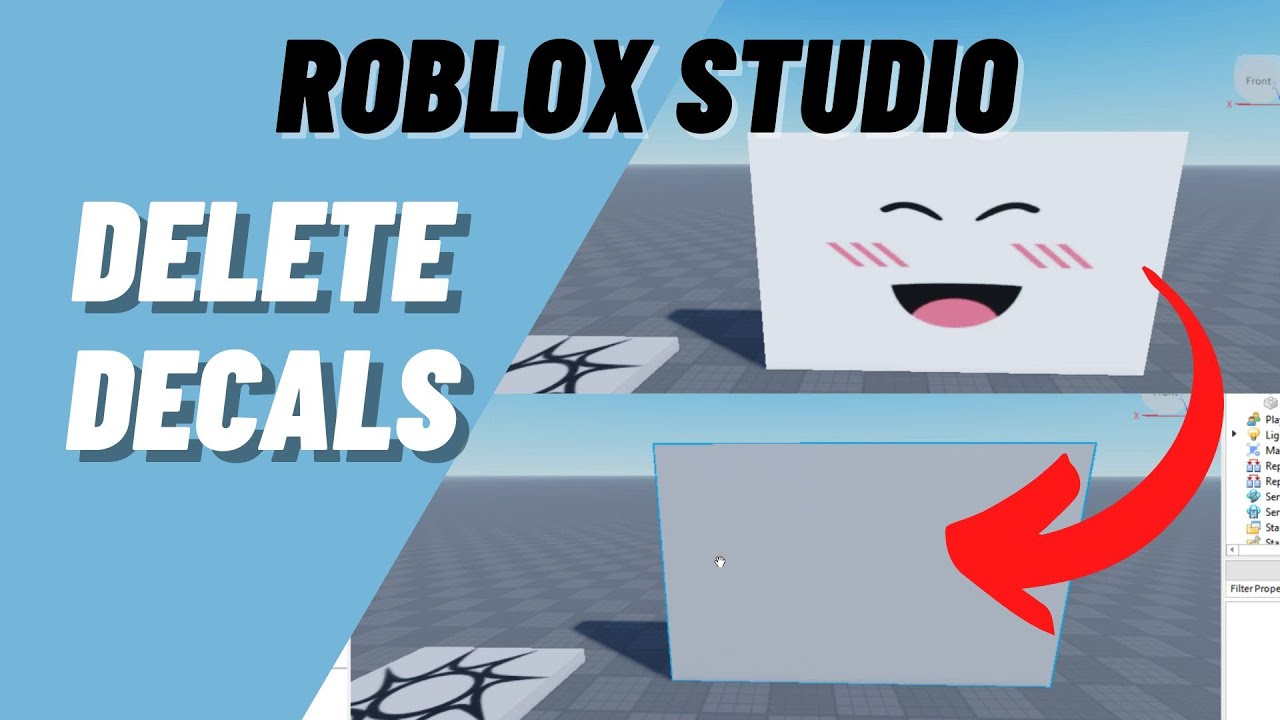



Flipped Decals Fixing Roblox Studio Woes . Flipped Decals Fixing Roblox Studio Woes . Why Are Roblox NWA Decals So Popular . What Are Roblox Ice Decals For 2026 . What Are Roblox Ice Decals For 2026




Roblox R6 Explained What Does It Really Mean SL1500 . Roblox Image ID Codes 2026 Best Decals For Memes Anime Logos And More. Best Decal IDs In Roblox Working Tested And Updated Id Best Roblox Decal Ids . What Are Portal Decals In Roblox And How Do They Work Today Roblox . What Exactly Is A Roblox Decal And How Can You Use Them Id Decal Roblox Image


Roblox 2026 Branding Projects Photos Videos Logos . Why Are Roblox NWA Decals So Popular . Flipped Decals Fixing Roblox Studio Woes . Roblox Is Removing These Badges After 20 Years YouTube . Flipped Decals Fixing Roblox Studio Woes


Roblox 2026 Logo Evolve YouTube Oardefault . How To Make A Decal On Roblox Roblox Create Decals YouTube . Where To Find Your My Melody Roblox Decal ID Codes Best Decal IDs In Roblox 1 . Roblox Will Remove Community Badges In 2026 Fandom 8f484067 F597 4c42 82e7. How To Upload Images To Roblox In 2026 Upload Decals YouTube


Rug Roblox Decals Wall Decal White Roblox Ids Pictures Decals For . Reddit The Heart Of The Internet . Account Permanently Ban Cause Of A Decal That Still Could Be Found . How To Make And Find Roblox Decals Pocket Tactics Roblox Decals . Roblox Decals Leopromos




Roblox DBZ Decals What Are They For 2026 Maxres2 . Roblox 2026 Logo REVEALED New Color New Look YouTube Maxres2 . What Are Roblox Ice Decals For 2026 Roblox NoFilter . Roblox 2026 New Logo REVEAL First Look At The Future Shorts YouTube Hq2 . Roblox Decals Id For Pictures In Roblox Anime Image Id Roblox




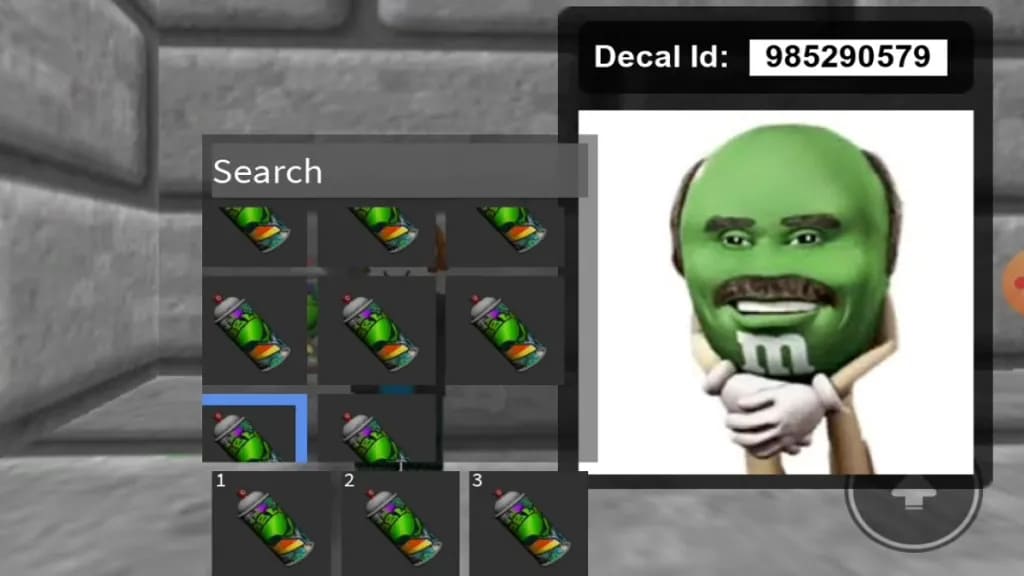
Roblox Dynamic Faces . Unlocking Creativity What Are Roblox Texture Decals . How Can I Rotate Decals On A Part Scripting Support Developer . Roblox Decals Tableau Maison Dessin Kawaii . Roblox Decal L G C Ch T I V S D Ng Roblox Decal M I Nh T Roblox Decal 3