Are curved monitors good for competitive gaming? This is a question many US gamers, balancing work and passion, often ponder. With the market flooded with sleek, immersive curved displays, it's natural to wonder if they offer a real edge in competitive titles or if they're just a stylish distraction. For those of us who clock in regular hours, averaging over 10 hours a week gaming, and often find ourselves in intense online skirmishes, every hardware choice counts. We want performance optimization, value for money, and gear that enhances our skill-building, without falling for marketing hype. This guide cuts through the noise, providing clear answers on whether curved monitors truly belong in your competitive setup, addressing common pain points like setup issues, performance concerns, and making smart upgrade decisions on a budget. We'll explore the real-world impact of curvature on competitive play, helping you decide if it's the right move for your gaming rig.
Are curved monitors really beneficial for aiming accuracy in FPS games?
While curved monitors offer enhanced immersion, their benefit for pixel-perfect aiming accuracy in fast-paced FPS games is debatable. Some competitive players report that the subtle geometric distortion can slightly alter their perception of straight lines and distances, potentially impacting headshot precision. Most professional esports players still opt for flat screens for this reason, valuing absolute visual consistency over immersion for critical aiming tasks. However, casual competitive gamers might find the immersion and reduced eye strain beneficial enough to outweigh this minor drawback, and can adapt to the curvature over time through practice.
How does monitor curvature affect peripheral vision in competitive titles?
Curved monitors are designed to wrap the screen around your field of view, which can enhance peripheral awareness by bringing the edges of the display closer to your natural sight lines. This can be beneficial in games where spotting subtle movements on the fringes of your screen is important for situational awareness, like open-world shooters or battle royales. However, if the curve is too aggressive or the screen too large, it might paradoxically require more head movement to fully track the action, counteracting the intended benefit. A moderate curve on a reasonably sized monitor tends to offer the best balance for peripheral vision in competitive scenarios.
Is a higher refresh rate more important than a curved screen for competitive play?
Absolutely, for competitive gaming, a higher refresh rate (e.g., 144Hz, 240Hz, or 360Hz) is almost always more critical than a curved screen. Refresh rate dictates how many times your monitor updates the image per second, directly affecting motion clarity and responsiveness. A high refresh rate significantly reduces input lag and ghosting, allowing you to see enemies sooner and react faster, which are paramount in competitive titles. While a curved screen offers immersion, it doesn't directly impact the fundamental responsiveness of the display. Prioritize a high refresh rate and low response time first, then consider a curved panel that also meets those performance metrics.
Do ultrawide curved monitors provide a competitive advantage in MOBA games like League of Legends?
No, ultrawide curved monitors generally do not provide a competitive advantage in MOBA games like League of Legends or Dota 2, and can even be a disadvantage. Most MOBA games are optimized for standard 16:9 aspect ratios, meaning an ultrawide monitor will often display black bars on the sides or stretch the image, distorting visual information. While the increased peripheral view might seem appealing, the core gameplay elements are confined to the central area, and the added screen real estate rarely translates into a tactical edge. Furthermore, the curve itself offers little practical benefit in a genre that relies on a fixed camera and strategic map awareness rather than first-person immersion.
What are common misconceptions about curved monitors for competitive gamers?
A common misconception is that curved monitors inherently cause input lag or slower response times. In reality, input lag and response time are primarily determined by the panel technology (IPS vs. VA), internal processing, and refresh rate, not the physical curvature itself. Another myth is that all pros use curved monitors for training due to immersion; this is largely false, as most stick to flat panels for consistency. Lastly, some believe a curved monitor is a 'magic bullet' for skill improvement, when in truth, individual skill, game knowledge, and practice are far more impactful than screen geometry alone. It's an enhancement, not a replacement for talent.
Can adjusting my viewing distance help reduce distortion on a curved monitor for competitive play?
Yes, adjusting your viewing distance is crucial for optimizing a curved monitor, especially for competitive play. Sitting at the manufacturer's recommended distance (often corresponding to the curvature radius, e.g., 1800mm for an 1800R curve) ensures the entire screen fills your field of vision evenly, minimizing perceived distortion. If you sit too close, the curve can feel exaggerated and cause more noticeable warping; too far, and you lose the immersion benefit. Finding that sweet spot where the screen edges feel equidistant from your eyes can significantly reduce the impact of geometric distortion and improve comfort during intense competitive sessions, helping your brain adapt more naturally to the display's geometry.
Are there specific game genres where curved monitors offer a clear competitive edge?
While no single game genre gives a 'clear' competitive edge with curved monitors for pros, some genres benefit more for the average competitive gamer. Racing simulators and flight simulators receive significant boosts from immersion, making the experience more engaging and potentially aiding situational awareness, even in competitive races. Some open-world games with PvP elements or battle royales might also see a slight benefit from enhanced peripheral vision. However, for pixel-precise competitive shooters (FPS) and MOBAs, the benefits are less pronounced, and the potential for distortion can be a slight hindrance. It largely depends on the game's visual design and how critical absolute geometric accuracy is to success.
Hey fellow gamers! Ever find yourself scrolling through monitor specs late at night, wondering if that sleek curved screen is the secret weapon for your ranked matches, or just a fancy distraction from the real goal: winning? You're not alone. Many of us, balancing demanding jobs, family time, and the pure joy of gaming, want to ensure every hardware upgrade truly enhances our experience without breaking the bank or causing more setup headaches. With 87% of US gamers regularly diving into virtual worlds, often for 10+ hours a week, and social gaming trends soaring, optimizing our setup for both fun and performance is key. The burning question on many minds in 2026 is: are curved monitors good for competitive gaming?
This isn't about chasing the latest hype; it's about practical solutions for real gamers. We’ll cut through the marketing jargon and give you the straight facts on how curved monitors stack up in the competitive arena. We know you value skill-building, performance optimization, and getting solid value for your hard-earned cash. So, whether you're trying to climb the ranks in your favorite FPS, master a MOBA, or simply enjoy a more immersive experience after a long day, this guide will help you decide if a curved monitor is your next winning move. Let's dive deep into the pros, cons, and essential considerations to help you make an informed decision and level up your game.
Are Curved Monitors Truly Better for Competitive Gaming?
In short, it's not a simple yes or no. For competitive gaming, especially at the highest esports levels, the consensus leans towards flat monitors for their absolute geometric precision. However, for the vast majority of competitive players, particularly those balancing gaming with life and seeking an immersive yet competitive edge, a curved monitor can be a fantastic choice. The perceived benefits often come down to individual preference and the specific games you play. While a pro might value every pixel's exact placement on a flat screen, a busy gamer might appreciate the comfort and immersion a curve offers during those precious gaming hours.
What are the Benefits of a Curved Monitor for Competitive Play?
Curved monitors can offer several advantages that might appeal to competitive gamers. The primary benefit is enhanced immersion; the curve wraps the edges of the display around your peripheral vision, making you feel more 'inside' the game. This can reduce eye strain, especially during long gaming sessions, as your eyes don't have to adjust as much to different focal distances across the screen. For games where situational awareness is key, like some battle royales or open-world PvP titles, the wider perceived field of view can make a difference. Many gamers report that once they go curved, flat screens feel less engaging. This month's trends continue to show strong interest in immersive experiences, aligning with the rise of social and cozy games, even within competitive environments.
- Increased Immersion: The curve draws you into the game, making the action feel more personal and immediate.
- Reduced Eye Strain: Uniform focal distance across the screen can lessen fatigue over extended play.
- Wider Perceived Field of View: Can help with peripheral awareness in certain game types.
- Comfort: Many find the natural viewing angle more comfortable, especially on larger displays.
What are the Drawbacks of Curved Monitors for Esports?
While appealing, curved monitors do have specific drawbacks that make them less popular in professional esports. The main issue is potential geometric distortion, particularly with straight lines at the edges of the screen. In fast-paced competitive games like Counter-Strike or Valorant, where pixel-perfect aim and precise headshots are crucial, even a slight distortion can throw off muscle memory and shot accuracy. This is why many top-tier esports pros stick with flat panels. Another consideration is the typically higher price point for comparable specs (refresh rate, response time) compared to flat alternatives, which can be a pain point for budget-conscious gamers looking to upgrade without breaking the bank.
- Geometric Distortion: Straight lines can appear slightly curved, potentially affecting aiming precision.
- Pixel-Perfect Accuracy: Can be marginally harder to achieve compared to flat screens.
- Higher Cost: Often more expensive for similar performance specifications.
- Glare: Can be more susceptible to glare from external light sources depending on the curvature and screen finish.
Do Curved Monitors Distort the Image in Competitive Games?
Yes, technically, all curved monitors introduce some degree of geometric distortion. The display is physically bent, which means that what would appear as a straight line on a flat screen might look slightly curved on a curved display. For everyday use and casual gaming, this distortion is often unnoticeable or quickly adapted to. However, in competitive gaming, especially those requiring precise crosshair placement or judging distances, this subtle effect can be a factor. Most competitive games are designed with a flat projection in mind. While modern curved monitors have optimized their panel geometry to minimize this, it's a fundamental aspect of the design. This is less of an issue in games like racing sims or flight sims, where the immersive effect is prioritized, but more critical in twitch shooters.
Which Screen Size and Curvature is Best for Competitive Gamers?
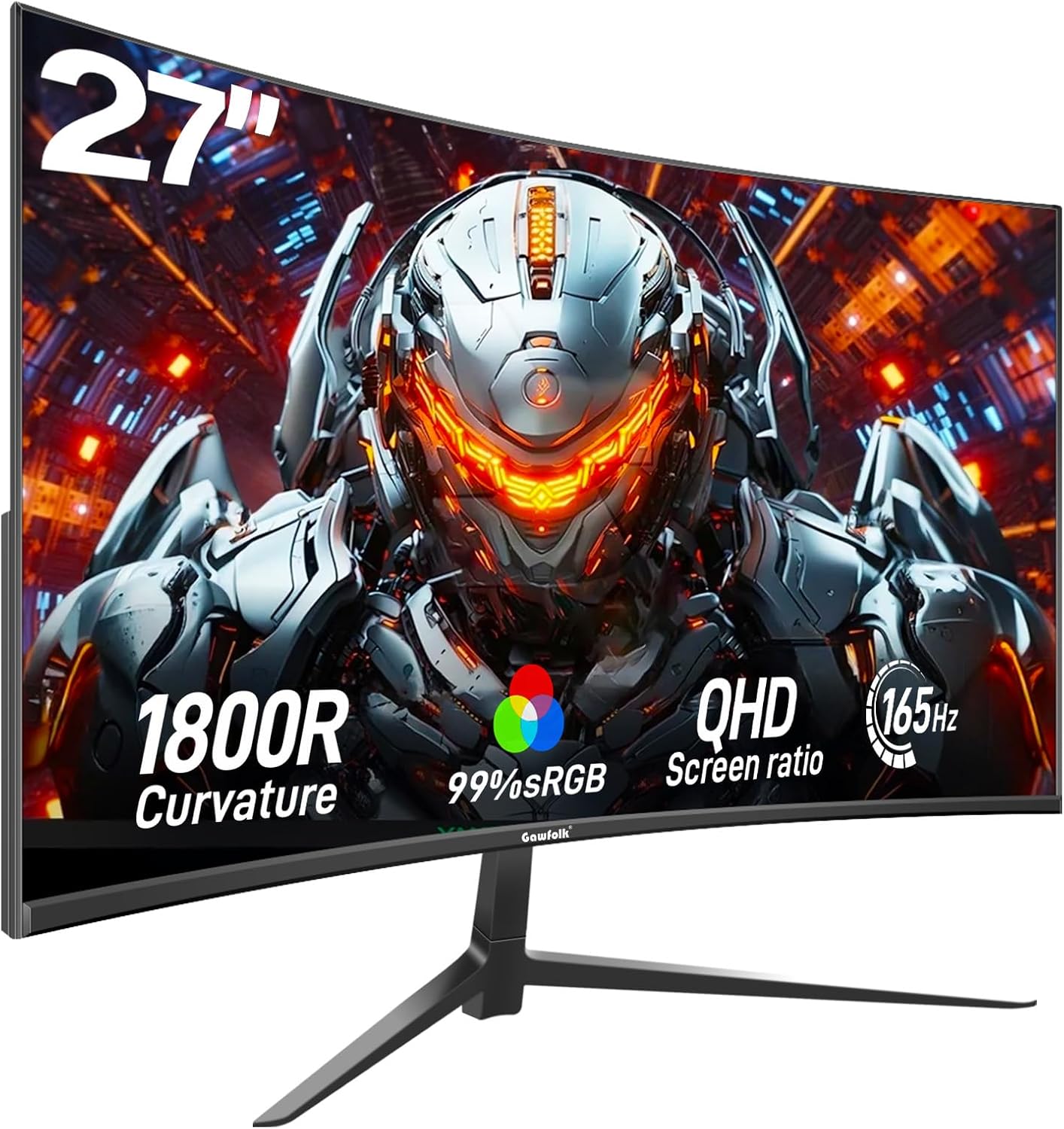
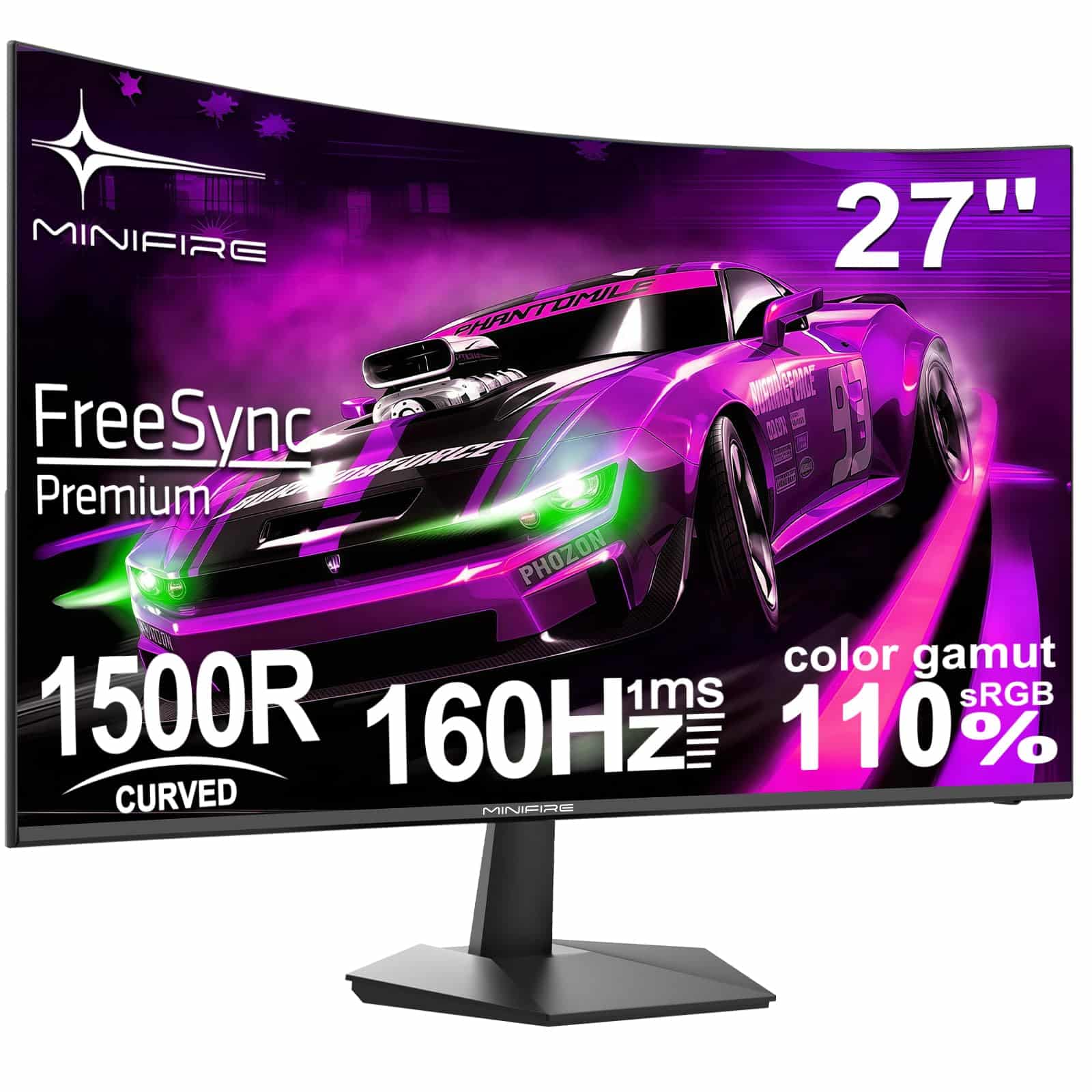
For competitive gaming, finding the right balance between size and curvature is key. Generally, a 27-inch to 32-inch screen is a sweet spot. Anything larger, especially ultrawide, can make it harder to take in the entire screen at a glance, requiring more head movement, which is detrimental in competitive scenarios. As for curvature, a milder curve like 1800R or 1500R is often preferred over aggressive curves like 1000R. An 1800R curve means a monitor forms a section of a circle with an 1800mm (1.8-meter) radius. Less aggressive curves offer a good balance of immersion without excessive distortion, making them more adaptable for competitive play while still providing that 'wrapped around you' feel. Remember, the goal is often speed and precision, not just raw screen real estate.
How Do Panel Types (VA vs IPS) Affect Curved Monitor Performance?
When considering a curved monitor for competitive gaming, the panel type is just as important as the curve itself. The two main types you'll encounter are VA (Vertical Alignment) and IPS (In-Plane Switching). VA panels are known for their excellent contrast ratios and deeper blacks, making them great for immersive, atmospheric games. However, they traditionally have slower response times, leading to more ghosting, which is a major no-no in competitive gaming. IPS panels, on the other hand, boast superior color accuracy and wider viewing angles, crucial for visual fidelity, and crucially, much faster response times. While older IPS panels had 'IPS glow,' newer models have minimized this. For competitive play, an IPS panel with a high refresh rate (144Hz+) and low response time (1ms GTG) is almost always the preferred choice, even if VA panels can sometimes offer a more dramatic curve.
Should Casual Competitive Gamers Consider a Curved Monitor?
Absolutely, yes! For the casual competitive gamer – the average player who enjoys ranked matches but also values relaxation, fun, and an overall great experience – a curved monitor can be an excellent choice. You're balancing life, work, and gaming, and every hour in front of the screen should be enjoyable. A curved monitor can enhance immersion in both competitive and single-player titles, making your gaming sessions more engaging. You might not be chasing a professional esports contract, but you still want to perform well. A curved monitor allows you to enjoy the best of both worlds: a visually captivating display that helps reduce eye strain during those marathon gaming sessions, while still offering the high refresh rates and low response times necessary for a solid competitive edge, especially if you opt for a quality IPS panel. It’s about optimizing your enjoyment and performance without the absolute rigidity of pro player setups.
What About Ultrawide Curved Monitors for Competitive Play?
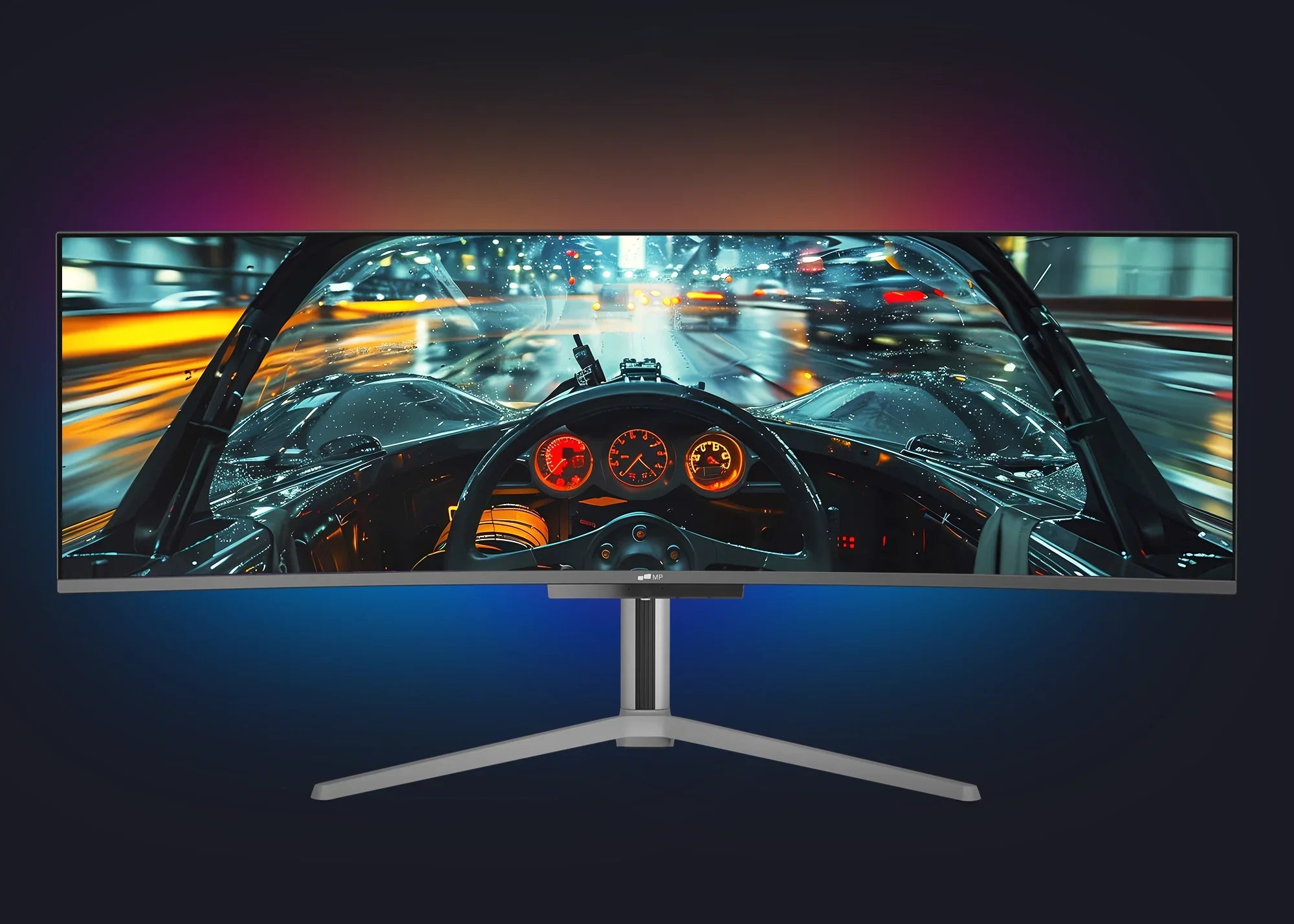
Ultrawide curved monitors (like 21:9 or even 32:9 aspect ratios) are a different beast entirely for competitive play. While they offer unparalleled immersion for single-player, cinematic, or simulation games, they come with significant caveats for competitive titles. Many competitive games do not natively support ultrawide resolutions, resulting in black bars on the sides or a stretched image, which severely handicaps competitive integrity. Even in games that do support it, the sheer width requires constant head movement to track action across the screen, a major disadvantage in fast-paced scenarios where milliseconds matter. While they are fantastic for productivity or certain gaming genres, for pure competitive advantage in most esports titles, an ultrawide curved monitor is generally not recommended. However, for social gaming or specific titles that embrace the format, they are incredibly fun.
How Do I Optimize a Curved Monitor for a Competitive Edge?
To get the most out of your curved monitor for competitive gaming, consider these optimization tips: first, ensure your monitor's **refresh rate** is set to its maximum in your OS and game settings (e.g., 144Hz, 240Hz). Second, calibrate your **color settings** for optimal visibility, often leaning towards slightly brighter settings to spot enemies in dark corners. Third, enable **adaptive sync** (G-Sync or FreeSync) if your GPU and monitor support it to eliminate screen tearing. Fourth, position your monitor correctly: sit centrally, at arm's length, with the top third of the screen roughly at eye level. This maximizes the intended immersive effect and minimizes any perceived distortion. Finally, practice! Your brain and muscle memory will adapt to the curve over time, so give yourself a few weeks to adjust before making a final judgment.
Are Pro Gamers Using Curved Monitors in 2026?
As of 2026, the vast majority of professional esports players, especially in titles like Valorant, CS2, League of Legends, or Overwatch, still opt for flat monitors. The reason is consistency, geometric precision, and the elimination of any potential visual anomalies that could impact split-second decisions and aiming accuracy. Professional play often prioritizes minimal variables and maximum reliability. However, this doesn't mean curved monitors are 'bad' for competitive gaming, it just highlights the hyper-optimized environment of professional esports. For the average competitive gamer, the benefits of immersion and reduced eye strain often outweigh the negligible difference in competitive performance, especially when considering the fun factor and overall experience.
Internal FAQ Section
Is 1000R curvature too aggressive for FPS games?
For many FPS players, a 1000R curve can feel too aggressive, potentially causing noticeable distortion at the edges and requiring more eye or head movement to track targets, which might hinder quick reactions in competitive titles. Milder curves like 1500R or 1800R are often a better balance for competitive FPS.
Do curved monitors cause motion sickness for some gamers?
While rare, some individuals might experience initial discomfort or motion sickness when first transitioning to a highly curved monitor, similar to adapting to VR. This usually subsides as the brain adjusts, but it's a valid concern for those sensitive to visual changes.
Can a curved monitor improve my K/D ratio in Call of Duty?
A curved monitor alone is unlikely to dramatically improve your K/D ratio. While it offers immersion and potentially reduces eye strain, raw skill, game knowledge, and other factors like refresh rate and response time contribute far more to in-game performance. It's an enhancement, not a cheat code.
Are curved monitors better for strategy games like StarCraft II or Age of Empires?
For strategy games, the benefits of a curved monitor are minimal. These games typically involve a top-down perspective and constant map scanning, where geometric distortion or peripheral immersion offers little advantage. A flat panel with excellent color accuracy and resolution is usually preferred.
What's a good budget-friendly curved monitor for casual competitive play?
For budget-conscious gamers, look for 27-inch 144Hz 1ms (GTG) IPS curved monitors from reputable brands like AOC, Acer, or Gigabyte. These often hit a sweet spot for performance, features, and price, providing a solid upgrade without breaking the bank for gamers balancing life and passion.
Should I get a curved monitor if I mostly play on console?
Yes, many console gamers enjoy curved monitors for their immersive experience. While consoles generally don't hit the ultra-high refresh rates of PCs, a good 144Hz curved monitor can still offer a smoother visual experience than a standard TV, especially if you play competitive console titles.
So, are curved monitors good for competitive gaming? For the dedicated esports professional, probably not as their primary display. But for the vast majority of us – the busy adults who game to unwind, socialize, build skills, and yes, still win some matches – a quality curved monitor offers a compelling blend of immersion, comfort, and competitive capability. It's about finding the right tool that fits *your* gaming lifestyle and goals. Ultimately, it’s about what makes your gaming hours more enjoyable and effective, balancing performance with practicality. What's your biggest gaming challenge when it comes to hardware? Comment below!
Curved monitors offer enhanced immersion and a potentially wider perceived field of view, which can be beneficial for some gamers. However, for highly competitive esports, the slight geometric distortion at the edges can be a drawback, potentially impacting pixel-perfect aim and quick target acquisition for some players. Optimal curvature, refresh rate, and panel type are crucial. While not universally adopted by pros, many casual competitive gamers find a balanced curved monitor setup enjoyable and beneficial for overall experience, especially in non-esports titles.
35



8 Best Curved Monitors For Gaming March 2026 Tested Best Curved Monitors For Gaming 768x419 . Are Curved Monitors Good For Gaming 2026 Updated Are Curved Monitors Good For Gaming What Gamers Need To Know 3.webp. 10 Best Curved Gaming Monitors For Immersion July 2026 Top Picks Best Curved Gaming Monitors For Immersion . Top Curved Monitors For Gaming . Best Curved Ultrawide Gaming Monitor AC

Best Curved Gaming Monitors 2024 Dual UHD Gaming Monitor Dl9 . Best Gaming Curved Monitor 5 Best 4k Gaming Monitor Curved For 2023 1701353627 . Best Curved 27 Inch Gaming Monitor AC SL1500 . Are Curved Monitors Good For Gaming Mobile Pixels 49 RGB Backlight 1f54b2b3 568a 481f B6be. Are Curved Monitors Better For Competitive Gaming At Aidan Charleston Blog



Are Curved Monitors Good For FPS Games Explained Tech Plural Curved Monitors 52 1536x1152 . Are Curved Monitors Good For Gaming Pros And Cons Explained B1844aa6 Image6 . 12 Best Curved Monitor Deals July 2026 Ultimate Guide B0F2T7WLFK Customer 2 . Best Curved Gaming Monitors . The Best SSD For The Steam Deck Xbox ROG Ally And Ally X In 2026



8 Best Ultrawide Monitors For Gaming July 2026 Complete Guide B0BTK1C533 Customer 1 . KOORUI G2411P 24 Inch Gaming Monitor Review UK 2026 Minifire 27 Inch Curved Gaming Monitor 160Hz FHD 1 C6fb0ee7 . Are Curved Monitors Good For Gaming The Definitive Titan Army Guide 251216 Blog 1920x1200 3 . 15 Best Curved Gaming Monitors For Immersion July 2026 Best Curved Gaming Monitors For Immersion 300x167 . Best Budget Curved Gaming Monitor Curved Gaming Monitor 2

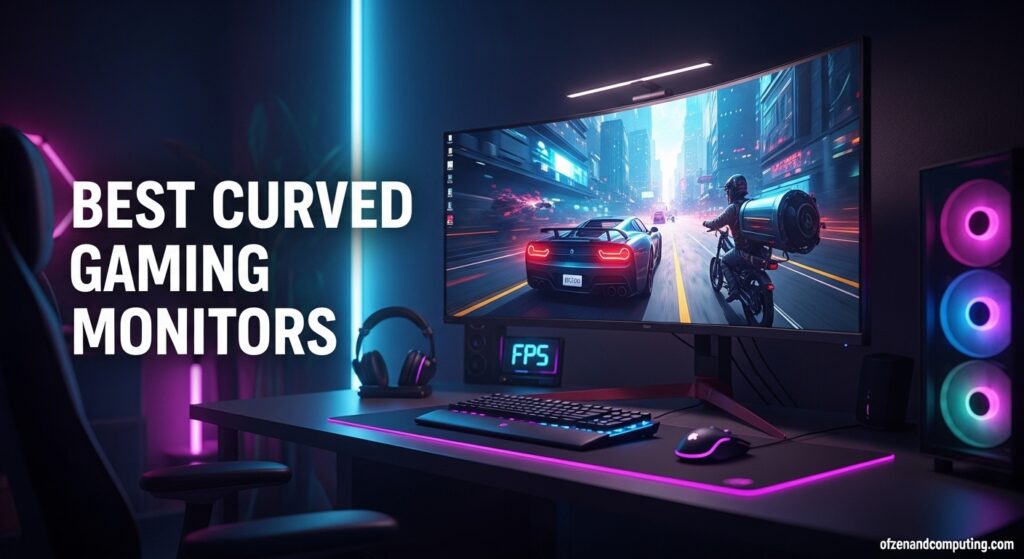
10 Best Curved Gaming Monitors July 2026 Complete Guide Best Curved Gaming Monitors . Best Curved Gaming Monitors In 2026 Reviews Buying Advice Best Curved Gaming Monitor 1024x574 . 12 Best Curved Gaming Monitors With High Refresh Rates June 2026 Best Curved Gaming Monitors With High Refresh Rates . 15 Best Curved Monitors For Gaming In 2025 Elevate Your Play With Top Gaming Curved Monitors A3hun . 13 Best Curved Gaming Monitors March 2026 Complete Guide Best Curved Gaming Monitors 1024x559

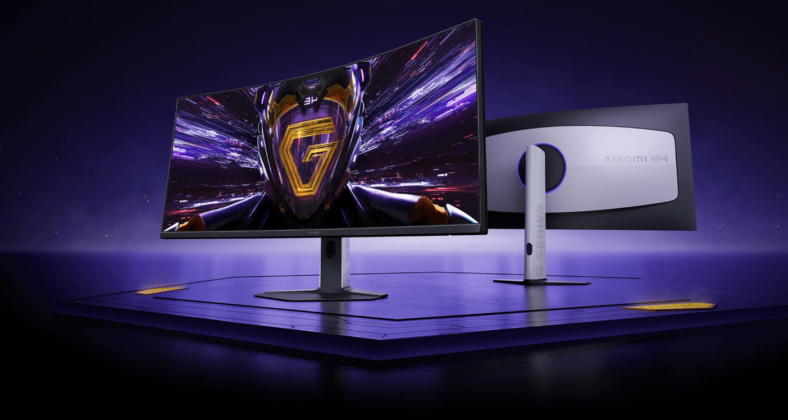

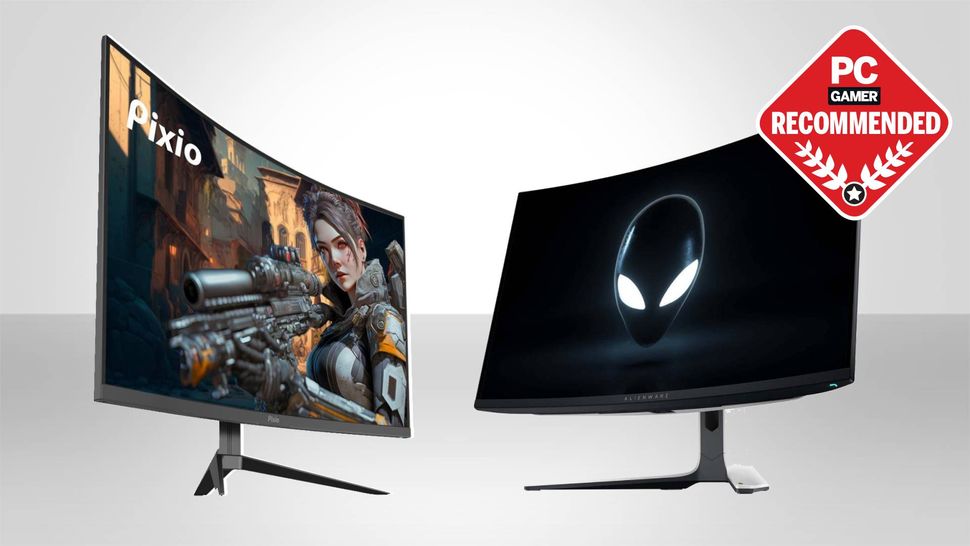
Best Curved Monitor Size For Gaming Best Gaming Monitor Sizes . Xiaomi G34WQi 2026 Curved Gaming Monitor Unveiled Globally With 180Hz Screenshot 2025 11 19 093304 788x420 . 10 Best Curved Gaming Monitors May 2026 Expert Roundup Best Curved Gaming Monitors 1024x559 . Are Curved Monitors Good For Gaming Everything About It Are Curved Monitors Good For Gaming . Best Curved Monitors For Gaming In 2026 These Are The Bendy Displays I 970 80


Best Curved Monitor Size For Gaming . 12 Best Curved Monitor Deals July 2026 Ultimate Guide B0F2T7WLFK Customer 1 . The Best Gaming Monitors For 2026 The Best Curved Monitors For 2026 43th.640 . What Are The Best Computer Screens . Top 5 Best Curved Monitors Of 2026 Best Product Review Best Curved Monitors