Ever hit a Roblox loading screen and wonder "Is Roblox crashed?" This guide is your go-to resource for quickly figuring out what's happening when your favorite digital playground seems offline. We know you balance work, family, and gaming time, so every minute counts. This article cuts through the confusion, offering clear steps to check server status, diagnose common issues, and troubleshoot client-side problems. From understanding system-wide outages to local network hiccups, we cover everything a busy gamer needs to know to get back into the action. Learn why Roblox might crash, how to verify if it is an actual server issue affecting millions, or if it is just your connection. Discover essential tips to optimize your Roblox experience and minimize future disruptions, ensuring your precious gaming moments are spent playing, not troubleshooting. We'll help you navigate the Roblox world even when it feels like it is falling apart. This informational guide will empower you with the knowledge to react swiftly and effectively.
Q: What are the tell-tale signs that Roblox is actually down for everyone?
A: The clearest signs that Roblox is crashed for everyone are widespread reports on official status pages (status.roblox.com), a sudden surge of "Roblox down" tweets or Reddit posts, and a high number of outage reports on sites like DownDetector. If your friends in different locations are also unable to connect, it's a strong indicator of a global outage. Look for official communications from Roblox.
Q: How do busy gamers quickly confirm if "is roblox crashed" before troubleshooting?
A: For busy gamers with limited time, the fastest confirmation involves a quick check of status.roblox.com. If that page shows "All Systems Operational" but you're still having issues, then it's time to quickly check your local internet connection by opening another website or app. If both seem fine, a quick game restart or client cache clear is the next logical step before diving deeper.
Q: Is there a specific time of day when Roblox is more likely to crash due to traffic?
A: Roblox, like many large online platforms, can experience more strain during peak usage hours. This typically coincides with after-school hours in the US and Europe, often late afternoon to early evening (e.g., 3 PM - 9 PM ET/PT), and especially on weekends. While not guaranteed crashes, these times can see increased lag or temporary server capacity issues.
Q: What quick fixes can I try on PC if Roblox crashes frequently?
A: If Roblox frequently crashes on PC, try these quick fixes: ensure your graphics drivers are updated, clear the Roblox cache (found in %localappdata%\Roblox\), close unnecessary background applications to free up RAM, and perform a quick restart of your PC. Reducing in-game graphics settings can also help if your hardware is struggling.
Q: Why does my mobile Roblox app keep freezing instead of crashing completely?
A: Mobile app freezing often indicates resource contention or a memory leak rather than a hard crash. It can be due to your device running too many apps simultaneously, insufficient RAM, an older device struggling with graphics, or a specific bug within the Roblox app or experience. Try closing all other apps and restarting Roblox.
Q: Can antivirus software cause Roblox to crash or prevent it from launching?
A: Yes, occasionally, overly aggressive antivirus or firewall software can mistakenly identify Roblox's executable files or network connections as a threat and block them, leading to the game failing to launch or crashing. Check your security software settings to ensure RobloxPlayerBeta.exe is whitelisted or temporarily disable it for testing.
Q: How do updates impact the likelihood of "is roblox crashed" scenarios?
A: Updates can have a dual impact. While they generally improve stability and add features, new updates (both system-wide and game-specific) can sometimes introduce unforeseen bugs that lead to crashes shortly after deployment. Conversely, failing to update your Roblox client can also lead to instability or incompatibility with current server versions, making updates crucial for stability in the long run.
There's nothing quite like settling down after a long day of work, maybe getting the kids tucked in, and finally booting up Roblox to connect with friends, dive into a new experience, or build something awesome. It's a cherished escape for millions of US gamers, many of whom, like you, balance a demanding life with their passion for play. That's why when Roblox decides to throw a curveball and refuses to load, it's not just an inconvenience—it's a frustrating interruption to your hard-earned relaxation. The immediate thought pops up: "Is Roblox crashed?" You're not alone in that scramble to figure out what's going on. With approximately 87% of US gamers regularly dedicating 10+ hours a week to their favorite titles, seamless play is a huge priority. And for a platform like Roblox, which thrives on constant social interaction and content creation across mobile, PC, and consoles, any downtime can feel monumental.
This month, as mobile gaming continues its dominance and social play remains a cornerstone of the gaming experience, server stability is more crucial than ever. This comprehensive guide is designed for the modern gamer—the one who needs quick, reliable answers without the fuss. We're going to arm you with the knowledge and practical steps to quickly determine if Roblox is crashed, why it might be happening, and exactly what you can do about it. Forget endless searching and vague forum posts; we'll show you how to efficiently troubleshoot and get back to enjoying your virtual worlds, maximizing every precious minute of your gaming time. Let's get you back in the game, because your free time is too valuable to spend staring at error messages.
Is Roblox Crashed Right Now? How to Quickly Check Server Status
When Roblox doesn't load or disconnects unexpectedly, the first thing to verify is whether the issue is widespread or isolated to your connection. The quickest way to check if Roblox is crashed globally is to consult official and community server status trackers. This is a critical first step, saving you from unnecessary troubleshooting on your end.
- Official Roblox Status Page: Always check status.roblox.com first. This is Roblox's official communication channel for system-wide outages, maintenance, and major incidents. Look for "All Systems Operational" for a clear green light or specific service disruptions.
- Third-Party Status Monitors: Websites like DownDetector.com provide real-time user reports of outages for various services, including Roblox. If you see a spike in reports, it's a strong indicator that others are experiencing issues too. You can also check sites like IsItDownRightNow.com for similar insights.
- Social Media: Follow official Roblox accounts on X (formerly Twitter) or check trending hashtags. Developers often communicate major outages through these channels. Community discussions on platforms like Discord or Reddit can also give you immediate peer confirmation.
If these sources indicate a widespread outage, there's little you can do but wait. However, if everything appears normal, the problem likely lies with your device, network, or client.
Why Does Roblox Crash or Seem Unavailable?
Roblox can experience downtime or issues for several reasons, ranging from planned maintenance to unexpected technical glitches. Understanding these can help you anticipate or troubleshoot more effectively.
- Server Overload: Roblox hosts millions of concurrent users daily. During peak hours or major in-game events, servers can become overwhelmed, leading to lag, disconnections, or temporary outages. This is a common occurrence on large platforms.
- Scheduled Maintenance: Like all online services, Roblox undergoes routine maintenance to improve performance, add new features, or patch security vulnerabilities. These are usually announced in advance on their status page or social media, but sometimes urgent patches are deployed.
- Software Bugs: New updates to the Roblox client or specific games (experiences) can sometimes introduce bugs that cause crashes. Developers work quickly to identify and hotfix these.
- Network Infrastructure Issues: Problems with Roblox's internet service providers (ISPs) or their own data centers can disrupt service globally or regionally.
- Cyber Attacks: While rare, distributed denial-of-service (DDoS) attacks can temporarily take down game servers by flooding them with traffic. Roblox has robust security but no system is entirely immune.
- Client-Side Problems: Often, what feels like "Roblox being crashed" is actually an issue with your internet connection, device, or Roblox installation. This includes outdated software, corrupted files, or firewall blocks.
What Should You Do If Roblox Appears Crashed (And It's Not a Global Outage)?
If official channels say Roblox is operational, the problem is likely on your end. Don't panic; these steps usually resolve most client-side issues quickly, getting you back to gaming without missing a beat in your limited free time.
- Restart Roblox: A simple restart of the application or browser tab can often clear minor glitches or memory leaks causing instability.
- Check Your Internet Connection: Ensure your Wi-Fi or wired connection is stable. Try loading other websites or applications. If your internet is spotty, restart your router and modem. A reliable connection is paramount for any online game.
- Clear Roblox Cache: Corrupted cache files can cause loading issues.
- For Windows: Go to %localappdata%\Roblox\ and delete the "Versions" folder.
- For Mac: Go to ~/Library/Caches/com.roblox.RobloxPlayer/ and delete the cache contents.
- Update Roblox Player: Ensure your Roblox client is up to date. Roblox typically updates automatically, but a manual reinstall might force an update if an old version is stuck.
- Check Device Resources: If your device is running many applications in the background, it might struggle to run Roblox. Close unnecessary programs to free up RAM and CPU cycles. This is especially important for mobile gamers or those on older PCs.
- Disable VPN/Proxy: Sometimes, VPNs or proxy servers can interfere with Roblox's connection. Try disabling them temporarily to see if it resolves the issue.
- Check Firewall/Antivirus: Your security software might be blocking Roblox. Ensure Roblox and its related processes (RobloxPlayerBeta.exe) are whitelisted.
- Reinstall Roblox: As a last resort, completely uninstalling and then reinstalling Roblox can fix deeply embedded client-side issues or corrupted game files.
Are Common Roblox Error Codes Related to Crashes?
Yes, many error codes can indicate a crash or a problem preventing the game from loading, which feels like a crash. Understanding these codes helps diagnose the specific issue.
- Error Code 277 (Disconnected): This is one of the most common and often means a network connectivity issue. It could be your internet dropping, a firewall blocking the connection, or a server hiccup.
- Error Code 268 (Kicked/Disconnected): Often means you were disconnected due to another instance of Roblox launching on your account, or a violation of terms of service. Less about a crash, more about being booted.
- Error Code 524 (HTTP 500 Internal Server Error): This typically points to a server-side problem. If you see this, it's a strong indicator that Roblox is crashed on their end, or experiencing significant issues.
- Error Code 403 (Forbidden): Can occur if there are permissions issues, or if an account is restricted from accessing certain content or features. Not a crash, but prevents play.
- Error Code 400 (Bad Request): Often indicates corrupted game files or a problem with the request your client is sending to the server. Clearing cache or reinstalling can help.
For specific error codes, a quick search on Roblox's support page or community forums can provide targeted solutions. Always note the error code when it appears.
How to Optimize Your System to Prevent Roblox Crashes?
Proactive maintenance can significantly reduce the likelihood of Roblox crashing on your system. For gamers who want to maximize their limited play time, these optimization tips are invaluable.
- Keep Drivers Updated: Ensure your graphics card drivers, sound drivers, and operating system are always up to date. Outdated drivers are a frequent cause of game instability.
- Monitor System Temperatures: Overheating components (CPU, GPU) can lead to performance throttling and crashes. Ensure your PC or console has adequate ventilation and consider cleaning dust regularly. Mobile gamers should avoid playing on charging devices for extended periods in hot environments.
- Maintain Sufficient Storage: Ensure you have enough free disk space. Roblox and your operating system need room to operate efficiently. Cluttered drives can slow down your system.
- Use a Stable Internet Connection: Prioritize a wired Ethernet connection over Wi-Fi when possible, especially for PC/console gaming. If Wi-Fi is your only option, ensure your router is in a central location and free from interference.
- Run System Scans: Periodically run antivirus and anti-malware scans to ensure no malicious software is interfering with Roblox or your system's performance.
- Adjust In-Game Graphics Settings: If you experience frequent crashes in specific experiences, try lowering Roblox's in-game graphics settings. This reduces the strain on your hardware and can prevent instability.
By regularly following these best practices, you create a more stable environment for Roblox, reducing frustrating interruptions.
Is It My Internet Connection or Is Roblox Truly Down?
This is a fundamental question for any online gamer. Distinguishing between a local network problem and a widespread server outage is crucial for efficient troubleshooting. If Roblox is crashed for everyone, your internet might be fine.
- Test Other Services: Can you access other websites, stream videos, or play other online games? If yes, your internet is likely working, and the issue points towards Roblox.
- Check Router Lights: Most routers have indicator lights for internet connectivity. If they are red or flashing unusually, your ISP might be experiencing an outage.
- Run a Speed Test: Websites like Speedtest.net can quickly assess your internet speed and stability. Low bandwidth or high ping can severely impact online gaming.
- Ping Roblox Servers (Advanced): For PC users, you can use the Command Prompt (CMD) to ping Roblox servers. Type "ping www.roblox.com" and observe the results. High latency or packet loss indicates a connection issue between you and Roblox.
- Consult Neighbors/Friends: If you have friends in the same geographical area who also play Roblox, ask if they are experiencing issues. This can help pinpoint regional network problems versus global Roblox outages.
A functional internet connection is the backbone of online gaming. If your internet is the culprit, contact your Internet Service Provider (ISP) for assistance.
When Can I Expect Roblox to Be Back Online After an Outage?
The waiting game during an outage can be agonizing, especially when you've carved out specific time for gaming. Unfortunately, there's no fixed timetable for service restoration, but you can manage your expectations and stay informed.
- Monitor Official Channels: The status.roblox.com page and official social media accounts are your best sources for updates. They will typically announce when issues are identified, when they are working on a fix, and when services are restored.
- Expect Fluctuations: Sometimes, services are restored gradually, meaning some users might get back online before others. There might also be temporary relapses as fixes are deployed and tested.
- Patience is Key: Roblox's technical teams work diligently to resolve widespread issues as quickly as possible. These are complex systems, and quick fixes aren't always feasible. Use the downtime to stretch, hydrate, or catch up on other tasks.
It's important to avoid constantly refreshing the game, as this can sometimes contribute to server strain during recovery periods. Trust the process and check back periodically on official status pages.
Are There Good Gaming Alternatives When Roblox is Down?
Absolutely! For many gamers, Roblox isn't just a game; it's a social hub. When Roblox is crashed, it's a great opportunity to explore other popular platforms or even try something different. This month, social and cozy games are trending, offering great alternatives.
- Minecraft: The quintessential sandbox game. Offers similar creative freedom, exploration, and multiplayer experiences.
- Fortnite Creative/UEFN: Fortnite's creative modes allow players to build and share their own islands and games, offering a robust platform for user-generated content, similar to Roblox's creation tools.
- Rec Room: A free-to-play social VR game (also available on non-VR platforms) where players can create and play games, hang out, and attend events. It has a strong focus on user-generated content and social interaction.
- Among Us / Fall Guys: These are fantastic for quick, social multiplayer fun. Perfect for unwinding with friends when your primary platform is unavailable.
- Mobile Gaming: Explore popular mobile titles like Genshin Impact, Call of Duty Mobile, or Clash Royale. Mobile gaming continues to be a dominant force in the US, providing countless options.
- Discover Indie Gems: Use the downtime to explore smaller, innovative indie games on platforms like Steam. You might find your next favorite game.
Remember, gaming is about fun and connection. Don't let a Roblox outage spoil your leisure time; pivot to another enjoyable experience.
Dealing with a "Roblox crashed" situation can be a real buzzkill, especially for busy adults who carve out specific times for their digital escapes. However, by understanding how to quickly check server status, diagnose client-side issues, and apply simple troubleshooting steps, you can significantly reduce downtime and get back to enjoying your favorite experiences faster. Remember, whether it's a massive server outage or a local network glitch, staying informed and prepared makes all the difference. Gaming should be a source of relaxation and fun, not frustration, and these insights empower you to troubleshoot effectively. Your time is valuable, so spend it playing, not panicking.
What's your biggest gaming challenge when a game unexpectedly goes down? Comment below!
FAQ: Roblox Crashes & Troubleshooting
Is Roblox still down?
To check if Roblox is still down, visit the official Roblox Status page at status.roblox.com or check reliable third-party trackers like DownDetector.com. These sources provide real-time updates on server status and any ongoing incidents.
Why does Roblox keep crashing on my mobile?
Roblox often crashes on mobile due to insufficient device memory, an outdated app version, a weak internet connection, or an overheated device. Try closing background apps, updating the Roblox app, ensuring stable Wi-Fi, and giving your device a break from heavy use.
How can I fix Roblox not loading games?
If Roblox isn't loading games, first restart the app/browser. Then, check your internet connection, clear your Roblox cache, update your Roblox player, and ensure no firewalls are blocking the application. Reinstalling Roblox is a last resort.
Does clearing Roblox cache help with crashes?
Yes, clearing the Roblox cache can often resolve crashes, especially if they are caused by corrupted temporary files. Cached data can sometimes become outdated or damaged, leading to unexpected behavior and instability within the game.
What's the best way to report a Roblox crash?
If you're experiencing a unique, persistent crash not related to a widespread outage, you can report it through Roblox's official support page. Provide detailed information, including any error codes, steps to reproduce the crash, and your device specifications.
Can my internet speed cause Roblox to crash?
While low internet speed might not directly "crash" Roblox, an unstable or extremely slow connection can cause frequent disconnections, long loading times, and a highly frustrating experience that feels like a crash. A stable connection is vital.
How to check Roblox server status using official and third-party tools. Common reasons why Roblox might appear crashed or be truly offline. Quick troubleshooting steps for client-side issues before blaming servers. Tips for staying updated on Roblox outages and getting back to playing. Understanding different types of Roblox problems from network to game-specific glitches.
35
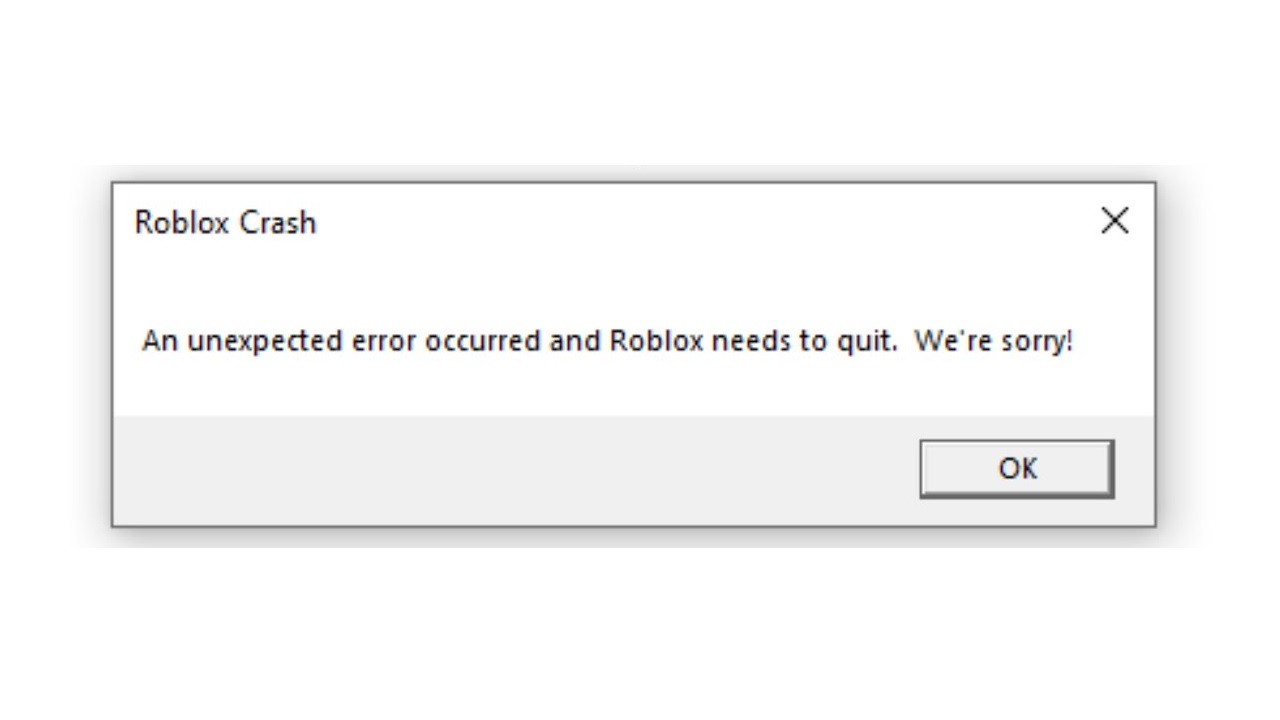


FIXED Roblox Keeps Crashing FIX Roblox Keeps Crashing . Is Roblox Crashing Right Now What You Need To Know Roblox Keeps Crashing . Why Are Roblox Games Crashing Find Out Now Roblox Crashing Crash Error . Roblox How To Fix Roblox Crash Crashing Complete Guide YouTube . Is Roblox Getting Shut Down In 2026 The Real Truth Behind All Those Is Roblox Getting Shut Down In 2026 1024x683


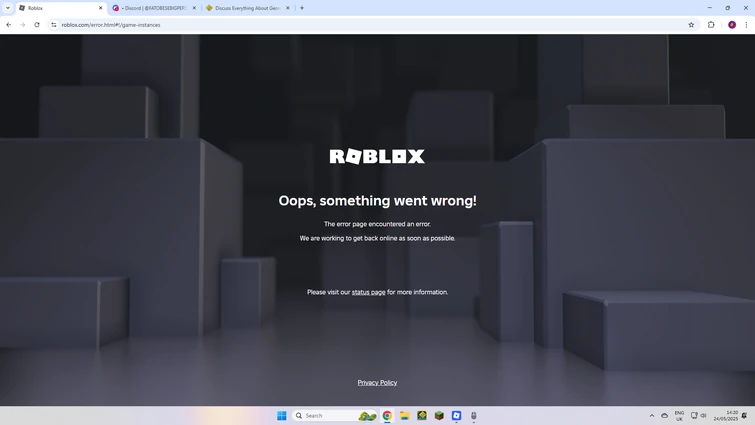

How To Fix Roblox Crashing Roblox Crash Fix YouTube . How To Stop Roblox Crashing Fix Roblox Crash Updated 2024 YouTube . WE CRASHED ROBLOX Fandom 755. Roblox St Rzt St Ndig Ab 2026 Neu EaseUS . Roblox Crash Bots Codes July 2026 TechWiser Roblox Crash Bots Codes .webp
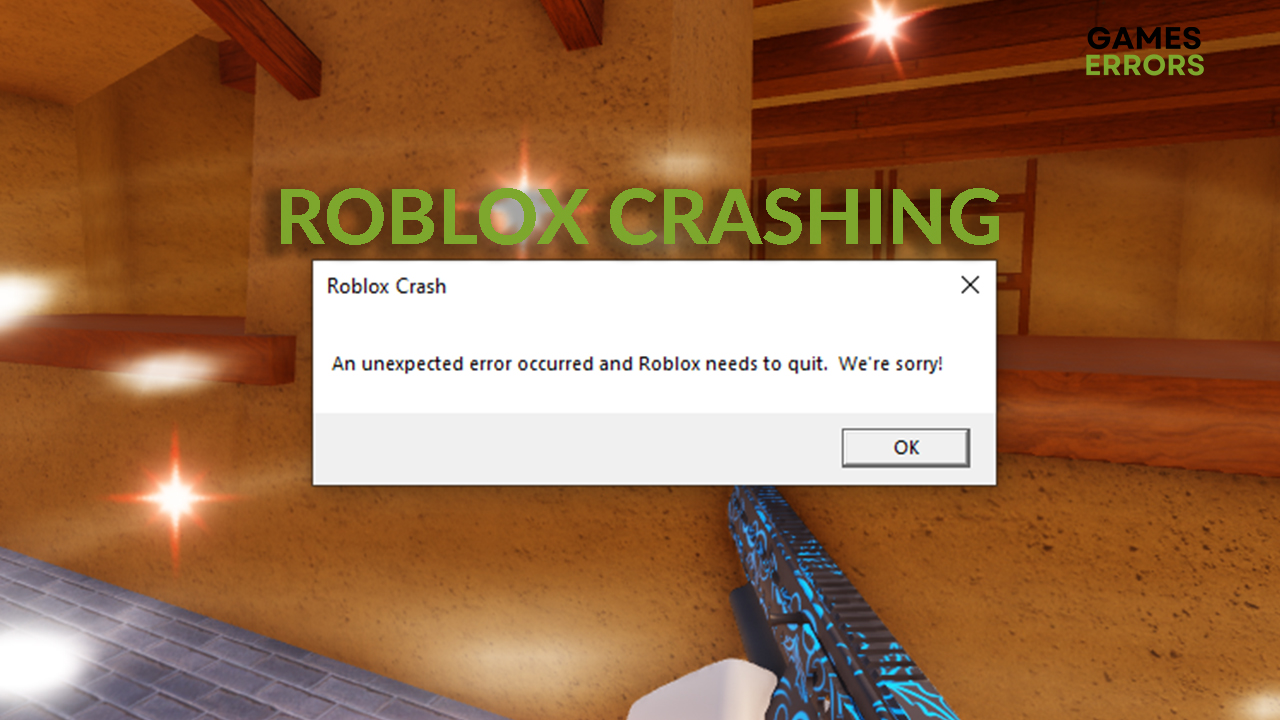


Roblox Stock Crashes 10 After Legal Drama 2026 Roblox Stock Crashes . Stop Roblox Crashing Your Easy Guide Roblox Keep Crashing . How To Update Roblox In 2026 Fix Error Code 280 On PC Mobile Xbox Roblox Update It.webp. Roblox Keeps Crashing Why Does My Roblox Keep Crashing Mobile TikTok . How To Fix Roblox Crashing Freezing 2026 Step By Step Guide YouTube
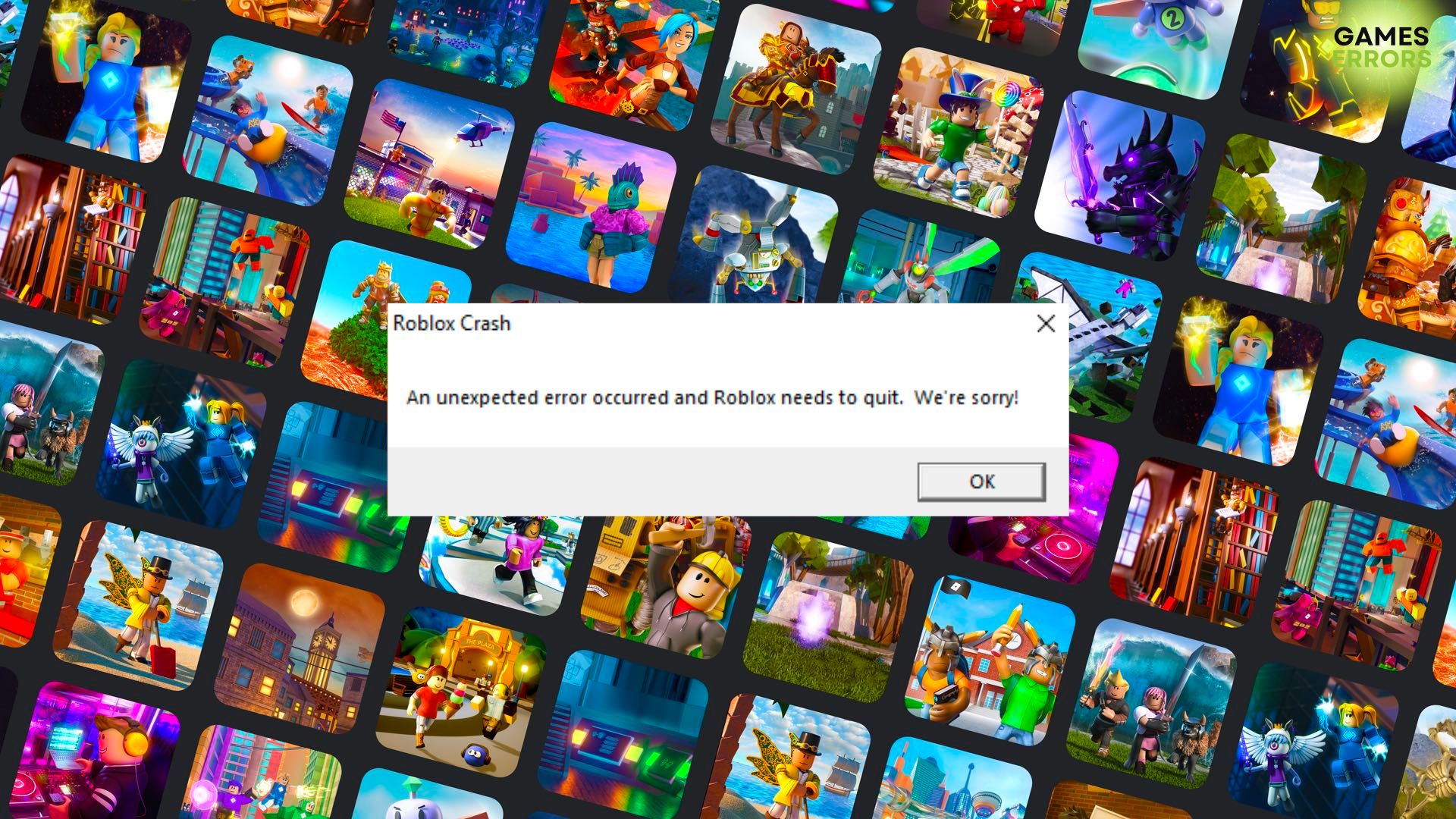


Top 8 Ways To Fix Roblox Keeps Crashing Issues 2026 Roblox Keeps Crashing Try These Steps 696x430 . Roblox Keeps Crashing 9 Efficient Ways To Fix It Roblox Keeps Crashing . Roblox 2026 Logo REVEALED New Color New Look YouTube Maxres2 . How To Publish A Game On Roblox In 2026 Roblox YouTube . How To Message On Roblox 2026 A Quick Guide SL1500


SO HYPE ROBLOX CRASHED Admin Abuse New 2026 Update In Steal A . Why Does My Roblox Keep Crashing TechCult Why Does My Roblox Keep Crashing . Prepare For 2026 With Roblox Trends TikTok Img. Cara Mengatasi Roblox Crash Pada PC Laptop Wajib Kalian Ketahui . How To Fix Roblox Crashing TUTORIAL YouTube


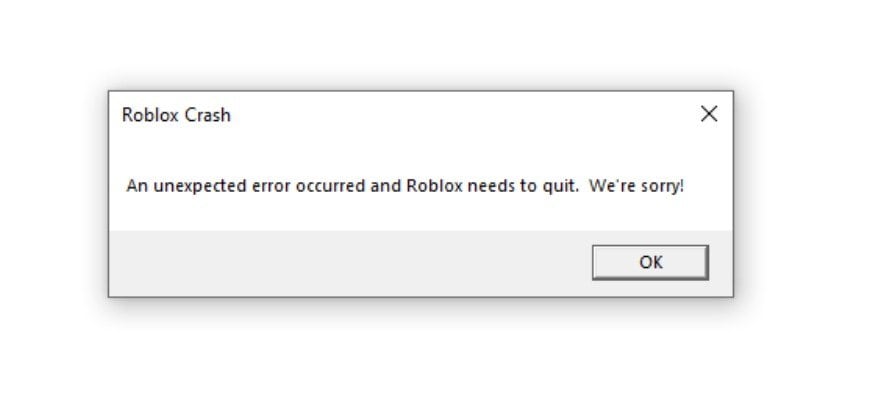

How To Stop Roblox Crashing Fix Roblox Crash Step By Step YouTube . How To Fix Roblox Crashing Easy Step By Step YouTube . Roblox Crashing In 2022 On PC How To Fix It Roblox Crashing 1 . How To Resolve Roblox Crashing Issues Easily 10 Roblox Crashing 2 . CRASH 2026 Details



Roblox Crashed Roblox Down Roblox Crash YouTube . How To Fix Roblox Crash Mobile 2022 Roblox Crashing Fix Android Why . 15 Game Roblox Horror Terbaik 2026 15 Game Roblox Horror Terbaik 2026 Paling Seram And Bikin Deg Degan 7f944699ce . How To Fix Roblox Crashed From Software EASY FIX YouTube . Roblox Keeps Crashing C Ch Kh C Ph C L I V Gi I Ph P Chi Ti T