Navigating the world of online gaming while on the move or with unreliable home internet can be a real challenge for many gamers. This comprehensive guide addresses the pressing question can a hotspot be used for gaming by diving deep into performance expectations data consumption setup tips and optimization strategies. Whether you are a casual player looking to unwind with a mobile game or a dedicated enthusiast aiming for competitive online play understanding how your mobile hotspot performs is crucial. We explore the limitations benefits and essential configurations to ensure a smoother gaming experience helping you balance your passion for gaming with real-world constraints like data caps and latency. Discover practical advice on choosing the right hotspot device managing data usage and selecting games that thrive on hotspot connections. This article is your go-to resource for making informed decisions and transforming your portable internet into a reliable gaming companion.
Can I really play competitive online games using a mobile hotspot
While it is technically possible playing highly competitive online games like first-person shooters or fighting games on a mobile hotspot comes with significant challenges. Hotspots often introduce higher latency or ping compared to wired connections. In games where split-second reactions matter even a slight delay can put you at a disadvantage. For a truly competitive edge a stable low-latency wired connection remains the gold standard but for casual competitive play in a pinch it can work.
What kind of internet speed do I need from my hotspot for gaming
For most online multiplayer games you generally need a download speed of at least 3-5 Mbps and an upload speed of 1-2 Mbps. However what is more crucial than raw speed is consistency and low latency. A hotspot that provides a stable 5 Mbps with a ping under 80ms will offer a much better experience than a 20 Mbps connection that frequently spikes in latency or disconnects. For cloud gaming services like GeForce NOW or Xbox Cloud Gaming you'll need significantly higher and more stable speeds usually 20-50 Mbps.
Will using my phone as a hotspot drain its battery quickly while gaming
Yes absolutely. Using your smartphone as a mobile hotspot for gaming is one of the most demanding tasks you can put on its battery. The phone has to manage both its cellular modem and Wi-Fi broadcasting which are both power-intensive. Expect significant battery drain within a couple of hours or even less. If you plan to game frequently on your phone's hotspot keep it plugged into a charger or consider a dedicated mobile hotspot device with its own power source.
How can I check my hotspot's gaming performance before a crucial match
Before jumping into a critical game it is smart to test your hotspot's performance. First check your cellular signal strength on your phone or hotspot device. Then run an internet speed test using a service like Speedtest net on the device you'll be gaming on. Pay close attention to both download upload speeds and especially the ping latency. You can also try joining a casual match or a game's training mode to get a feel for the connection stability before committing to ranked play.
Are there specific hotspot devices better for gaming than my smartphone
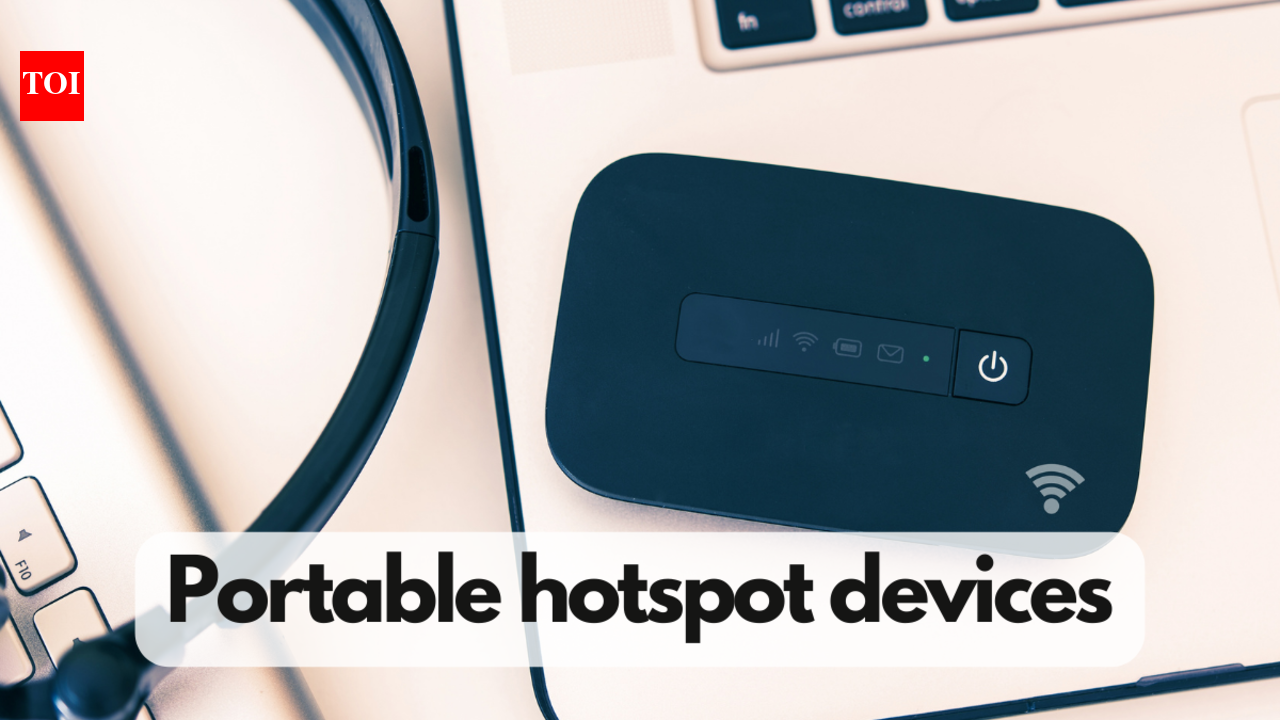
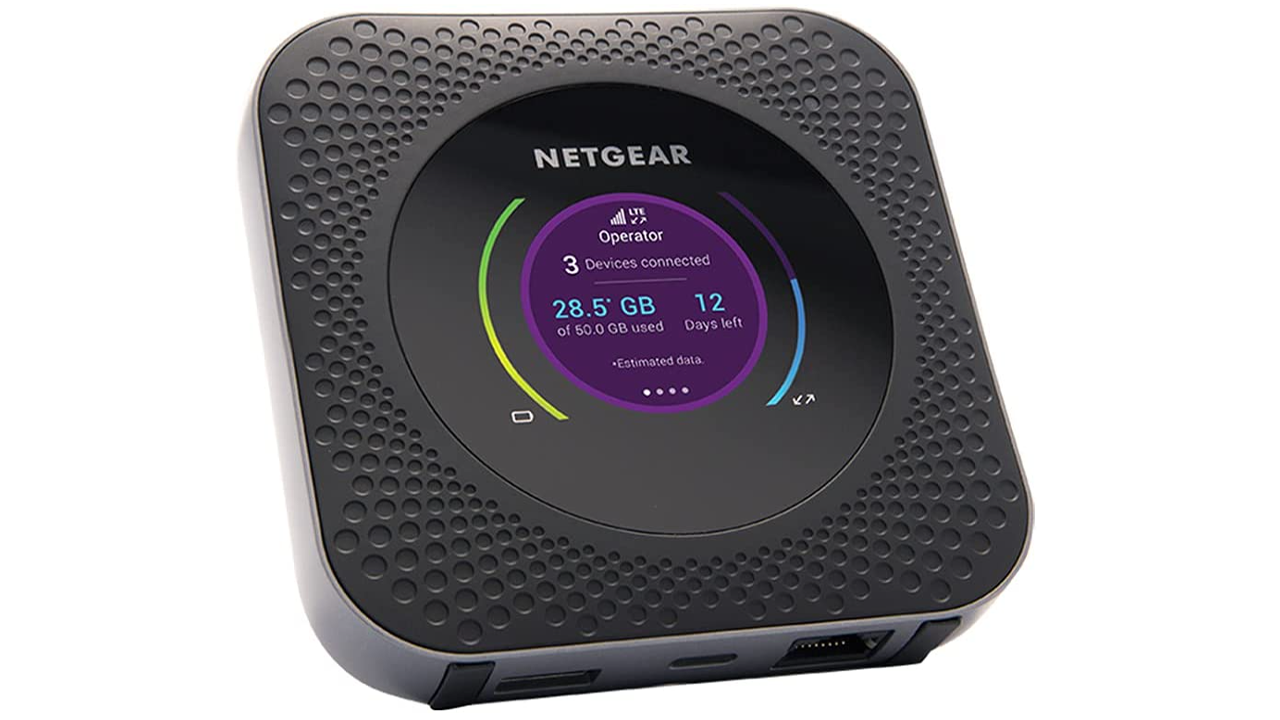
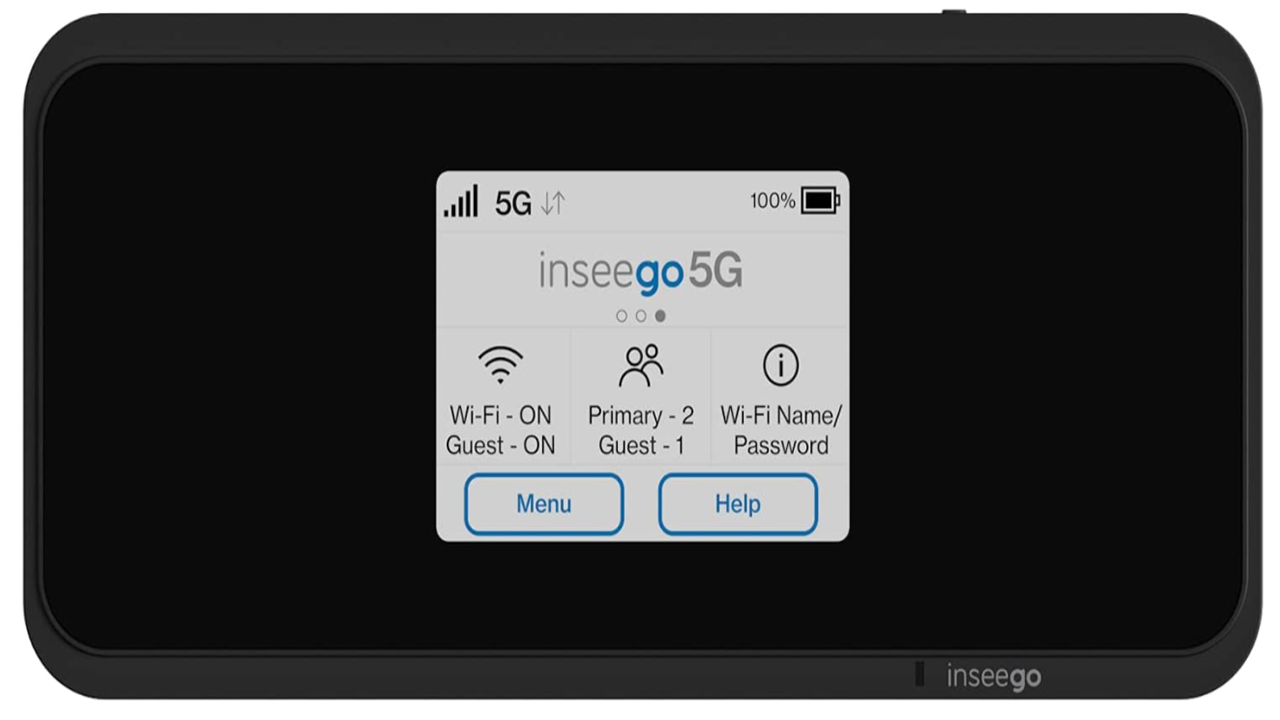
Generally yes dedicated mobile hotspot devices often provide a more stable and potentially faster connection than using your smartphone. They are designed with better antennas dedicated processors for network management and often support more advanced features like external antenna ports or better frequency band aggregation. These factors can lead to lower latency and more reliable speeds which are critical for a smoother gaming experience compared to a multi-tasking smartphone acting as a hotspot.
What are the biggest data killers when gaming on a hotspot and how can I avoid them
The biggest data killers for hotspot gaming are almost always game downloads and large game updates. A single game download can easily be 50GB to 100GB or more devouring your entire monthly hotspot data cap in minutes. To avoid this always try to download or update games when you have access to a wired broadband connection. If that's not possible monitor your data usage closely and pause updates until you can connect to WiFi. In-game voice chat uses minimal data but streaming game services like Xbox Cloud Gaming also consume many gigabytes per hour.
Can I use a public WiFi hotspot for online gaming
While technically possible using a public WiFi hotspot for online gaming is generally not recommended for several reasons. Public hotspots are often highly congested leading to very slow speeds and extremely high latency which is terrible for gaming. More importantly they are typically unsecured networks making your gaming device and personal information vulnerable to cyber threats. It's best to stick to your own mobile hotspot or a trusted private network for any form of online gaming to ensure both performance and security.
Ah the classic gamer dilemma You are away from your home internet perhaps at a friend's place traveling or simply dealing with an outage and that gaming itch hits. You look at your phone or a dedicated puck and wonder can a hotspot be used for gaming The answer is yes but with some important caveats that every modern gamer needs to understand. For the average US gamer who balances work family and life with their passion for interactive entertainment optimizing every minute of playtime is key. We know you value performance value for money and staying current without succumbing to hype. You want solutions not just promises.
Around 87 percent of US gamers play regularly often averaging 10 plus hours a week. With mobile gaming dominating and social play becoming increasingly central via platforms like Discord the need for flexible reliable internet is higher than ever. Whether you are trying to squeeze in a quick match of Apex Legends Mobile catch up on your Animal Crossing island or dive into a co-op adventure with friends balancing these desires with budget hardware limitations or simply a lack of a wired connection can be a pain point. This guide is built for you the discerning gamer who needs practical honest answers about using a hotspot for your gaming needs. We will break down everything from performance expectations to data usage and give you the real talk on how to make it work or when to reconsider.
What Exactly is a Mobile Hotspot and How Does it Work for Gaming
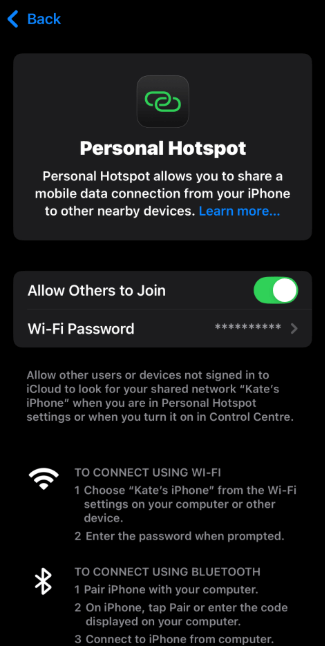
A mobile hotspot essentially turns your smartphone or a dedicated portable device into a personal WiFi router. It uses cellular data much like your phone uses data for browsing or streaming to create a wireless internet connection that other devices like your gaming PC laptop or console can connect to. Think of it as a pocket-sized internet hub. When you are gaming on a hotspot your device sends and receives data through your phone or hotspot puck's cellular connection rather than a traditional home broadband line. This portability is fantastic allowing you to game almost anywhere you have a cellular signal. However the quality of that cellular signal and the network congestion in your area are massive factors in how well it will perform.
Can a Hotspot Be Used for Gaming Seriously Is it Playable
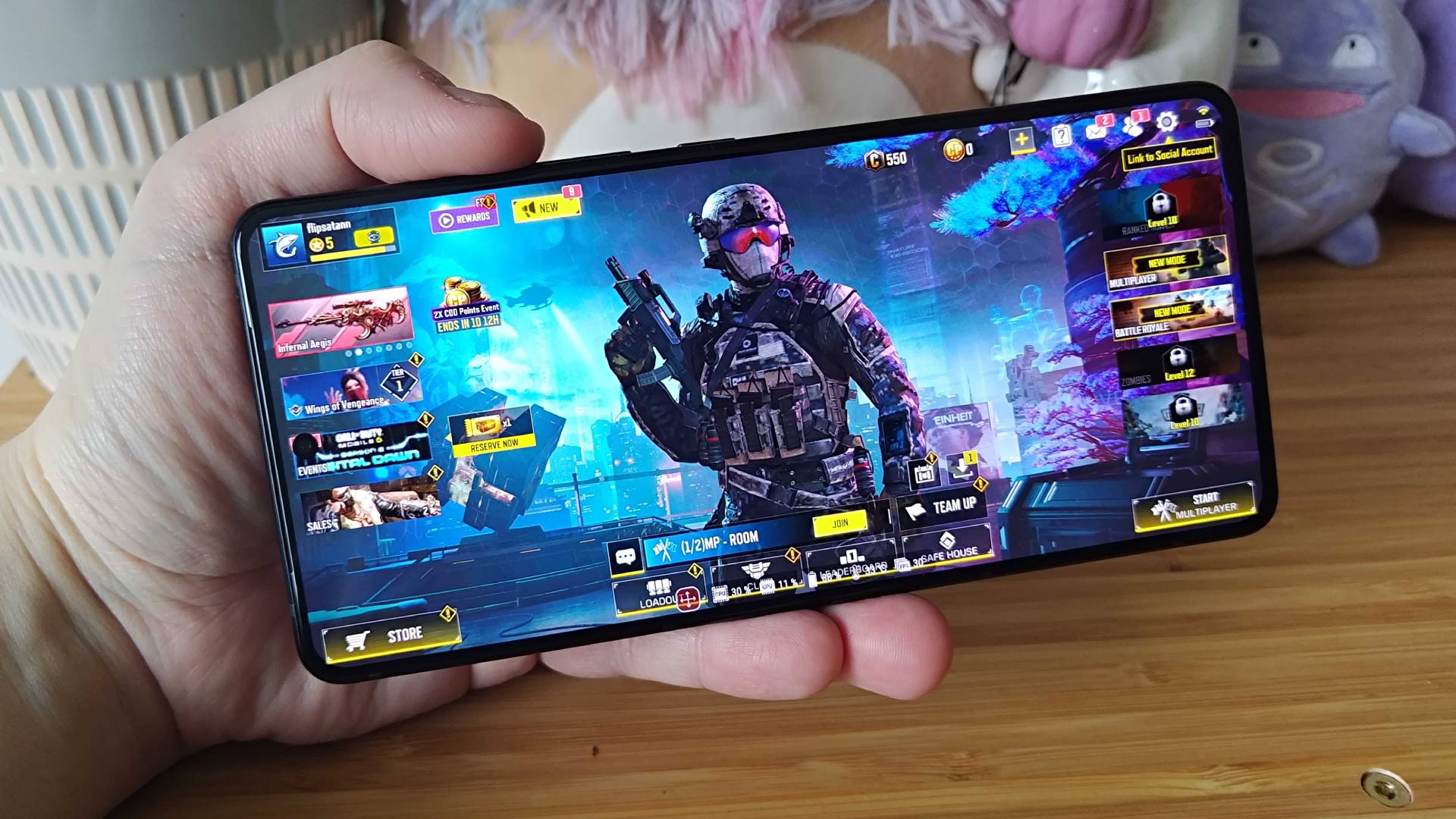
Absolutely it can be used for gaming but with varying degrees of success depending on the game and your expectations. For casual single-player games like many mobile titles or offline PC games that just need an initial download or update a hotspot works perfectly fine. Even many online multiplayer games can be playable. The biggest hurdle for competitive online gaming on a hotspot is often latency or ping. Latency is the delay in milliseconds between your device sending data to the game server and receiving a response. High ping leads to noticeable lag which can be frustrating in fast-paced games like shooters or fighting games where split-second reactions matter. Lower ping generally means a smoother more responsive experience. Hotspots by nature often introduce more latency than wired connections but with good signal and a decent carrier it can be surprisingly solid for many titles.
What Are the Key Performance Factors When Gaming on a Hotspot
Several crucial elements determine your gaming experience when using a hotspot. Understanding these will help you troubleshoot and optimize:
- Cellular Signal Strength: This is paramount. A strong 5G or even 4G LTE signal is essential. One bar of service will likely lead to high ping and frequent disconnects.
- Network Congestion: If many people are using the same cellular tower especially during peak hours speeds can slow down significantly impacting your game.
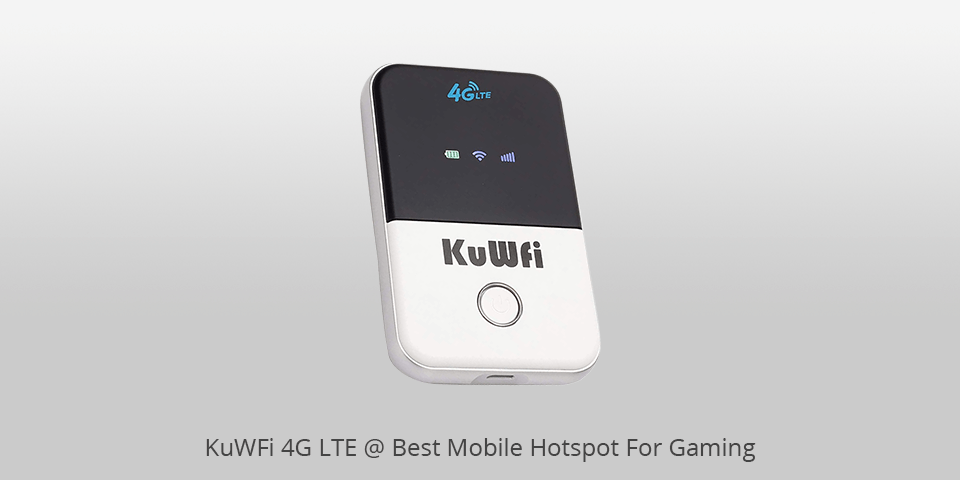
- Hotspot Device Quality: Dedicated hotspot devices often have better antennas and can provide a more stable connection than a smartphone acting as a hotspot.
- Data Plan and Throttling: Many unlimited data plans include a cap on high-speed hotspot data after which speeds are throttled making gaming impossible. Always check your plan's fine print.
- Game Type: As discussed low-latency games suffer more from poor hotspot connections. Turn-based strategy games card games or most single-player online RPGs are far more forgiving.
- Distance to Server: Connecting to game servers further away will naturally increase ping regardless of your internet connection type.
How Much Data Does Gaming Consume on a Hotspot
Data consumption is a major concern when using a hotspot for gaming. It varies wildly depending on the game type and activity:
- Online Multiplayer Games: For games like Call of Duty Fortnite or League of Legends gameplay itself uses surprisingly little data often 50-150 MB per hour. However game updates and patches can be enormous gigabytes of data.
- Streaming Games (e.g. Xbox Cloud Gaming GeForce NOW): These services stream the game video to you and send your controls back. They are huge data hogs consuming 5-15 GB per hour often making them impractical for capped hotspot plans.
- Game Downloads and Updates: This is where your data plan will take the biggest hit. A new AAA title can be 50-150 GB and even minor patches are often several gigabytes. Always try to download these on a wired connection if possible.
- Voice Chat: Using in-game voice chat or Discord adds a small but noticeable amount of data usage roughly 20-50 MB per hour.
Always monitor your data usage through your phone's settings or your dedicated hotspot device's interface to avoid unexpected overages or throttling.
Which Games Are Best Suited for Hotspot Gaming
When you are relying on a mobile hotspot for your internet connection choosing the right games can significantly improve your experience. Focus on games that are less demanding on bandwidth and latency. Here are some categories:
- Turn-Based Strategy Games: Titles like Slay the Spire Civilization VI or Hearthstone have minimal real-time interaction making latency less critical.
- Many Mobile Games: Most mobile-first games are designed with varying network conditions in mind. Think Genshin Impact Clash Royale or Among Us.
- MMORPGs with Less Action-Oriented Combat: While many MMORPGs are heavy on initial downloads playing regularly can be fine if combat is not strictly real-time. Final Fantasy XIV and World of Warcraft often perform decently on hotspots.
- Cozy Games and Simulators: Games like Animal Crossing New Horizons Stardew Valley or simulation games where precise timing is not essential are great candidates for hotspot play.
- Cloud Gaming Services (with Caution): While data-intensive services like Xbox Cloud Gaming or GeForce NOW *can* work a strong 5G connection is a must and data caps will be hit fast. Use these sparingly and monitor data.
How Can I Optimize My Hotspot Connection for Better Gaming
Even with a mobile hotspot you can take steps to improve your gaming experience:
- Placement is Key: Position your hotspot device in an open area away from walls and windows ideally facing the nearest cellular tower. Sometimes moving a few feet makes a huge difference.
- Limit Background Data: Close all unnecessary apps and programs on your gaming device and the hotspot device itself. Disable automatic updates for Windows macOS and other software.
- Prioritize Gaming Traffic: Some dedicated hotspot devices or routers offer QoS Quality of Service settings allowing you to prioritize gaming traffic over other activities like streaming or downloads.
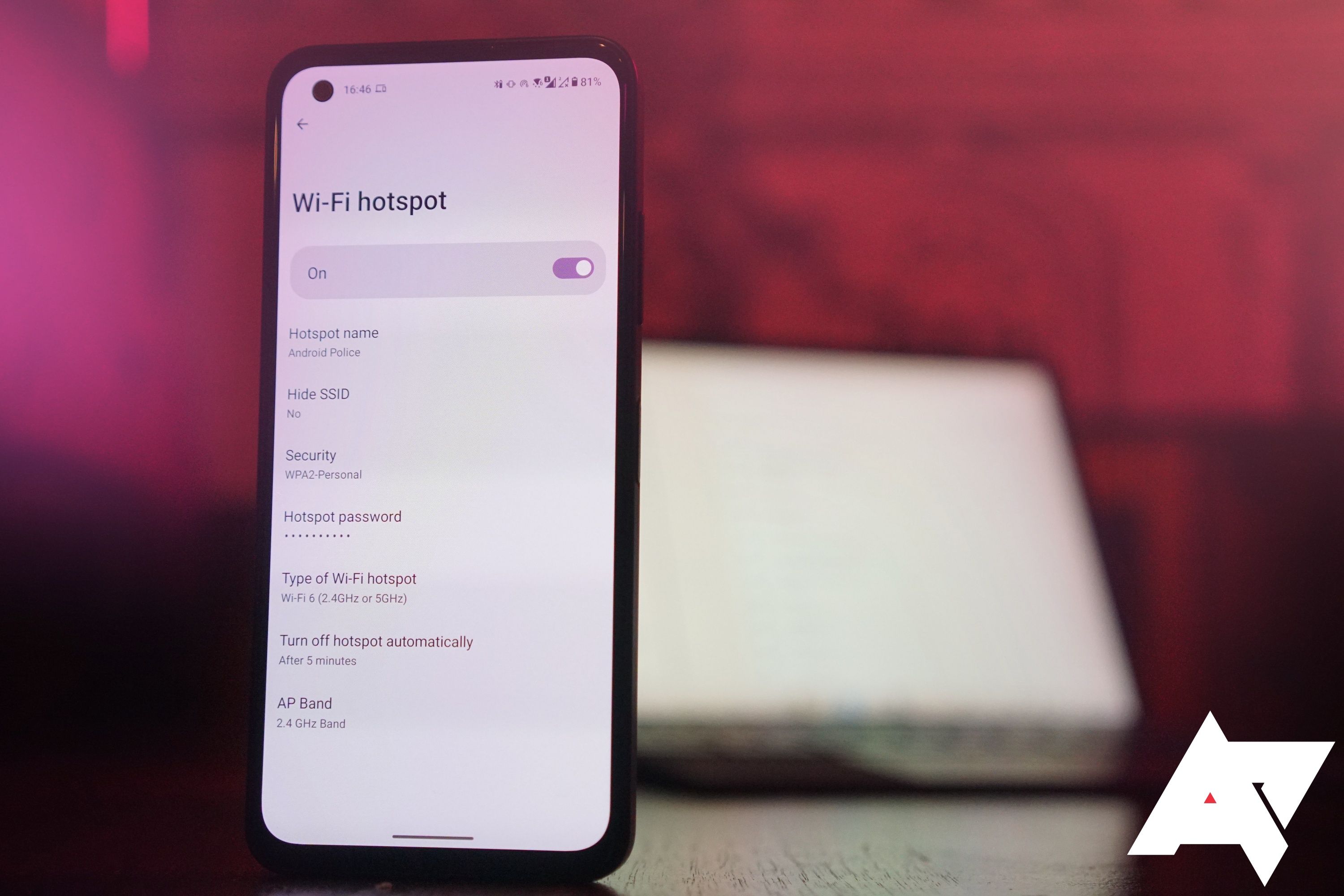
- Use 5GHz Band if Available: If your hotspot supports it and your gaming device can connect to 5GHz WiFi this band offers faster speeds and less interference than 2.4GHz though its range is shorter.
- External Antennas: For dedicated hotspot devices some models allow for external antennas which can significantly boost signal strength in weaker areas.
- Consider a 5G Hotspot: If 5G coverage is strong in your area a 5G capable hotspot can provide much lower latency and higher speeds than a 4G LTE device.
What Are the Downsides and Limitations of Hotspot Gaming
While convenient hotspot gaming comes with its own set of challenges:
- Data Caps and Throttling: The biggest hurdle for consistent gaming. Running out of high-speed data mid-raid is a nightmare.
- Higher Latency Ping: Generally hotspots will have higher ping than wired broadband leading to a less responsive feel in competitive games.
- Battery Drain: Using your smartphone as a hotspot drains its battery rapidly. Dedicated devices have better battery life but still need recharging.
- Network Instability: Cellular networks can be less stable than wired connections leading to more frequent lag spikes or disconnects especially in areas with fluctuating signal.
- Cost: High-data plans for hotspots can be more expensive than home broadband per gigabyte.
- Security Concerns on Public Hotspots: While not a mobile hotspot issue playing on public WiFi hotspots introduces significant security risks. Stick to your own secured mobile hotspot.
Are There Alternatives to Mobile Hotspots for Portable Gaming
If mobile hotspots do not quite cut it or you are looking for other options consider these alternatives:
- Fixed Wireless Internet FWI: In some rural areas FWI providers offer home internet using cellular towers with higher data caps and potentially better stability than a standard mobile hotspot.
- Satellite Internet: While available almost anywhere satellite internet typically has very high latency making it unsuitable for most online gaming.
- Public WiFi: Generally not recommended for gaming due to security risks and often poor speeds/congestion. Only use for non-sensitive tasks or game downloads in a pinch.
- Starlink: For those in underserved areas Starlink offers low-latency satellite internet. It's an investment but can be a game-changer for rural gamers.
Ultimately the best choice depends on your location budget and gaming habits.
Conclusion
So can a hotspot be used for gaming Yes it absolutely can but it is not a one-size-fits-all solution. For the busy adult gamer who wants to unwind with their favorite titles a mobile hotspot offers unparalleled flexibility and freedom. Understanding its limitations particularly regarding data usage and latency is key to managing your expectations and optimizing your experience. By choosing the right games monitoring your data and tweaking your settings you can often find a sweet spot where your mobile hotspot provides a perfectly enjoyable gaming session.
What is your biggest gaming challenge when you are away from home Comment below and let us know your best hotspot gaming tips!
FAQ Section
Is 5G hotspot good for gaming
Yes a 5G hotspot generally offers significantly lower latency and faster speeds than a 4G LTE hotspot making it much better suited for online gaming especially for more demanding titles. However good 5G coverage is essential for optimal performance.
How much data does Fortnite use on a hotspot
Playing Fortnite typically uses between 50MB to 100MB of data per hour for gameplay. However initial game downloads and major updates can consume many gigabytes of data very quickly so factor that into your plan.
Can I use my iPhone as a hotspot for Xbox gaming
Yes you can use your iPhone as a personal hotspot to connect your Xbox console for gaming. Ensure your iPhone has a strong cellular signal and a data plan that supports hotspot usage without severe throttling to avoid lag and disconnects.
What is a good ping for gaming on a hotspot
A good ping for gaming on any connection including a hotspot is generally under 50ms. Below 20ms is excellent. Pings between 50-100ms are often playable for most games but higher than 100ms will likely result in noticeable lag.
Does VPN help with hotspot gaming lag
Sometimes but usually no. A VPN can sometimes reduce latency if your ISP is throttling or routing traffic inefficiently. However often a VPN adds its own latency due to encryption and server hops potentially increasing lag rather than decreasing it for hotspot gaming.
Hotspots can be used for gaming but performance varies widely Key factors include signal strength network congestion and your device type Data usage for gaming can be significant especially for updates or online multiplayer Optimizing settings on both your hotspot and gaming device is crucial for a better experience Choose a plan with ample data or unlimited options if gaming frequently Not all games are suitable for hotspot play low latency games are best Mobile hotspots offer portability and flexibility but often have higher latency than wired connections Understanding your data plan and speed limitations is essential for a frustration-free gaming session
34
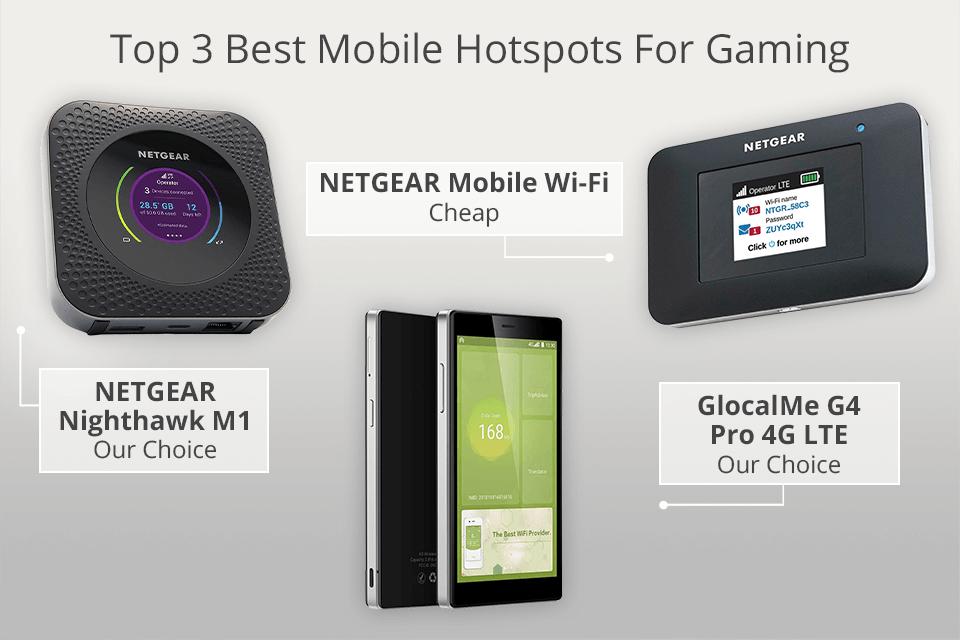
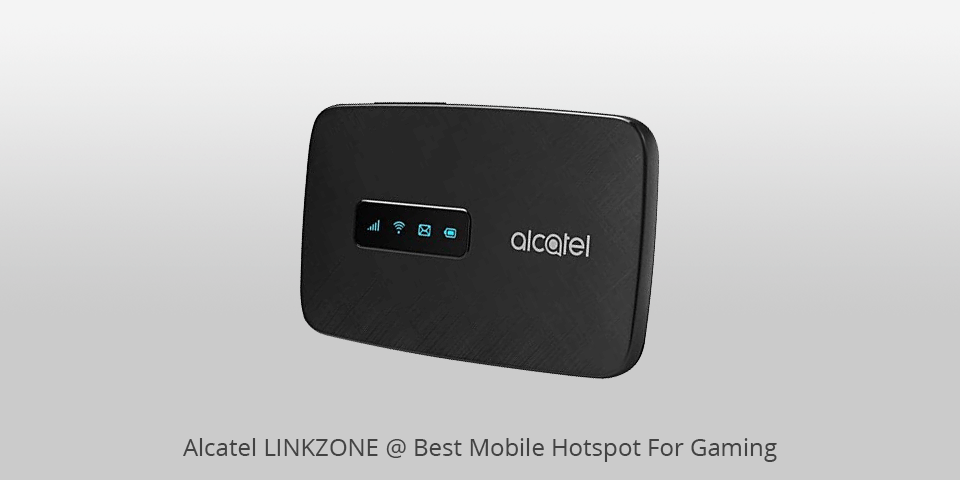


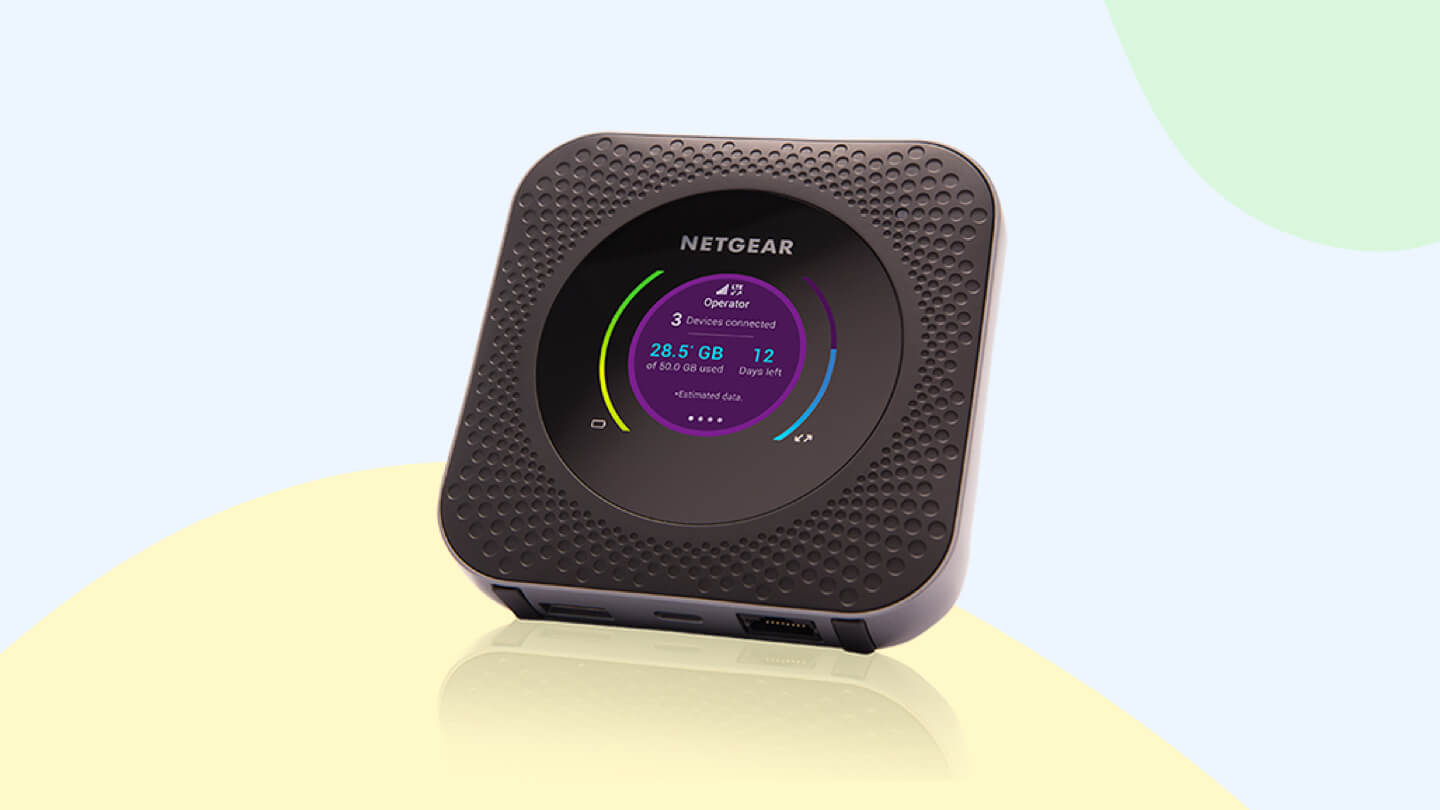
8 Best Mobile Hotspots For Gaming In 2026 News Fb Image 17230 . 8 Best Mobile Hotspots For Gaming In 2026 Best Mobile Hotspots For Gaming Top 3 . 8 Best Mobile Hotspots For Gaming In 2026 Alcatel Linkzone Mobile Hotspots For Gaming . Best Mobile Hotspot For Gaming In 2026 Lo Gaming PC Guru Best Hotspot For Gaming Featured . 8 Best Mobile Hotspots For Gaming In 2026 Netgear Mobile Wi Fi Mobile Hotspots For Gaming

Best Mobile Hotspots For Gaming In Year That Are Beating Home WiFi Best Mobile Hotspots For Gaming . The Ultimate Guide To Choosing The Best Mobile Hotspot For Gaming Untitled Design1428 . How To Create A Wi Fi Hotspot Using Your Phone Deltia S Gaming ROG ALLY 2 9 . Is Verizon Hotspot Good For Gaming Heres What You Need To Know Best Hotspots For Gaming Hero Netgear . Can Steam Deck Function As A Mobile Hotspot For Gaming LevelUpTalk Steam Deck Retroid Setup 02 20 2026 2d760fc5 B758 41f8 964a
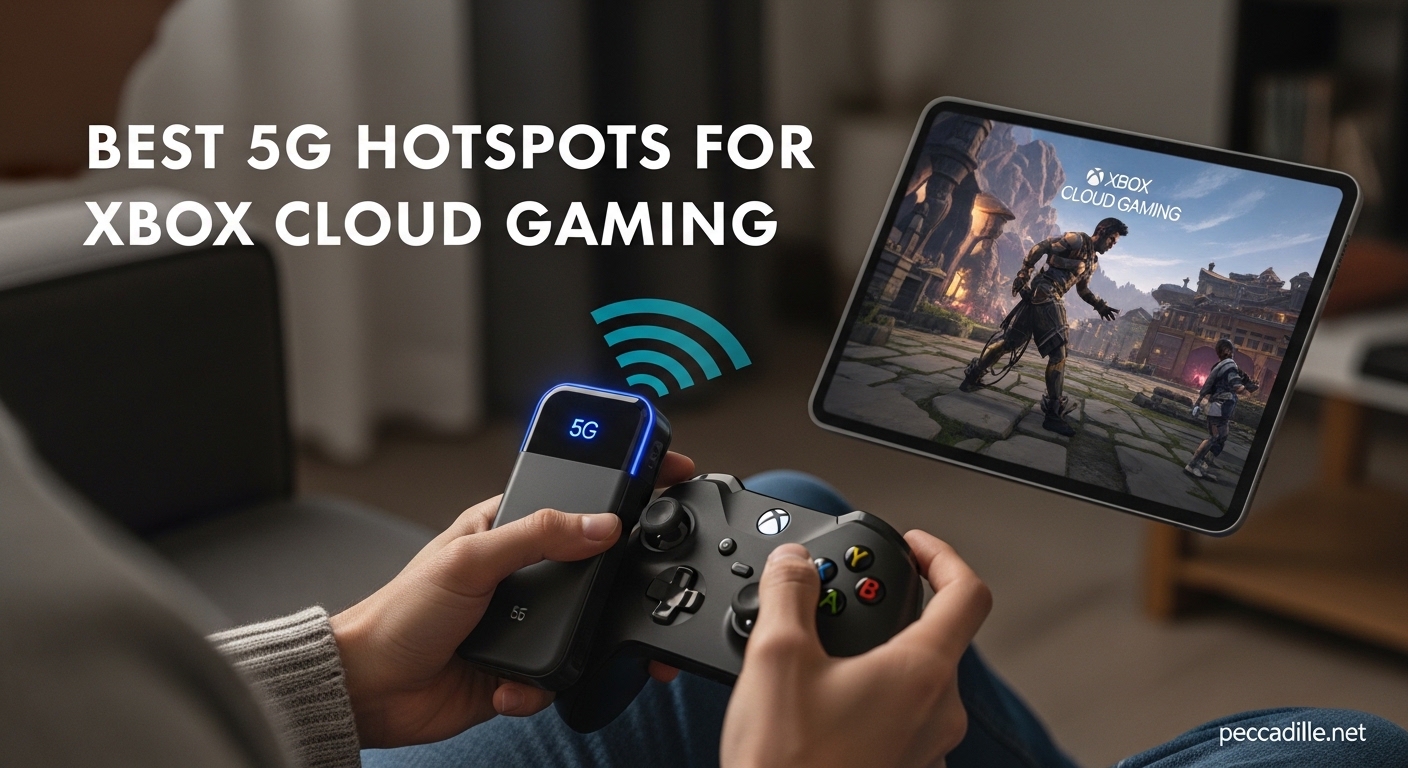


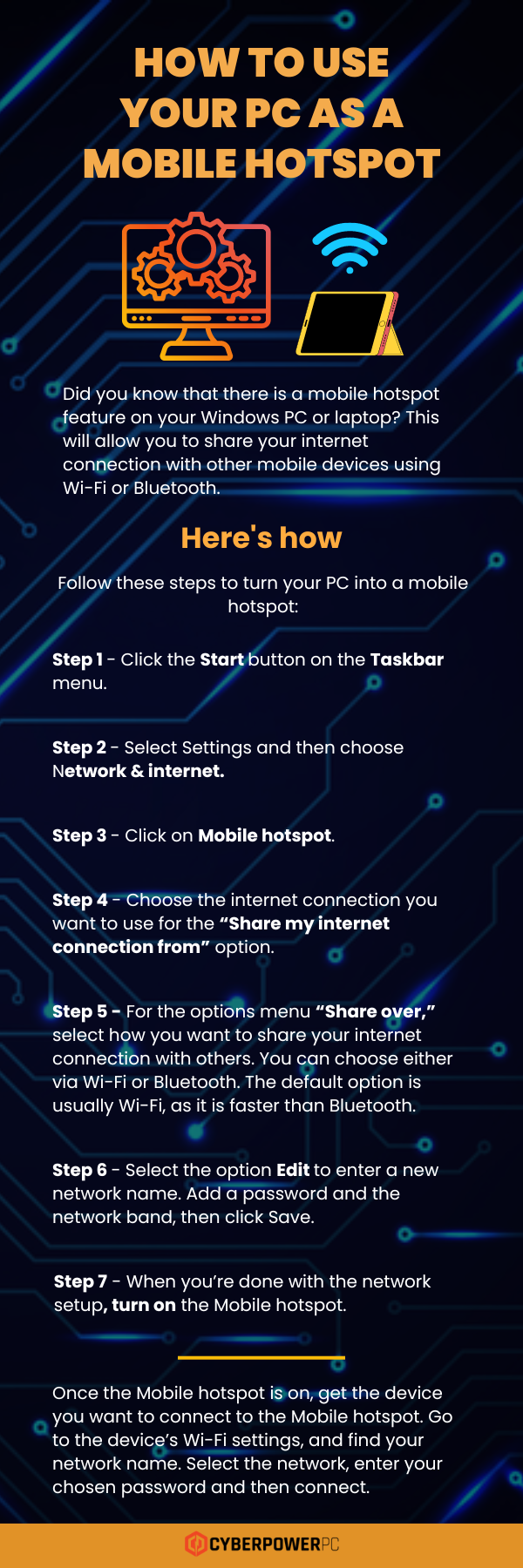
5 Best 5G Hotspots For Xbox Cloud Gaming July 2026 Guide Best 5G Hotspots For Xbox Cloud Gaming . Best Mobile Hotspot For Gaming 2026 Low L Gaming PC Guru 61CD0PFcowL . Best Mobile Hotspot For Gaming 2026 Low L Gaming PC Guru 81cPV47HNyL . How To Use Your Pc As A Mobile Hotspot At Ruth Flaherty Blog How To Use Your PC As A Mobile Hotspot . Best VPN For Gaming In 2026 Paid Free Options Best Gaming Vpn Mobile Hotspot



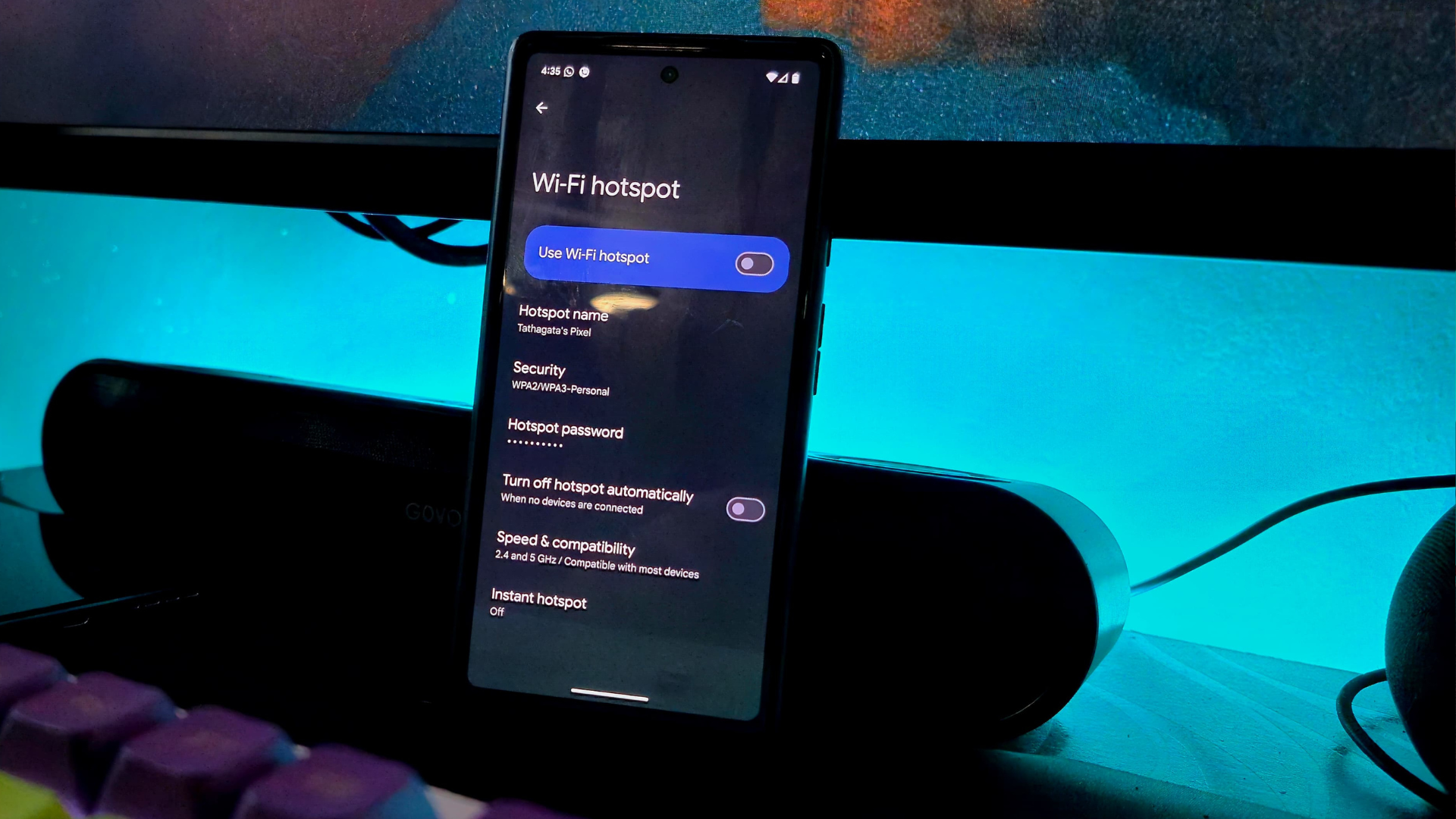
FCC Alters The Wi Fi Router Ban To Include Hotspots Pray It Doesn T Android 13 Hotspot And Tethering Settings Stock Photo 2 Scaled . 8 Best Mobile Hotspots For Gaming In 2026 Netgear Nighthawk M1 Mobile Hotspots For Gaming Table . Best Hotspot Devices That You Can Consider Buying The Times Reviews Photo . Is 150 GB Of Internet Enough For Gaming World Wire Can You Use A Hotspot For Gaming Online . Five Top Upcoming Adventure Games May 2026 Adventure Game Hotspot 36585 Top Five Adventures May 2026


Gaming Accessories Cybernews Com Best Gaming Hotspost . Mint Mobile Vs Metro T Mobile 5G Without T Mobile Prices Wi Fi Hotspot Ap Hero.JPG. 8 Best Mobile Hotspots For Gaming In 2026 Kuwfi 4g Lte Mobile Hotspots For Gaming . How Much Data Does Hotspot Use Ultra Mobile Picture2 1 600x400 . 15 Best Gaming Routers With Qos That Will Elevate Your Play In 2026 A Top Gaming Routers 2026 Sxcgz


Can Mobile Hotspot Be Used For Gaming At Erin Mackenzie Blog Best Mobile Hotspots For Gaming 1 . Can Using A Mobile Hotspot Replace Home Internet Astound Mobile Android Quick3 Hotspot Activate . The Best Mobile Hotspots For 2025 In The UAE And Saudi Arabia The Best Mobile Hotspots For 2024 6rj7.1200 . The Best Nintendo Switch 2 Cases In 2026 GamesRadar . How Can I Use My Phone As A Hotspot A Guide How Can I Use My Phone As A Hotspot

TOP 7 Best Portable WiFi Hotspots 2026 For Travel Gaming Mobile . How Online Gaming Communities Are Shaping Modern Social Life Best Of Ces 2026 2026 01 02 032316 . The Best VPN For Gaming For 2026 Hotspot Shield Review . Can Mobile Hotspot Be Used For Gaming At Erin Mackenzie Blog Best Mobile Hotspots For Gaming 3