Navigating the world of gaming monitors can feel like a boss battle itself. With new tech emerging constantly, knowing what monitor for gaming truly delivers the best experience for your budget and lifestyle is crucial. This comprehensive guide cuts through the marketing hype, providing busy US gamers aged around 36 with practical, no-nonsense advice. Whether you're balancing work and family, looking to unwind with cozy games, or aiming to optimize performance for competitive play, we break down refresh rates, resolutions, panel types, and essential features. Discover how to upgrade smart, avoid common setup pitfalls, and ensure your monitor purchase enhances your valuable gaming time without breaking the bank or requiring a deep dive into obscure specs. Get ready to level up your visual experience effortlessly.
Q: What is the single most crucial factor when picking a gaming monitor for busy adults?
A: For busy adults juggling work and family, the single most crucial factor is finding a monitor that balances performance with value and ease of setup. While high refresh rates and low response times are essential, ensuring compatibility with your existing rig and sufficient ports to avoid frustration is equally vital. Prioritize a 144Hz refresh rate with a 1440p resolution for an excellent all-rounder that provides crisp visuals and smooth gameplay without an exorbitant price tag or needing a beastly graphics card. This allows you to jump into your favorite games after a long day without hassle.
Q: How do I know if my PC can handle a higher resolution or refresh rate monitor?
A: To determine if your PC can handle a new monitor's resolution and refresh rate, check your graphics card (GPU) specifications. Look up your GPU model and its supported resolutions and maximum refresh rates. Use a tool like MSI Afterburner or GeForce Experience to monitor your in-game FPS (frames per second) in your favorite titles. If your GPU consistently pushes frames above your current monitor's refresh rate at your desired resolution, you are ready for an upgrade. For example, a stable 100 FPS at 1440p means a 1440p 144Hz monitor is a great fit, avoiding unnecessary spending on a monitor your PC can't fully utilize.
Q: Is a curved monitor just a gimmick, or does it offer real benefits for gamers?
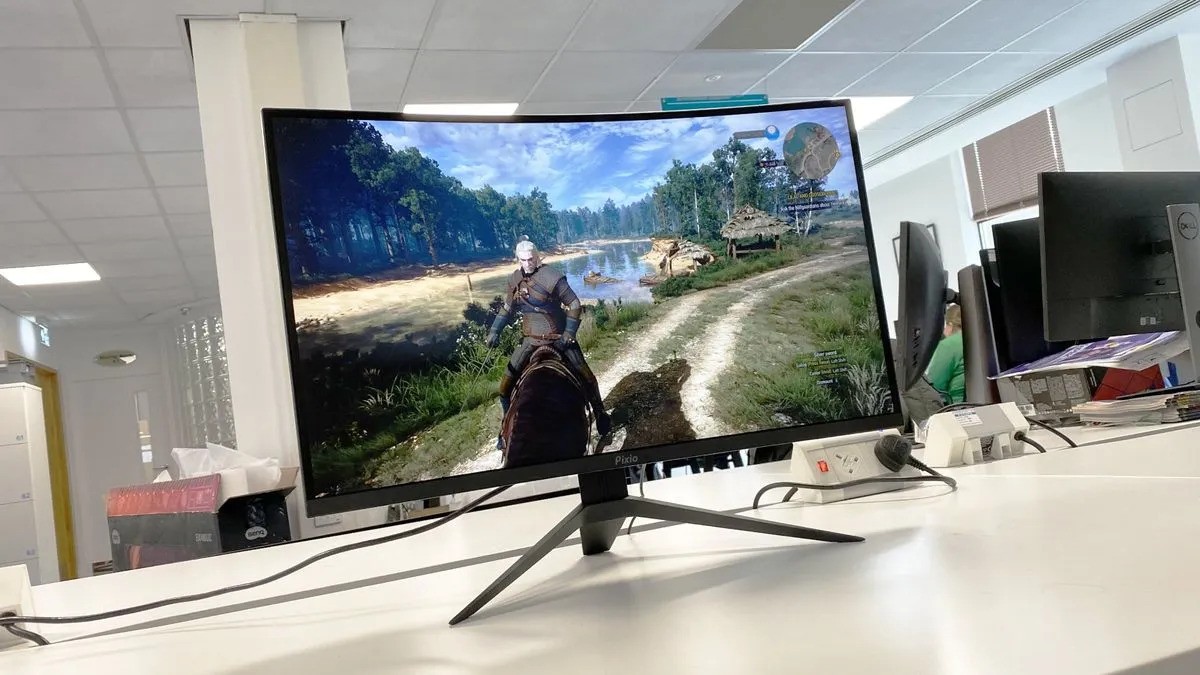
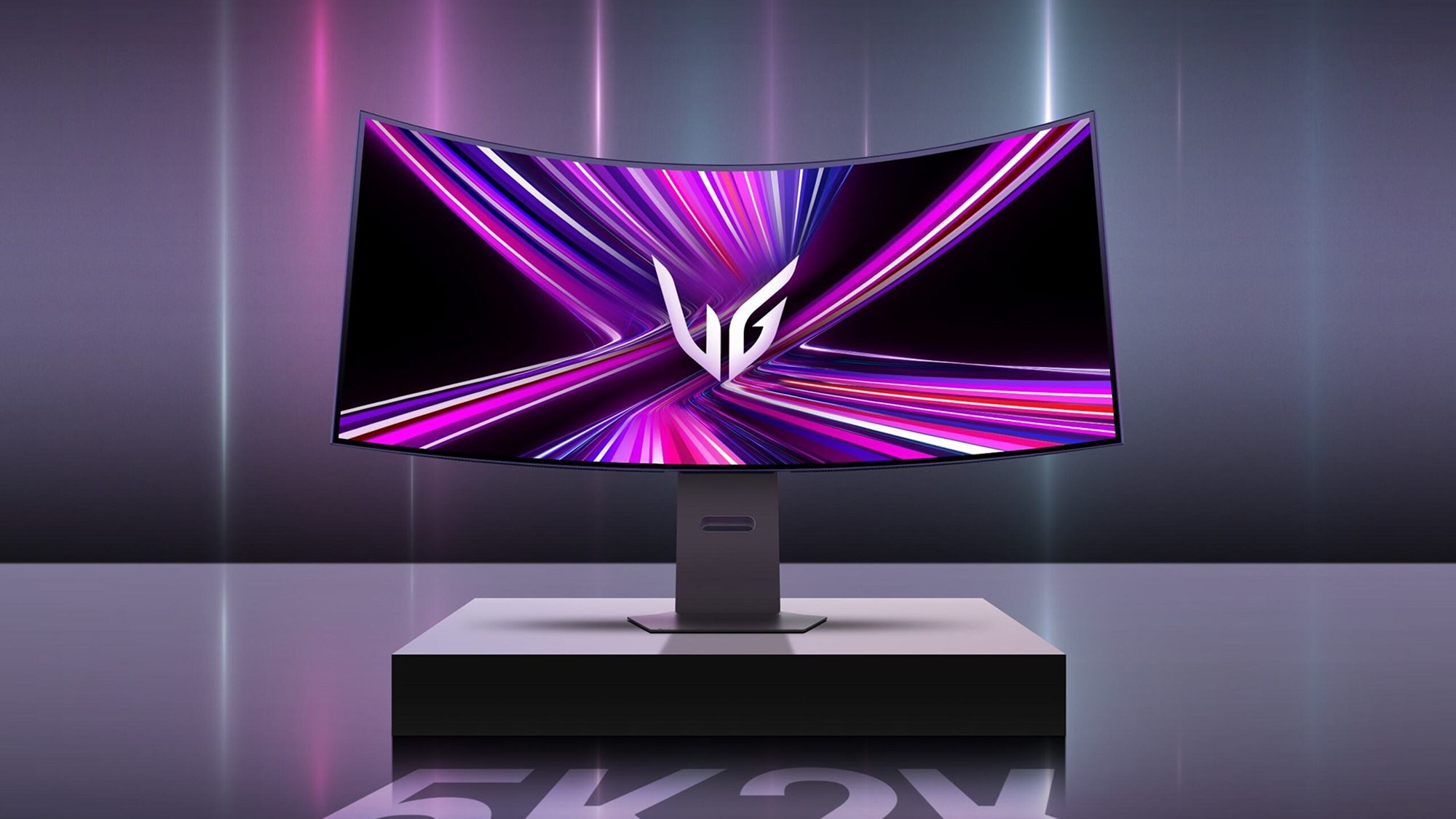
A: Curved monitors offer genuine benefits for gamers, particularly those who prefer immersive single-player experiences or ultrawide aspect ratios. The curvature helps maintain a more consistent viewing distance to all parts of the screen, reducing eye strain and enhancing peripheral vision immersion. For busy gamers seeking a deeper escape into their game worlds, a well-implemented curve can significantly elevate the experience, making the screen feel larger and more encompassing. However, for competitive esports players where perfect geometry is paramount, a flat panel might still be preferred.
Q: What's the deal with HDR in gaming monitors, and is it worth the extra cost?
A: HDR (High Dynamic Range) on gaming monitors enhances contrast, color accuracy, and brightness, making scenes appear more vibrant and lifelike, especially in games designed with HDR in mind. While it can dramatically improve visual fidelity, the quality of HDR varies widely. For HDR to be truly impactful, look for monitors with VESA DisplayHDR 600 certification or higher, as lower tiers may not offer a significant upgrade. For many busy gamers prioritizing budget and core performance, investing in a high refresh rate and resolution might be a more tangible upgrade than entry-level HDR, but for visual connoisseurs, it's a game-changer.
Q: How important is monitor calibration, and can I do it myself easily?
A: Monitor calibration is highly important for achieving accurate colors and optimal contrast, ensuring games look exactly as developers intended. While professional calibration tools offer the best results, you can perform basic calibration yourself using your operating system's built-in tools (like Windows Color Calibration) or your monitor's OSD (On-Screen Display) settings. Focus on adjusting brightness, contrast, and gamma. Even a quick DIY calibration can significantly improve your visual experience, making colors pop and dark scenes clearer, allowing you to get the most out of your "what monitor for gaming" investment without needing specialized equipment.
Q: What monitor for gaming is best if I mainly play casual or story-driven games after work?
A: If you primarily play casual or story-driven games after work to unwind, prioritizing visual immersion and comfort over bleeding-edge competitive specs is key. A 1440p resolution at 75Hz or 100Hz with an IPS panel offers a fantastic balance. IPS panels provide superior color accuracy and wide viewing angles, perfect for enjoying rich game worlds. A slightly curved or ultrawide monitor could further enhance immersion. Focus on a monitor with good ergonomic adjustments to keep you comfortable during longer sessions, ensuring your relaxation time is truly restorative without unnecessary strain.
Q: Should I worry about burn-in with OLED gaming monitors, and are they suitable for everyday use?
A: OLED gaming monitors offer unparalleled black levels, vibrant colors, and instantaneous response times, making them visually stunning. While burn-in was a significant concern with older OLED technology, modern OLED panels for gaming incorporate advanced mitigation features like pixel shift, pixel refresh, and logo detection to drastically reduce the risk. For everyday use, including productivity, they are generally suitable, but static elements like taskbars should be set to auto-hide. For gamers who crave the absolute best visual fidelity and are mindful of mitigation practices, an OLED is a top-tier choice for "what monitor for gaming," delivering an experience unmatched by LCDs.
Hey fellow gamers! Ever feel like picking a new gaming monitor is more complicated than tackling a raid boss with a broken controller? You are not alone. For many of us, gaming is that perfect escape after a long day of work and family duties. We want our limited gaming time to be as immersive and enjoyable as possible, but wading through jargon like refresh rates, response times, and panel types can turn a fun upgrade into a frustrating chore. If you are wondering what monitor for gaming truly fits your lifestyle without breaking the bank or requiring a PhD in display technology, you have come to the right place. We are here to cut through the noise and provide practical advice for real gamers.
The US gaming landscape in 2026 shows that an impressive 87% of adults game regularly, often dedicating 10 or more hours a week to their favorite titles, whether on mobile, PC, or console. For many, gaming is about relaxation, connecting with friends in social games like Palworld or Fortnite, building new skills, or simply unwinding. Performance optimization and value for money are key, especially for those balancing gaming with life's other demands. This guide is crafted specifically for you, focusing on real-world solutions to common pain points—from setup woes to ensuring your hardware upgrade is smart and budget-friendly. Let us make sure your next monitor purchase enhances every precious moment you spend in your digital worlds.
What is the most important spec to look for in a gaming monitor?
When considering what monitor for gaming, the most important specs depend heavily on your primary use case. For competitive gamers who live and breathe titles like Valorant or Apex Legends, a high refresh rate (144Hz+) and a low response time (1ms GTG) are paramount. These features ensure the smoothest visuals and minimal input lag, giving you that crucial edge. However, if you are a busy adult gamer who enjoys immersive single-player adventures or casual co-op games like Stardew Valley or the latest cozy game, resolution and panel type might take precedence for richer visuals and wider viewing angles.
For a balanced approach that suits most gamers in 2026, targeting a 144Hz refresh rate with a 1440p (QHD) resolution is often the sweet spot. This combination delivers a significant upgrade in both smoothness and visual detail over a standard 60Hz 1080p display, without requiring an extremely high-end graphics card to drive it effectively. It provides an excellent blend of performance for occasional competitive play and stunning visuals for story-driven experiences, ensuring your monitor is versatile enough for all your gaming moods.
Which monitor resolution is best for gaming in 2026?
Choosing the best resolution for your gaming monitor in 2026 involves a trade-off between visual fidelity, performance, and budget. Here is a quick breakdown:
- 1080p (Full HD): Still a solid choice for budget-conscious gamers or those with mid-range GPUs. It allows for very high frame rates, which is excellent for competitive gaming. However, on larger screens (27 inches and above), pixels might start to become noticeable.
- 1440p (QHD): This is arguably the sweet spot for most PC gamers today. It offers a significant leap in visual sharpness over 1080p without being as demanding on your hardware as 4K. Many gamers find 1440p provides crisp images and allows for high refresh rates (144Hz to 240Hz) with modern mid-to-high-end GPUs. It is perfect for both competitive and immersive gaming.
- 4K (UHD): Delivers incredible detail and stunning visuals, making games look incredibly realistic. However, 4K gaming requires a very powerful (and often expensive) graphics card to maintain playable frame rates, especially at higher refresh rates. It is best suited for single-player, graphically intensive games where visual immersion is the top priority, or for users with top-tier hardware.
For console gamers, a 4K monitor (or TV) with HDMI 2.1 support is ideal to take full advantage of current-gen consoles like the PS5 and Xbox Series X, which can output 4K at 120Hz.
How do refresh rate and response time impact my gaming experience?
Understanding refresh rate and response time is fundamental to grasping what monitor for gaming provides a fluid and responsive experience.
- Refresh Rate (Hz): This measures how many times per second your monitor can update the image displayed on screen. A higher refresh rate means smoother motion. For example, a 144Hz monitor updates the image 144 times per second, compared to a standard 60Hz monitor's 60 times. This translates to incredibly fluid gameplay, making it easier to track fast-moving targets in esports titles and reducing motion blur in any game. Most gamers should aim for at least 120Hz or 144Hz for a noticeable improvement.
- Response Time (ms): This refers to how quickly a pixel can change from one color to another. A lower response time (e.g., 1ms Gray-to-Gray or GTG) reduces ghosting and motion blur. Ghosting appears as a faint trail behind fast-moving objects, which can be distracting and impact clarity. While 1ms is often marketed as the gold standard for competitive play, 3-5ms GTG is perfectly acceptable for most gamers, especially those who prioritize visual quality over esports-level precision.
Together, a high refresh rate and low response time work in tandem to deliver a sharp, clear, and exceptionally smooth visual experience, allowing you to react faster and enjoy games more without visual artifacts.
What is the difference between IPS, VA, and TN panels, and which is best for gamers?
The panel technology is a core aspect of what monitor for gaming you choose, as each type offers distinct advantages and disadvantages:
- TN (Twisted Nematic) Panels: Traditionally known for the fastest response times (often 1ms GTG) and highest refresh rates, making them a favorite for competitive esports where every millisecond counts. However, TN panels suffer from poor color accuracy, contrast, and very limited viewing angles. Colors can look washed out, and images distort when viewed off-center. They are typically the most budget-friendly option.
- IPS (In-Plane Switching) Panels: Offer superior color accuracy, vibrant colors, and wide viewing angles compared to TN. This makes them excellent for immersive single-player games, content creation, and general media consumption. While historically slower, modern gaming IPS panels now achieve competitive refresh rates (144Hz+) and low response times (1ms GTG), often at a higher price point than TN. This versatility makes them a popular choice for many balanced gamers.
- VA (Vertical Alignment) Panels: Strike a balance between TN and IPS. They excel at contrast ratios, delivering deeper blacks and brighter whites, which enhances cinematic gaming experiences, especially in darker scenes. VA panels generally have better color reproduction and viewing angles than TN, but typically slower response times than IPS, which can sometimes lead to noticeable ghosting, especially at higher refresh rates. Curved monitors often use VA panels due to their inherent flexibility.
Which is best? For competitive gamers, fast IPS or TN (if budget is extremely tight). For immersive, visually stunning experiences, a fast IPS or high-contrast VA. Fast IPS panels are increasingly becoming the best all-rounder for most gamers in 2026.
Do I need adaptive sync (G-Sync or FreeSync) for my gaming monitor?
Yes, absolutely. Adaptive sync technology is one of the most significant advancements for gamers, providing a dramatically smoother and more enjoyable experience. If you are wondering what monitor for gaming will truly elevate your gameplay, one with adaptive sync is essential.
- What it does: Adaptive sync (AMD FreeSync, NVIDIA G-Sync, or VESA Adaptive Sync) synchronizes your monitor's refresh rate with the frame rate output by your graphics card.
- Benefits:
- Eliminates Screen Tearing: Without adaptive sync, your GPU might send new frames while your monitor is still displaying an old one, resulting in a horizontal "tear" across the screen. Adaptive sync removes this.
- Reduces Stuttering: When your frame rate drops below your monitor's refresh rate, adaptive sync dynamically adjusts the refresh rate, preventing noticeable stuttering.
- Minimizes Input Lag: Unlike older V-Sync solutions, adaptive sync achieves smoothness without adding significant input lag, crucial for responsive gameplay.
Most modern gaming monitors and graphics cards support either FreeSync (AMD GPUs, often compatible with NVIDIA GPUs via 'G-Sync Compatible' mode) or G-Sync (NVIDIA GPUs, requiring a dedicated hardware module in the monitor, often more expensive). It is highly recommended to enable this feature for a seamless gaming experience, making fluctuating frame rates almost imperceptible.
What monitor size and aspect ratio are ideal for different types of games?
The ideal monitor size and aspect ratio for what monitor for gaming you choose can significantly influence immersion and practicality:
- Sizes:
- 24-25 inches: Great for competitive esports due to the entire screen being easily visible at a glance. Ideal for 1080p resolution.
- 27 inches: The most popular size for many gamers, especially for 1440p resolution. Offers a good balance of screen real estate and pixel density.
- 32 inches+: Best for immersive single-player games, 4K resolution, or if you sit further back. Can feel too large for competitive play where quick eye movements are needed across the whole screen.
- Aspect Ratios:
- 16:9 (Standard Widescreen): The most common and universally supported aspect ratio. Works perfectly for almost all games and media.
- 21:9 (Ultrawide): Offers a much wider field of view, incredibly immersive for many games (especially RPGs, simulations, racing games) as it fills your peripheral vision. Requires more GPU power and some older games might not support it natively, leading to black bars. Great for multitasking.
- 32:9 (Super Ultrawide): Essentially two 16:9 monitors seamlessly merged. Provides extreme immersion, akin to VR without the headset. Demands serious GPU power and has similar game compatibility challenges to 21:9. Fantastic for productivity if you like having multiple windows open side-by-side.
For most busy adult gamers balancing various titles, a 27-inch 16:9 1440p monitor is a versatile and excellent choice. If you primarily play immersive single-player titles and have the hardware, an ultrawide can be a game-changer.
How can I choose a gaming monitor on a budget?
Choosing what monitor for gaming on a budget means smart compromises, but you can still get a fantastic experience without emptying your wallet:
- Prioritize Refresh Rate and Response Time: These are core to a good gaming experience. Aim for at least 120Hz-144Hz refresh rate and a 1ms-5ms GTG response time. You can often find these specs in 1080p monitors at very reasonable prices.
- Consider 1080p Resolution: While 1440p is ideal, 1080p still delivers excellent performance and allows your GPU to hit higher frame rates more easily. A 24-inch to 25-inch 1080p monitor with a high refresh rate is a budget champion.
- Look for Sales: Monitor prices frequently drop during major sales events (Black Friday, Prime Day, seasonal sales). Set price alerts for models you are interested in.
- Refurbished Options: Reputable retailers often sell certified refurbished monitors at a significant discount. These usually come with a warranty.
- Panel Type Compromise: While IPS is great, a fast VA panel can offer good contrast for immersive games at a lower price point, and even some TN panels are acceptable if competitive speed is your only focus.
- Skip Premium Features: Features like high-tier HDR, advanced ergonomic stands, or USB hubs often drive up the cost. If your budget is tight, focus on the display's core performance.
Remember, a great gaming monitor doesn't have to be the most expensive one. It just needs to meet your core gaming needs effectively.
Are ultrawide or curved monitors worth it for gaming?
Ultrawide and curved monitors offer unique advantages that can be incredibly worthwhile for specific types of gamers and use cases, making them a strong contender when deciding what monitor for gaming best suits you.
- Ultrawide Monitors: The 21:9 or 32:9 aspect ratio extends your peripheral vision, pulling you deeper into game worlds. This is particularly transformative for:
- RPGs and Open-World Games: Enjoy breathtaking vistas and a wider perspective.
- Racing and Flight Sims: Experience a more realistic cockpit view.
- Strategy Games: See more of the battlefield at once.
- Curved Monitors: Designed to wrap around your field of view, providing a more immersive experience by maintaining a consistent viewing distance to all parts of the screen. This can reduce eye strain and make the screen feel larger. Curved displays are often paired with VA panels and are common in ultrawide formats. While the curve is not strictly necessary for competitive gaming, it significantly enhances immersion for single-player and cinematic titles.
For gamers seeking maximum immersion and a unique visual experience, especially those with powerful GPUs, ultrawide and curved monitors are definitely worth considering.
When should I consider a High Dynamic Range (HDR) monitor?
High Dynamic Range (HDR) technology is designed to deliver a wider range of colors, deeper blacks, and brighter whites than standard displays, resulting in a more vibrant and lifelike image. When deciding what monitor for gaming should include HDR, consider these points:
- Impactful Visual Upgrade: When implemented well, HDR dramatically enhances visual fidelity, making game worlds pop with increased realism and depth. Explosions are brighter, shadows are darker, and colors are richer.
- Requires Good Implementation: Not all HDR is created equal. Look for monitors with VESA DisplayHDR certification, ideally DisplayHDR 600 or higher. Lower tiers (like DisplayHDR 400) offer minimal improvement over SDR and might not be worth the premium. True HDR typically requires local dimming zones, which increase complexity and cost.
- Content Support: For HDR to work, the game itself must support it. Many modern AAA titles now include HDR support, but older games or some indie titles might not. Your operating system (Windows 10/11) also needs to be configured correctly for HDR.
- Hardware Demands: Running games in HDR can be more demanding on your GPU. Ensure your graphics card can handle both your desired resolution and HDR simultaneously at acceptable frame rates.
If you value top-tier visual immersion and have the budget for a monitor with genuine HDR capabilities (DisplayHDR 600+), it is a fantastic upgrade, especially for graphically rich single-player games. For competitive players, the performance impact might outweigh the visual benefits.
What monitor for gaming setup should I consider for console gaming?
For console gamers (PS5, Xbox Series X/S), selecting the right monitor for your gaming setup is critical to unlock the full potential of your system. Here is what to prioritize when choosing what monitor for gaming with a console in 2026:
- HDMI 2.1 Connectivity: This is arguably the most important feature. HDMI 2.1 is essential for outputting 4K resolution at 120Hz, which both the PS5 and Xbox Series X are capable of. It also supports Variable Refresh Rate (VRR), the console equivalent of adaptive sync, for tear-free gameplay. Without HDMI 2.1, you will be limited to 4K 60Hz or 1080p/1440p 120Hz.
- 4K Resolution: Both current-gen consoles target 4K as their primary resolution. A native 4K display will showcase games in their crispest form.
- High Refresh Rate (120Hz+): To experience games at higher frame rates (e.g., Call of Duty, Halo Infinite), a monitor capable of 120Hz or higher is necessary.
- Low Input Lag and Response Time: Just like PC gaming, lower input lag and a fast response time are crucial for responsive control.
- HDR Support: Many console games feature excellent HDR implementations. Look for a monitor with good HDR capabilities (DisplayHDR 600+ recommended) to truly appreciate the visual depth.
While a large 4K TV might be tempting, a dedicated gaming monitor often offers lower input lag and faster response times, providing a more competitive edge and snappier feel, especially for twitch-response games.
How do I calibrate my new gaming monitor for the best picture?
Getting the best picture out of your new gaming monitor for what monitor for gaming means a little calibration. You do not need expensive professional tools for a good starting point:
- Reset to Factory Defaults: Start fresh by resetting your monitor's settings via its On-Screen Display (OSD) menu.
- Adjust Brightness: Set this to a comfortable level for your environment. You should be able to distinguish subtle differences between light and dark shades without eye strain.
- Adjust Contrast: This controls the difference between the brightest whites and darkest blacks. Increase it until white details just start to merge, then back off slightly.
- Set Gamma: Gamma affects the overall brightness and contrast of mid-tones. Most games look good at a gamma setting of 2.2. Experiment slightly to find what looks best.
- Color Temperature: Often found as "Warm," "Cool," or Kelvin (e.g., 6500K). 6500K is considered standard and generally provides the most accurate colors.
- Use Built-in OS Tools: Windows has a 'Color Calibration' tool (search for it in the Start menu). This guides you through basic adjustments for gamma, brightness, contrast, and color balance.
- Check with Test Patterns: Websites like Lagom LCD Monitor Test Pages or Eizo Monitor Test provide various patterns to help fine-tune your settings, especially for distinguishing shades and checking for dead pixels.
Small adjustments can make a big difference, enhancing the visual fidelity and ensuring your games look their absolute best, whether you are exploring new worlds or competing online.
The journey to find the perfect gaming monitor might seem daunting, but armed with the right knowledge, it is an exciting upgrade that can dramatically enhance your gaming sessions. Whether you are balancing family life with late-night raids, unwinding with an indie gem, or climbing the competitive ranks, there is an ideal display out there for you. Prioritizing what truly matters for your playstyle and budget will lead you to a monitor that feels like a natural extension of your gaming prowess.
What is your biggest gaming challenge with your current setup? Comment below and let us help you find a solution!
FAQ Section
Is a 1ms response time necessary for gaming?
While 1ms GTG (Gray-to-Gray) is often marketed as essential for competitive gaming, it is not strictly necessary for most gamers. For casual and immersive gaming, a 3-5ms GTG response time is perfectly adequate and usually imperceptible. Only professional esports players or those extremely sensitive to motion blur will likely notice the difference, so do not let it be your sole deciding factor.
Can I use a TV as a gaming monitor?
Yes, you absolutely can use a TV as a gaming monitor, especially for console gaming. Modern OLED and QLED TVs offer stunning visuals, large screen sizes, and increasingly include gaming-specific features like HDMI 2.1, 120Hz refresh rates, and VRR. However, dedicated monitors typically offer lower input lag, faster response times, and higher pixel density for desktop use, which can be advantageous for PC gaming.
What's a good refresh rate for casual gaming?
For casual gaming, a refresh rate of 75Hz to 100Hz is a significant upgrade over the standard 60Hz and offers noticeably smoother gameplay without being overly expensive. While 144Hz is ideal for a more premium feel, 75Hz or 100Hz provides a great balance for unwinding with story-driven games, cozy titles, or social multiplayer experiences without requiring a top-tier GPU.
Should I prioritize resolution or refresh rate for my next monitor?
When deciding between resolution and refresh rate, prioritize based on your primary game genres. For fast-paced competitive games, refresh rate (144Hz+) is king for fluid motion and quick reactions. For visually rich, slower-paced single-player titles, resolution (1440p or 4K) will deliver stunning detail and immersion. A 1440p 144Hz monitor is an excellent balance for most gamers.
How often should I upgrade my gaming monitor?
You should consider upgrading your gaming monitor every 3-5 years, or when a new technology significantly enhances your experience (e.g., jumping from 60Hz to 144Hz, or from 1080p to 1440p/4K). If your current monitor still meets your needs and hardware capabilities, there is no need to rush. Upgrade when you feel a clear benefit is available for your budget.
What cables do I need for my gaming monitor?
For PC gaming, DisplayPort is generally preferred as it supports higher refresh rates and resolutions over longer distances. For console gaming, HDMI 2.1 is crucial for 4K 120Hz and VRR on current-gen consoles. Always ensure you use high-quality, certified cables that match your monitor's and graphics card's capabilities to avoid display issues.
Choosing the right gaming monitor involves balancing resolution, refresh rate, and panel type with your budget and playstyle. Understanding key specs like response time and adaptive sync is crucial for smooth gameplay. Optimal monitor selection enhances both casual enjoyment and competitive performance for busy gamers. Prioritize features that align with your primary game genres and hardware capabilities for the best value and experience.
35
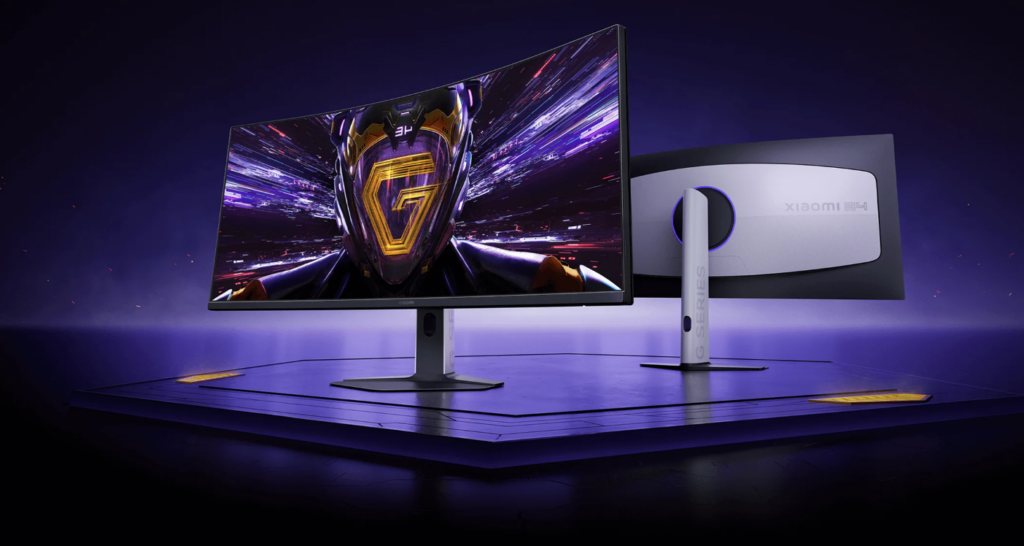
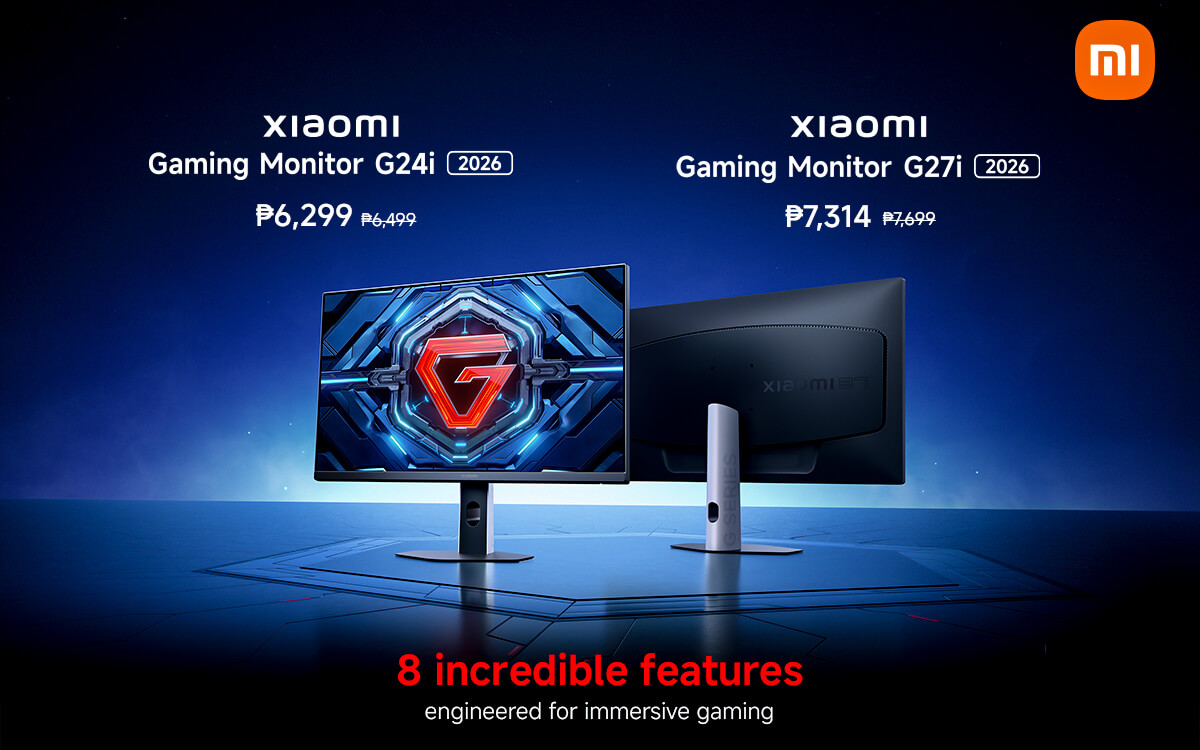
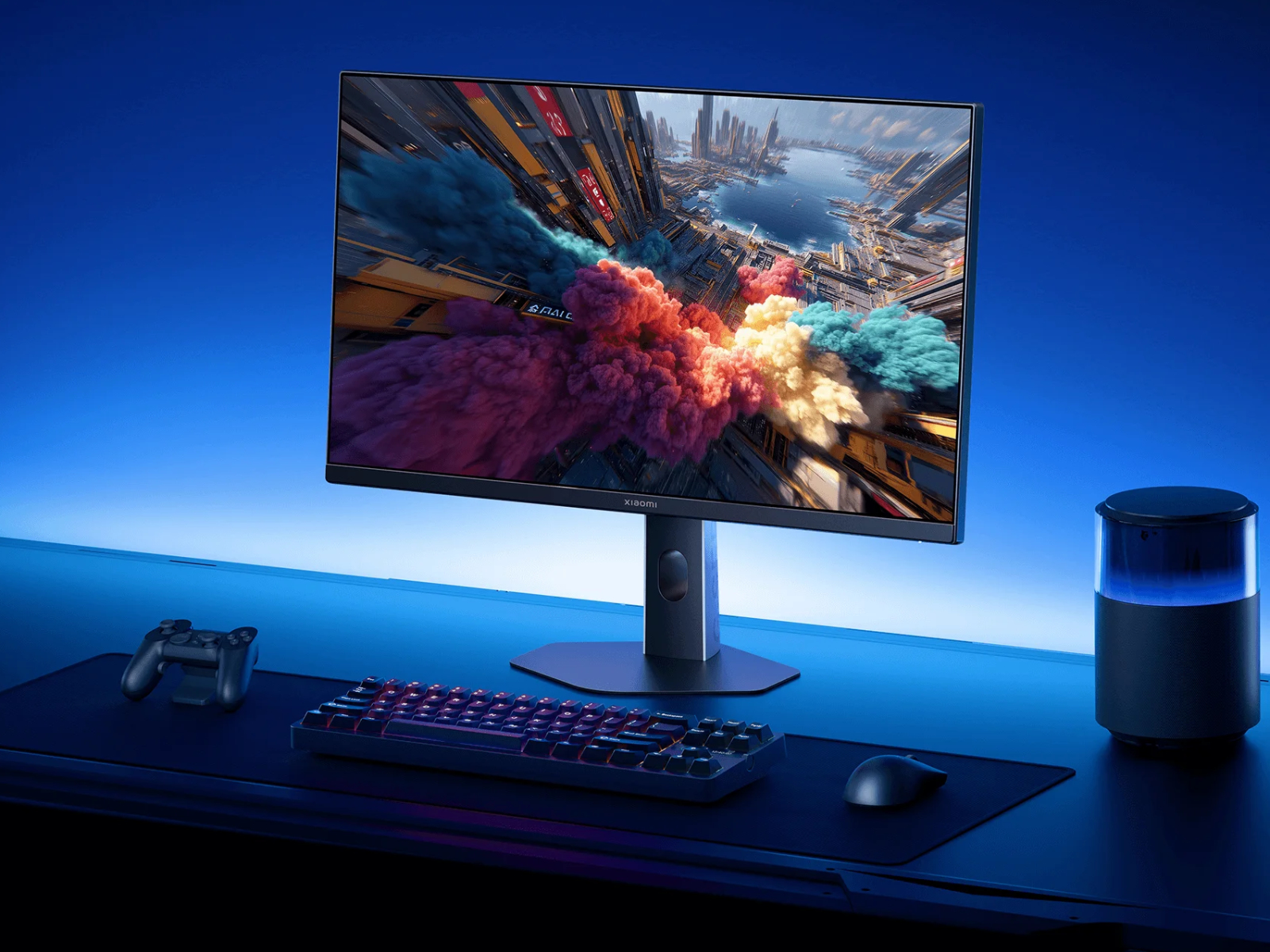
Xiaomi G24i 2026 G27i 2026 Gaming Monitors Launched Globally Xiaomi Xiaomi Gaming Monitor G24i 2026 G27i 2026 Q2XM0.webp. Asus Launches New ROG Wi Fi 7 Gaming Router That Comes With Nine 2 5G . Xiaomi G34WQi 2026 Curved Gaming Monitor Unveiled Globally With 180Hz Screenshot 2025 11 19 093304 1024x546 . Xiaomi Launches G24i 2026 And G27i 2026 Gaming Monitors In The Xiaomi Launches G24i 2026 And G27i 2026 Gaming Monitors In The Philippines . Xiaomi Reveals Global Launches Planned For New G24i 2026 And G27i 2026 Xiaomi 24 And 27 Inch 2026 Launches Kv


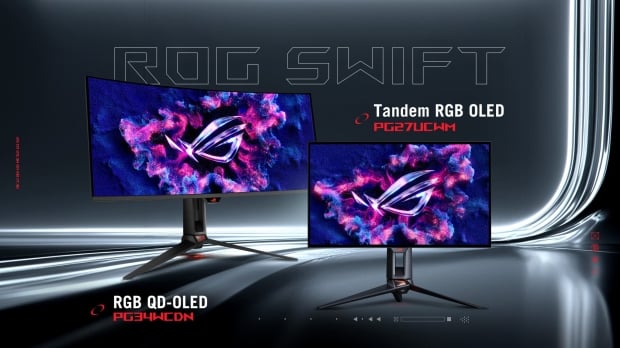


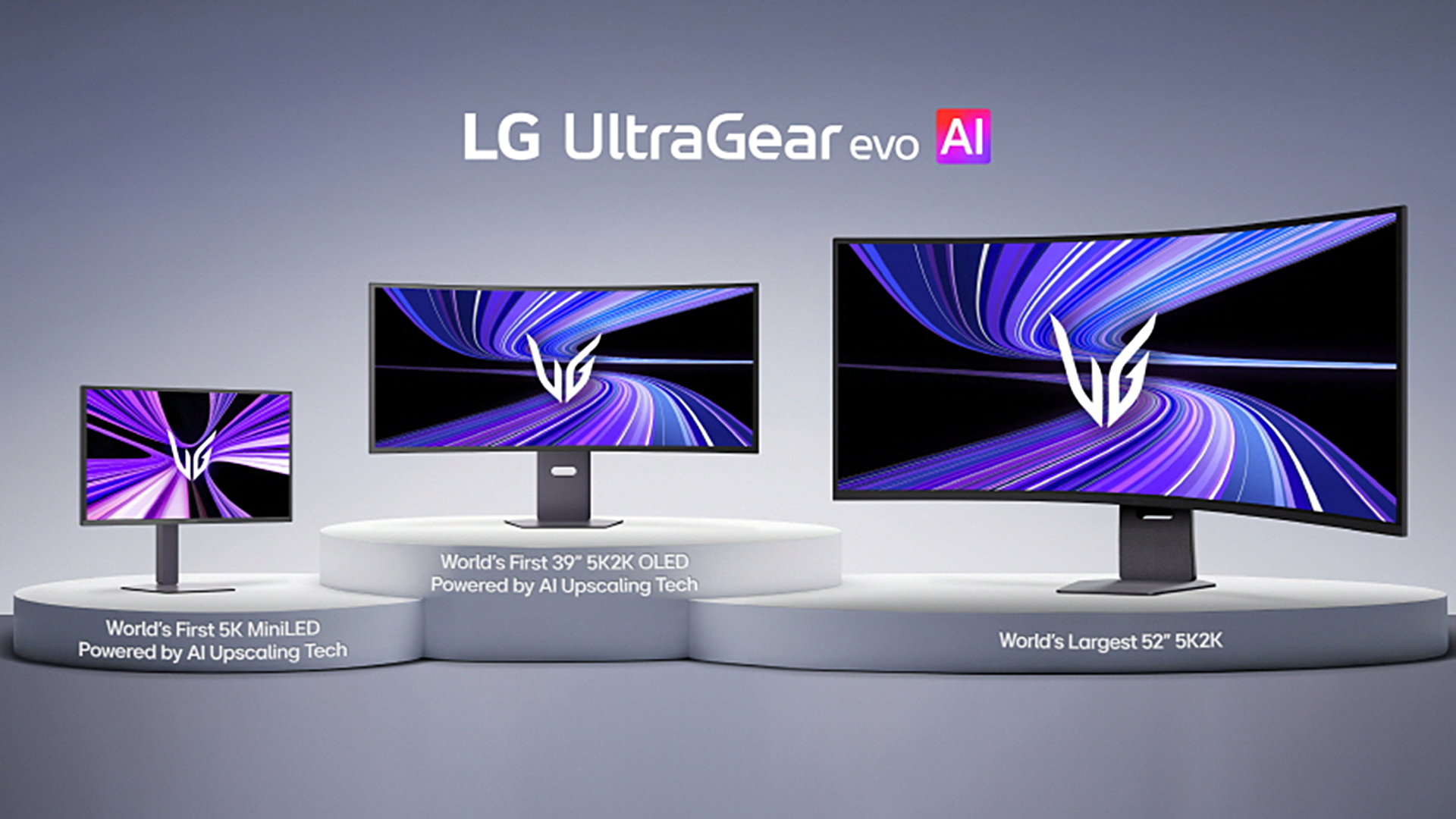
Xiaomi G24i 2026 G27i 2026 Gaming Monitors Launched Globally Xiaomi Xiaomi Gaming Monitor G24i 2026 G27i 2026 R65T2 Scaled.webp. Samsung Launches World S First 6K 1040Hz Gaming Monitors 2026 Sammy Odyssey 2026 Gaming Monitors . ASUS Snags World S First At CES 2026 With New Tandem RGB OLED Gaming 109577 465465 Asus Unveils Two Tandem Rgb Oled Monitors At Ces 2026 . Xiaomi Gaming Monitor G24i 2026 Dan G27i 2026 Diluncurkan Hadirkan Cuplikan Layar 2025 08 21 111907 . LG UltraGear Evo Gaming Monitor Lineup Announced Ahead Of CES 2026 27

Xiaomi Presents The Gaming Monitor G27Qi 2026 With HDR400. Semua Spesifikasi Dan Fitur Dari Xiaomi Gaming Monitor G27i 2026 . Best Gaming Monitor 2026 Top Picks For 1080p 1440p And 4K Best Gaming Monitor 2026 . Chinese ESports Firm Worked With AMD On 1 000 Hz Gaming Monitor Primed . Best Gaming Monitors For PC 2026 Guide


Best Gaming Monitor 2026 Picks For 1080p 1440p And 4K Switchblade Best Gaming Monitor 2026.webp. LG Launches Bendable 5K2K Gaming Monitor TechStory LG UltraGear GX9 CES 2025 1 2000x1125 . BEST 1440P GAMING MONITORS IN 2025 2026 PC Explorers Best 1440p Gaming Monitors For Gaming In 2025 2026 . Best Gaming Monitors For 2026 Reviews And Bharat Erberbr . Gaming Monitor Guide 2026 Everything You Need To Know London Daily News Gaming Monitor Guide 2026 Everything You Need To Know11



Best OLED Monitor For Gaming 2026 OLED Vs Gaming PC Guru Best Gaming Monitor For Ps5 800x500 . Best Gaming Monitors 2026 Best Pulsar Gaming Monitors . The Best OLED Gaming Monitors To Buy In 2026 TFTCentral Best Oled Gaming Monitors Thumbnail 2026 . ASUS PG248QP Review 2026 Best ESports Gaming Monitor Best Gaming Monitors . Authorized Gaming Monitors Price In Nepal 2026 Best Price For Monitors 1536x864


ASUS XG27UCDMG Review 2026 Best Value 27 OLED Monitor Best HDR Monitors 1024x576 . Top Responsive Gaming Monitors Of 2026 Most Responsive Gaming Monitors Under Rs.30000 In 2026 . 15 Best OLED Gaming Monitors For 2026 RottenPanda Top Oled Gaming Monitors D4k6q . 10 Best Gaming Monitors For Competitive Play In 2026 Alienware AW2524HF High Refresh Gaming Monitor 2 . Lenovo S CES 2026 Concept Laptops A Rollable OLED Gaming Beast And A Lenovo CES 2026 Rollable Laptop Concepts 20260107 103129
Xiaomi Introduces G27Qi 2K Gaming Monitor For 2026 52967 Xiaomi Monitor Gaming G27qi 2026 . BEST Gaming Monitor In 2026 Here S What You SHOULD Buy At Every . 12 Best OLED Gaming Monitors For 2026 Reviews Mill Top Oled Gaming Monitors Qh52w . Best Curved Gaming Monitor 2026 Displays I D Grab For Immersive PC . Monitor Gaming Redmi G34WQ 2026 Diluncurkan Dengan Layar Lengkung WQHD 29 Monitor Gaming Redmi G34WQ 2026