Navigating the world of entry level gaming PCs can feel overwhelming, especially for busy adult gamers who balance work, family, and life. This comprehensive guide cuts through the noise, offering practical, up-to-date advice on finding an affordable yet capable entry level gaming PC in 2026. Discover how to identify essential components, avoid common pitfalls, and optimize your setup for popular titles and social gaming trends without breaking the bank. We address crucial considerations like balancing performance with budget, managing setup complexities, and selecting games that fit your limited free time. Learn about current market trends, smart upgrade paths, and how to ensure your investment provides maximum fun and relaxation. This resource is designed for the modern gamer who values smart choices, reliable performance, and a fulfilling gaming experience without the hype, ensuring you stay current and competitive while making the most of every gaming session. It's time to elevate your gaming without sacrificing your real-world responsibilities, with insights tailored for the adult gamer demographic.
Q: How much should I spend on an entry level gaming PC in 2026?
A: In 2026, a realistic budget for a capable entry level gaming PC falls between $600 and $900 USD. This price range allows for components that deliver excellent 1080p performance in most modern games without significant compromise. It's important to remember this generally covers the tower itself, with peripherals like a monitor, keyboard, and mouse being additional costs.
Q: What are the essential components for a good entry level gaming PC?
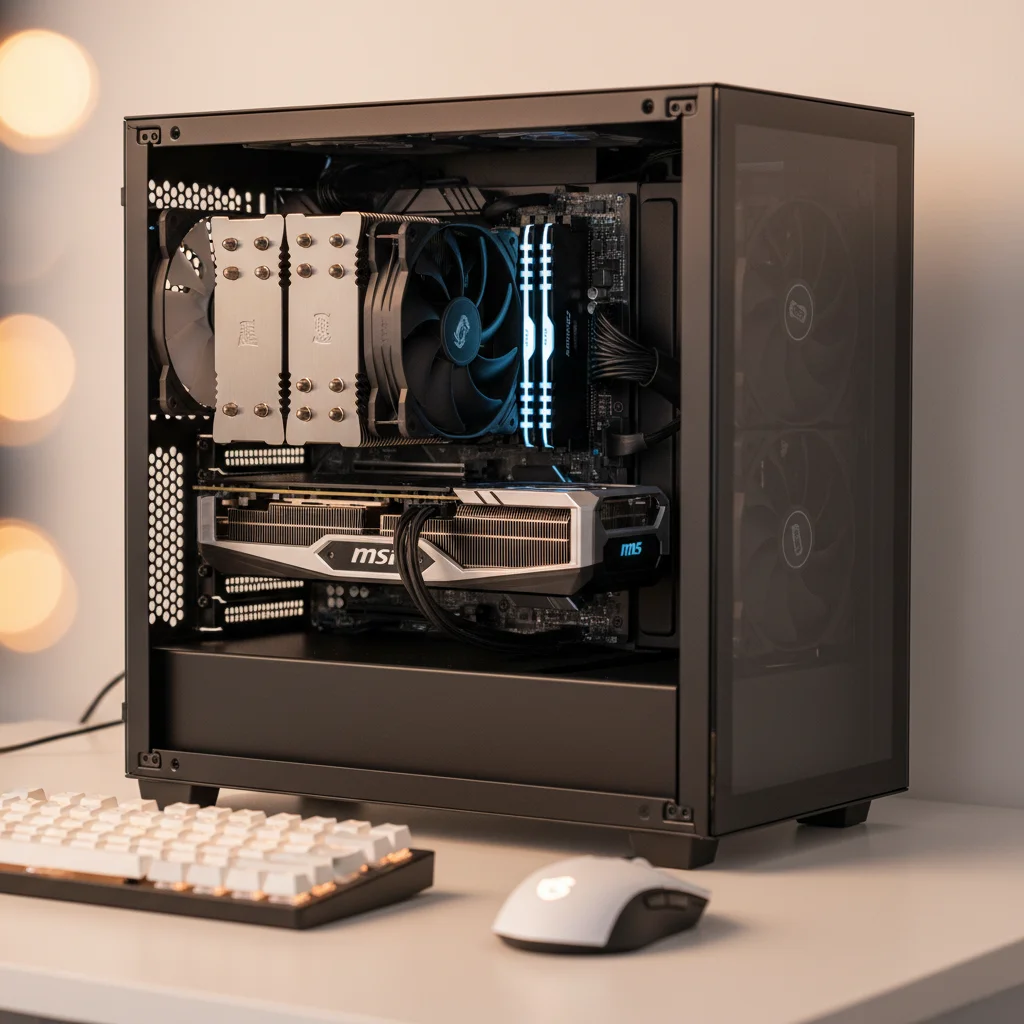
A: The absolute essentials include a modern Intel Core i3 or AMD Ryzen 5 CPU, an NVIDIA GeForce RTX 3050/4060 or AMD Radeon RX 6600/7600 GPU, 16GB of DDR4/DDR5 RAM (3200MHz/5200MHz), and at least a 500GB NVMe SSD for fast storage. A reliable 550W-650W 80 Plus Bronze PSU and a compatible motherboard complete the core.
Q: Is it better to buy a pre-built entry level gaming PC or build one myself?
A: For busy gamers, buying a pre-built entry level gaming PC is often the more convenient and stress-free option, offering warranties and immediate playability, though it might cost a slight premium. Building your own offers better value and customization but demands time for research and assembly. Both are viable in 2026, depending on your time and comfort level.
Q: What games can I realistically play on an entry level gaming PC?
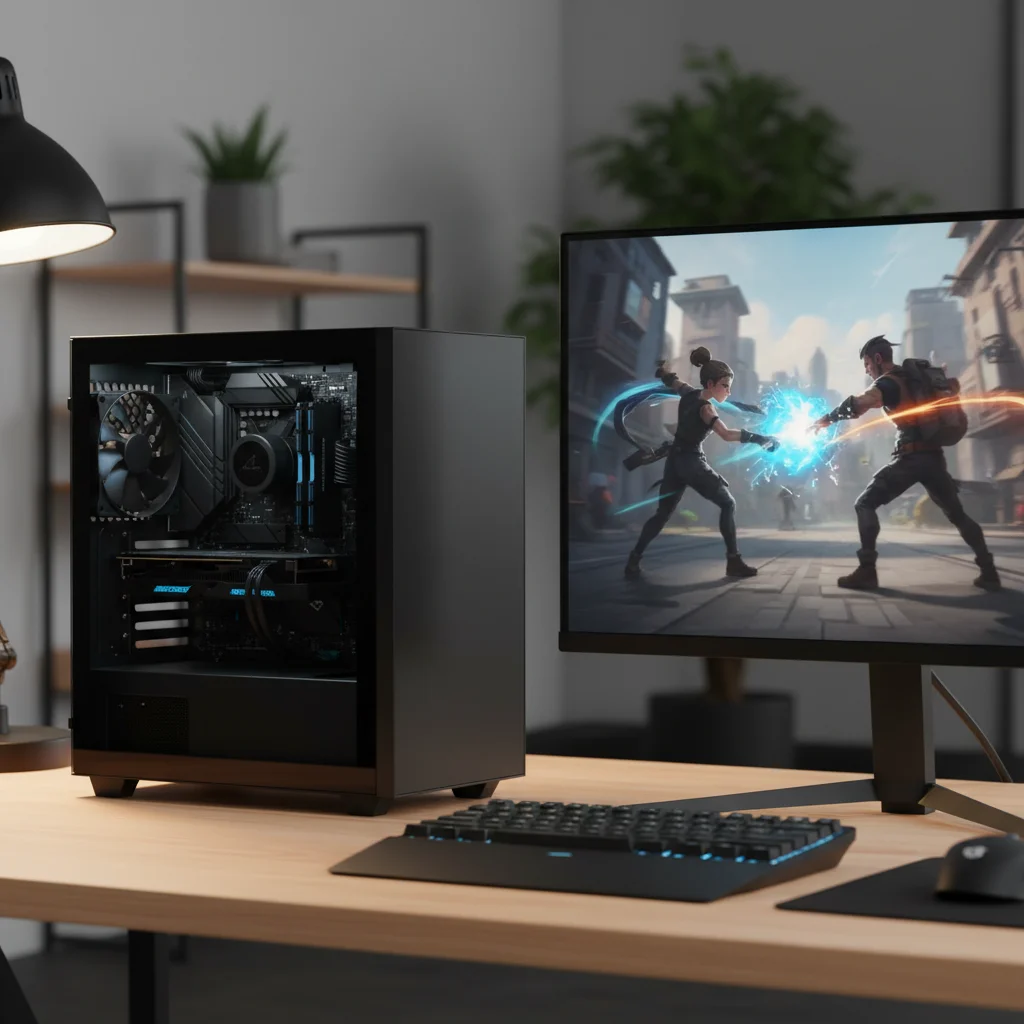
A: You can realistically play most popular modern titles at 1080p resolution with medium-to-high settings, achieving smooth frame rates (30-60+ FPS). This includes esports titles like Valorant and Apex Legends, popular social games, and even demanding AAA single-player games like Cyberpunk 2077 or Alan Wake 2 with optimized settings.
Q: How do I upgrade my entry level gaming PC on a budget?
A: The most impactful budget upgrade is usually the GPU, followed by increasing RAM to 16GB or 32GB, and adding more fast SSD storage. CPU upgrades are less frequent and can be more complex due to potential motherboard changes. Always research component compatibility and look for sales on previous-gen hardware for the best value.
Q: Are entry level gaming PCs good for streaming or content creation?
A: While an entry level gaming PC can handle basic streaming (e.g., via OBS to Twitch) for less demanding games, it's not optimized for heavy content creation or high-quality streaming of intensive titles simultaneously. For dedicated streaming or video editing, you'd typically need a mid-range or higher PC with a more powerful CPU and more RAM.
Q: What common mistakes should I avoid when buying an entry level gaming PC?
A: Avoid skimping on the Power Supply Unit (PSU), creating a severe component bottleneck (e.g., weak GPU with strong CPU), overspending on aesthetics like excessive RGB, or neglecting sufficient fast storage (aim for at least 500GB NVMe SSD). Always ensure drivers are updated and the system has adequate cooling.
Hey fellow gamers! Juggling work, family, and adulting often leaves little room for epic gaming sessions. Many of us, averaging around 36 years old, dedicate ourselves to our careers and loved ones, yet the call of the digital realm remains strong. We crave that relaxation, the thrill of skill-building, and the social connection gaming offers, but the idea of diving into PC gaming can feel daunting. The myth that you need a fortune to get into PC gaming keeps many from experiencing the joy. Maybe you've felt the frustration of an aging console, watched friends on Discord playing the latest titles, or just want a reliable machine for those precious few hours you get to yourself. You want performance, value for money, and to stay current without the relentless hype. That's where the "entry level gaming PC" comes in. It's not about settling for less; it's about smart choices that get you into the game, on your budget, and on your terms. This comprehensive guide will walk you through everything you need to know about getting an entry level gaming PC in 2026, addressing common pain points like setup issues, performance concerns, and how to make the most of your limited gaming time. Let's make sure your next gaming adventure starts on the right foot.
What exactly is an Entry Level Gaming PC in 2026?
An entry level gaming PC in 2026 is a desktop computer specifically configured to play modern video games at acceptable frame rates (typically 30-60 frames per second) at 1080p resolution, often with medium to high graphic settings. It’s designed to provide a solid gaming experience without the premium price tag associated with high-end or enthusiast builds. The focus is on value and efficiency, ensuring you can jump into popular titles, enjoy social gaming with friends, and even dabble in competitive play without significant lag or stutter. Think of it as your reliable daily driver for gaming, rather than a super car built for breaking records.
The definition has evolved significantly. Just a few years ago, an entry level PC might struggle with demanding titles, but thanks to advancements in hardware efficiency and optimization from game developers, today's budget-friendly components offer impressive capabilities. We're talking about machines perfectly capable of running games like Palworld, Helldivers 2, or even Valorant and League of Legends beautifully, and even tackling heavier titles like Cyberpunk 2077 or Alan Wake 2 with some settings adjustments. It's about smart component selection, not just the lowest price.
How much should I realistically budget for an Entry Level Gaming PC?
In 2026, a realistic budget for a capable entry level gaming PC typically falls in the range of $600 to $900 USD. This price point allows for a solid foundation that delivers excellent 1080p performance in most modern games. Going below $600 often means making significant compromises on either the CPU or GPU, potentially leading to a less satisfying experience and limiting future upgrade paths. Conversely, exceeding $900 starts pushing you into the mid-range category, offering more performance but potentially beyond what's strictly necessary for an "entry level" designation.
Keep in mind that this budget usually covers the PC tower itself. You'll need to factor in additional costs for peripherals like a monitor, keyboard, mouse, and headset if you don't already own them. However, many gamers already have these from console setups or work-from-home rigs. A good 1080p 144Hz monitor can often be found for under $200, making the total setup still quite manageable. Remember, the goal is value for money – getting the best possible performance for your investment without overspending on features you don't need right now.
What are the absolute must-have components for an Entry Level Gaming PC?
To get a great entry level gaming PC, prioritize these core components:
- CPU (Central Processing Unit): Look for modern Intel Core i3 (12th gen or newer) or AMD Ryzen 5 (5000 or 7000 series, especially those with integrated graphics for extreme budget builds) processors. These offer excellent multi-core performance crucial for modern games and background tasks.
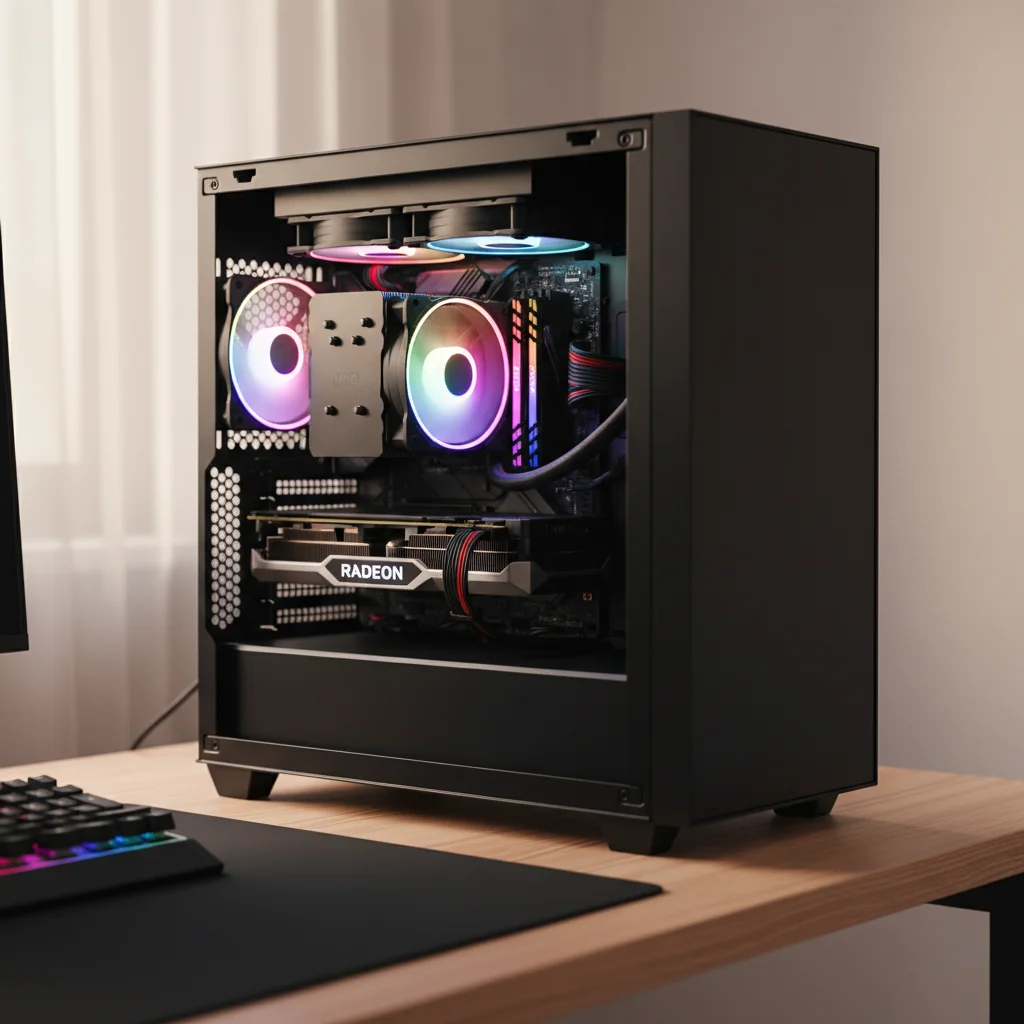
- GPU (Graphics Processing Unit): This is arguably the most critical component for gaming. Aim for an NVIDIA GeForce RTX 3050/4060 or AMD Radeon RX 6600/7600. These cards deliver solid 1080p performance and support modern features like FSR or DLSS for a performance boost.
- RAM (Random Access Memory): 16GB DDR4 or DDR5 is the sweet spot. While 8GB might be tempting for budget, 16GB ensures smooth multitasking and prevents stutters in memory-intensive games, which are becoming more common. Speed matters too; aim for at least 3200MHz for DDR4 or 5200MHz for DDR5.
- Storage: An NVMe SSD (Solid State Drive) is non-negotiable. Get at least a 500GB NVMe SSD for your operating system and primary games. This dramatically reduces load times and improves overall system responsiveness. You can add a larger SATA SSD or HDD later for extra game storage if needed.
- Motherboard: Choose a compatible motherboard that supports your chosen CPU and RAM, offering enough ports for your needs. You don't need a high-end board, just a reliable one.
- Power Supply (PSU): Don't skimp here. A reliable 550W to 650W 80 Plus Bronze certified PSU is usually sufficient and provides room for minor upgrades.
These components form the backbone of your entry level rig, ensuring a balanced system that handles games efficiently. Prioritizing these elements over flashy RGB or oversized cases means more budget for raw performance.
Is building my own Entry Level PC still worth it, or should I buy pre-built?
In 2026, both building your own entry level PC and buying a pre-built system have their merits, especially for busy adults. Building your own often offers the best value for money, allowing you to select each component precisely, ensuring no unnecessary costs are added. It’s also an empowering learning experience, giving you a deeper understanding of your machine and making future upgrades easier. However, it demands time for research, parts sourcing, and assembly, which can be a luxury many gamers balancing work and family simply don't have.
Pre-built entry level gaming PCs have significantly improved in value and quality. Reputable brands now offer competitive prices, often with warranties and customer support that provide peace of mind. For those with limited time, a pre-built system means instant gratification – plug it in, install your games, and play. While you might pay a slight premium for assembly and branding, the convenience, reliability, and support can easily outweigh the cost for many. Current trends show that high-quality pre-builts are a solid option, especially if you catch them during sales events, making them highly attractive for adult gamers looking for a hassle-free entry into PC gaming.
What kind of gaming experience can I expect from an Entry Level Rig?
An entry level gaming PC in 2026 delivers a surprisingly robust gaming experience, perfectly suited for the average gamer. You can comfortably play most popular titles at 1080p resolution, often with medium to high graphical settings, achieving smooth frame rates between 30 and 60 FPS. This means enjoying immersive single-player adventures like Baldur's Gate 3 or Starfield (with optimizations) and fluid, competitive gameplay in esports titles such as Valorant, CS2, or Apex Legends, which run exceptionally well. Even new releases like the upcoming Grand Theft Auto VI should be playable with appropriate settings adjustments.
This level of performance is more than enough for relaxation after a long day, engaging in social play with friends on Discord, or diving into skill-building games. You won't be pushing 4K ultra settings at 120 FPS, but you will get a consistent, enjoyable experience that is far superior to console base models or older budget systems. Many modern games also include scaling technologies like DLSS or FSR, which can further boost performance on an entry level GPU without a noticeable drop in visual quality. It's about smart gaming, not just raw power, allowing you to fully participate in social gaming trends and new releases.
How can busy gamers balance their passion with life responsibilities?
Balancing gaming with a busy life is a common challenge for adult gamers. The key is efficient time management and setting realistic expectations. First, designate specific gaming times, treating them like any other appointment. Even 30-60 minute sessions can be incredibly fulfilling for a quick escape or a few rounds in a favorite multiplayer game. Utilize games with shorter play loops or robust save features, and don't feel pressured to play every new AAA title for hundreds of hours. This month's trends often include "cozy" games like Stardew Valley or Palia, which are perfect for winding down.
Second, leverage social gaming. US gaming stats show 87% of gamers play regularly, often for 10+ hours a week, and social play is a huge driver. Connect with friends in co-op games or through Discord voice chat while you play, turning gaming into a social activity that doubles as catching up. Mobile gaming can also complement PC play for quick fixes on the go. Lastly, be mindful of your budget for in-game purchases and hardware. Smart spending means you're investing in fun, not adding financial stress. Remember, gaming should be a source of relaxation and enjoyment, not another chore.
What are smart, budget-friendly ways to upgrade an Entry Level Gaming PC?
Upgrading an entry level gaming PC doesn't have to mean buying a whole new system. Smart, budget-friendly upgrades can significantly extend its lifespan and boost performance. The most impactful upgrade is almost always the GPU. If your initial build featured a lower-tier card, stepping up to the next tier (e.g., from an RTX 3050 to an RTX 4060 or RX 7600) can dramatically improve frame rates and visual quality. Ensure your power supply can handle the new card!
Next, consider RAM. If you started with 8GB, upgrading to 16GB or even 32GB (if budget allows and your motherboard supports it) will improve multitasking and stability in demanding games. Adding a larger NVMe SSD or a secondary SATA SSD for more game storage is also a fantastic quality-of-life upgrade, reducing load times. Finally, a CPU upgrade can be beneficial, but often requires a new motherboard if you're changing generations or brands, making it a more substantial investment. Always check component compatibility before purchasing, and look for sales on previous generation hardware for excellent value.
How do I optimize my Entry Level Gaming PC for peak performance?
Getting the most out of your entry level gaming PC involves a few key optimization steps:
- Keep Drivers Updated: Regularly update your graphics card drivers (NVIDIA GeForce Experience or AMD Adrenalin Software) and chipset drivers. These updates often bring significant performance improvements and bug fixes.
- Manage Background Processes: Close unnecessary applications running in the background while gaming. Discord, web browsers, and streaming services can consume valuable RAM and CPU cycles.
- Adjust In-Game Settings: This is crucial. Start with recommended settings and then fine-tune. Prioritize frame rate over ultra-high textures or shadows. Lowering resolution scale, anti-aliasing, and shadows often yields the biggest FPS gains with minimal visual impact.
- Utilize Game Mode: Windows 10/11 has a Game Mode feature (Settings > Gaming > Game Mode) that prioritizes your game. Ensure it's enabled.
- Clean Your System: Physically clean your PC regularly to prevent dust buildup, which can cause overheating and throttling. Use compressed air to clear fans and heatsinks.
- Overclocking (Carefully): For advanced users, minor CPU or GPU overclocking can yield small performance gains. However, this requires careful monitoring and understanding of your hardware's limits to avoid instability or damage.
By diligently applying these optimization tips, you can squeeze extra performance out of your entry level rig, ensuring smoother gameplay and a more enjoyable experience for those precious gaming hours.
What common mistakes should I avoid when buying or building an Entry Level Gaming PC?
Avoiding common pitfalls ensures your entry level gaming PC investment is a smart one:
- Ignoring the PSU: Never cheap out on the Power Supply Unit. A low-quality PSU can fail prematurely, damage components, or limit future upgrades. Invest in a reputable brand with an 80 Plus Bronze (or better) rating.
- Bottlenecking: Avoid pairing a powerful CPU with a weak GPU, or vice versa. The goal is a balanced system where no single component significantly holds back another. Research reviews and benchmarks for component synergy.
- Overspending on RGB or Aesthetics: Flashy lights and elaborate cases look cool, but they don't improve performance. For an entry level build, prioritize performance components first. You can always add RGB later.
- Insufficient Storage: Modern games are huge. A small 256GB SSD will fill up quickly. Aim for at least 500GB NVMe initially, with plans for additional storage.
- Outdated Drivers/BIOS: Failing to update drivers or motherboard BIOS can lead to performance issues, compatibility problems, and missed optimizations.
- Ignoring Cooling: Even entry level components generate heat. Ensure your case has decent airflow and that your CPU cooler (stock is often fine for budget CPUs) is properly installed.
- Buying into Hype: Don't feel pressured by the latest trends or influencer builds that often feature high-end components. Focus on what meets your personal gaming needs and budget, not what's "the best" overall.
By being mindful of these common mistakes, you'll make more informed decisions and end up with a reliable, high-performing entry level gaming PC that truly enhances your leisure time.
Stepping into the world of PC gaming doesn't require an extreme budget or endless hours of research. An entry level gaming PC in 2026 offers an incredibly accessible and rewarding experience, perfectly tailored for adult gamers who value smart investments, reliable performance, and a healthy balance between life and play. By focusing on essential components, understanding your budget, and optimizing your setup, you can unlock a world of relaxation, social connection, and skill-building. Remember, it's about making gaming work for you, not the other way around. Don't let the complexities deter you; with the right information, a fulfilling PC gaming journey is well within reach.
What's your biggest gaming challenge with balancing life and play, or what's holding you back from your ideal entry level setup? Comment below!
Q: What's the minimum RAM I need for an entry level gaming PC in 2026?
A: While 8GB might be barely acceptable for some older titles, 16GB of DDR4 or DDR5 RAM (at least 3200MHz/5200MHz respectively) is the recommended minimum for an entry level gaming PC in 2026. This ensures smooth performance across most modern games and allows for comfortable multitasking.
Q: Can an entry level gaming PC run VR games?
A: Generally, a true entry level gaming PC will struggle with VR. VR requires significant graphical horsepower, usually exceeding what a budget-focused GPU can provide for a smooth, comfortable experience. You'd likely need to step into the mid-range for a decent VR setup, although some less demanding VR titles might be playable with very low settings.
Q: How long will an entry level gaming PC last before needing upgrades?
A: A well-chosen entry level gaming PC should provide a satisfying 1080p gaming experience for 2-3 years before major component upgrades (like the GPU) become necessary to maintain performance in newer titles. Smart, incremental upgrades can extend its competitive lifespan even further.
Q: Should I buy an entry level gaming PC with integrated graphics?
A: Only for extreme budget constraints or if you plan to add a dedicated GPU later. While modern integrated graphics (like AMD's RDNA2/3 or Intel's Arc-based iGPUs) are surprisingly capable, they still can't match the performance of a dedicated entry level GPU for most gaming scenarios.
Q: What monitors are best for an entry level gaming PC?
A: For an entry level gaming PC, a 1080p monitor with a refresh rate of 75Hz or 144Hz is ideal. A higher refresh rate will make gameplay feel much smoother, especially in competitive titles. Look for IPS panels for better colors and viewing angles without breaking the bank.
Q: Are entry level gaming PCs loud or hot?
A: Modern entry level gaming PCs are generally quieter and cooler than their predecessors due to more efficient components. With decent case airflow and stock coolers, they should operate at acceptable noise and temperature levels. However, during intense gaming, fan noise will be audible.
Understanding what defines an entry level gaming PC in 2026. Key components to prioritize for performance and budget. Tips for buying pre-built vs. building your own PC. Optimizing your entry level rig for popular games and social experiences. Strategies for future-proofing and smart, budget-friendly upgrades. Balancing gaming enjoyment with real-life commitments. Avoiding common pitfalls and hype to get true value for money.
35
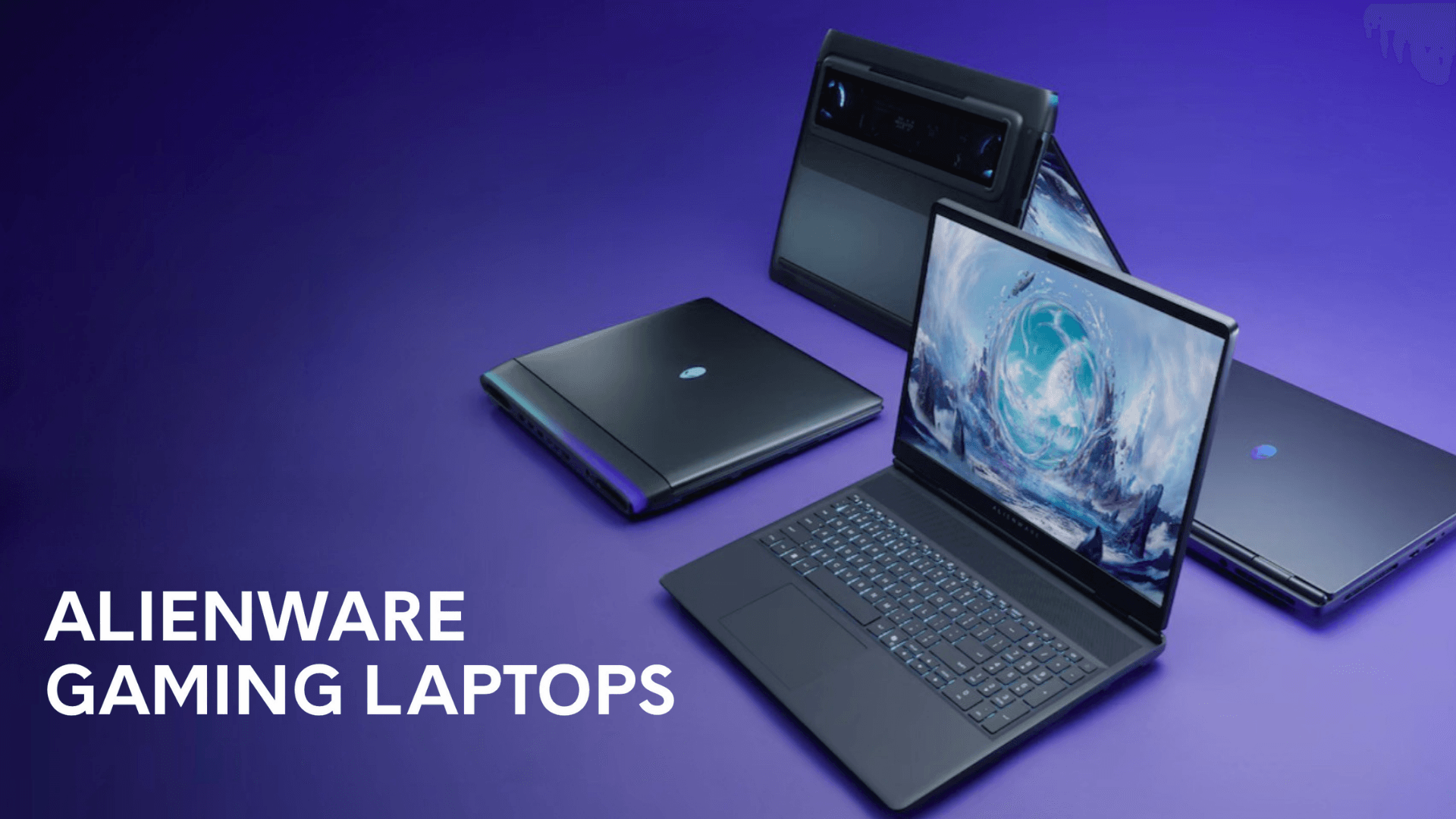
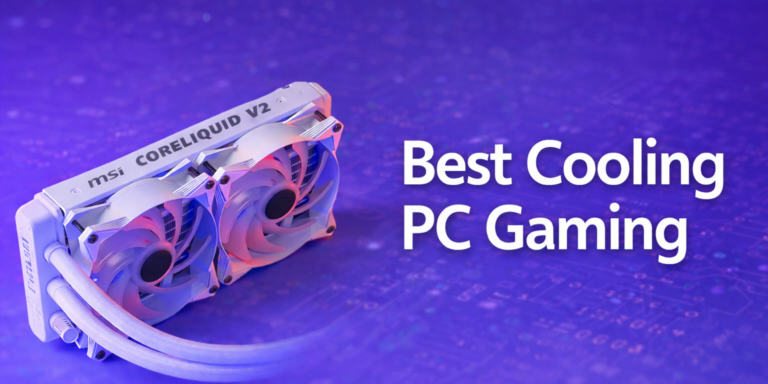
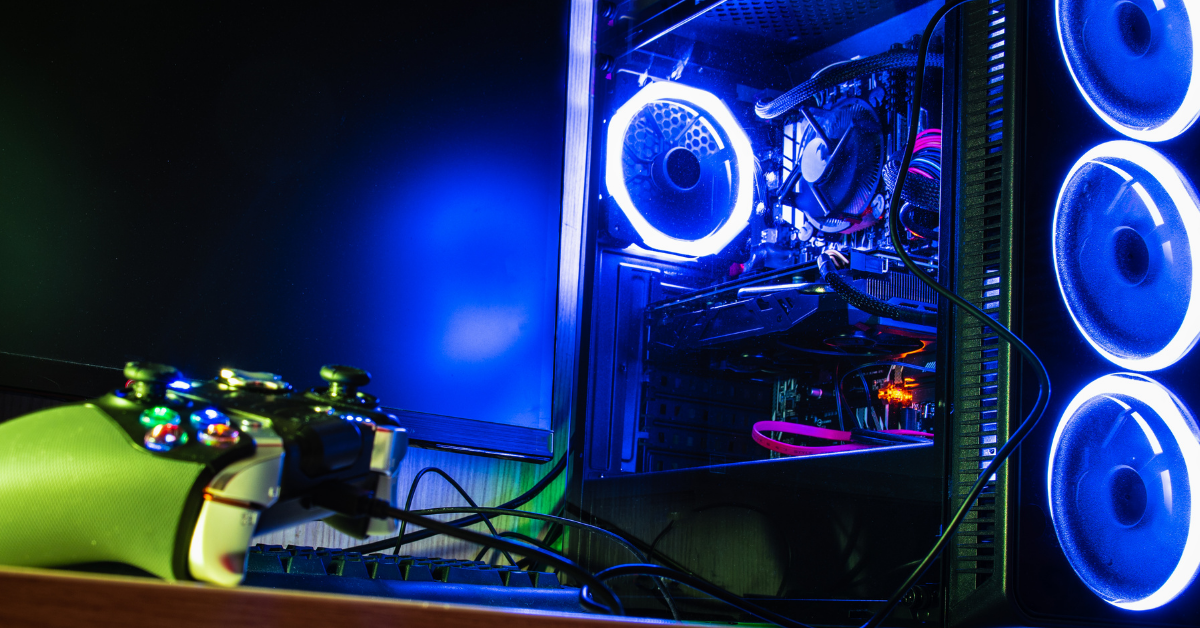

5 Best Entry Level Gaming PCs Gaming Net HP Pavilion 1 . Dell Unveils Ultra Slim And Entry Level Alienware Gaming Laptops At CES Alienware 38e863a74e . Entry Level Gaming PC In 2026 Best Specs Budget Buying Guide Best Cooling Pc Gaming 768x384 . Entry Level Gaming PC In 2026 Best Specs Budget Buying Guide Benchmark . The 5 Best Gaming PC Cases 2026 Which One Should You Buy YouTube
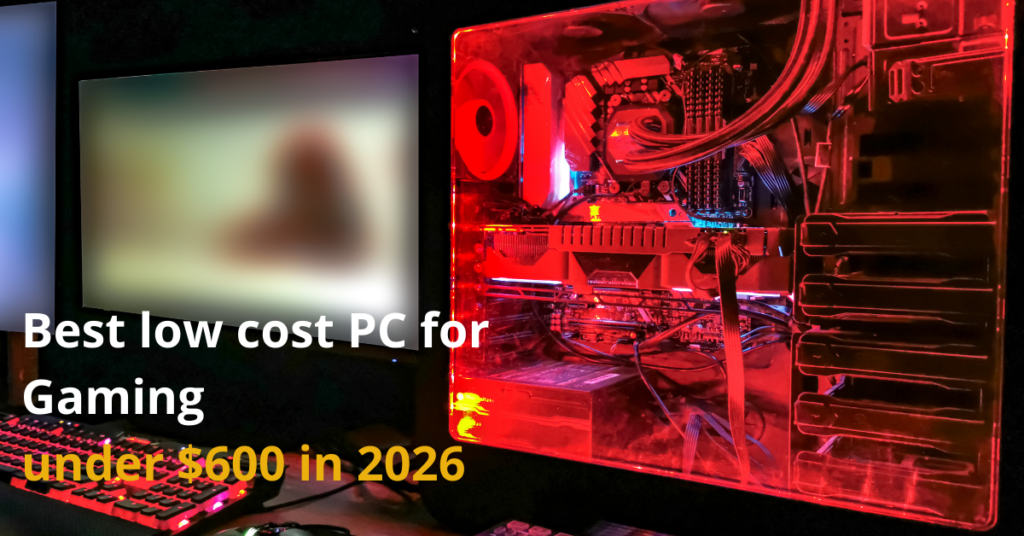

Entry Level Gaming PC In 2026 Best Specs Budget Buying Guide Low Cost PC For Gaming 1024x536 . Best Gaming PC Builds For 2026 Gaming Gear Labs Img Best Gaming Pc Builds For 2026 A Guide To Top Entry Level Prebuilt Specs For 108 0.webp. Best Gaming PC Builds For 2026 Gaming Gear Labs Img Best Gaming Pc Builds For 2026 A Guide To Top Entry Level Prebuilt Specs For 108 3.webp. Entry Level Gaming Desktops UK 2026 Best Budget Gaming PCs Deals W100 Hero Img V1 . Best Gaming PC Builds For 2026 Gaming Gear Labs Img Best Gaming Pc Builds For 2026 A Guide To Top Entry Level Prebuilt Specs For 108 10.webp




Best Gaming PC Builds For 2026 Gaming Gear Labs Img Best Gaming Pc Builds For 2026 A Guide To Top Entry Level Prebuilt Specs For 108 24.webp. Best Gaming PC Builds For 2026 Gaming Gear Labs Img Best Gaming Pc Builds For 2026 A Guide To Top Entry Level Prebuilt Specs For 108 17.webp. RTX 5060 Review 2026 Entry Level 1440p P Gaming PC Guru Rtx 5060 Review Hero . RTX 5060 Review 2026 Entry Level 1440p P Gaming PC Guru SL1500 . RTX 5060 Review 2026 Entry Level 1440p P Gaming PC Guru SL1500

Entry Level Gaming PC GTX 970 Ryzen 5 1500x Jawa. Top 5 Entry Level Gaming Desktops Your Guide Entry Level Gaming Desktop Combined Image . 620 Entry Level 1440P Gaming PC Full Build Guide YouTube . The Beginner S Best Friend What S An Entry Level Gaming PC Modern Gamer Whats An Entry Level Gaming PC . NEW Budget Entry Level Gaming PC ESports Jawa
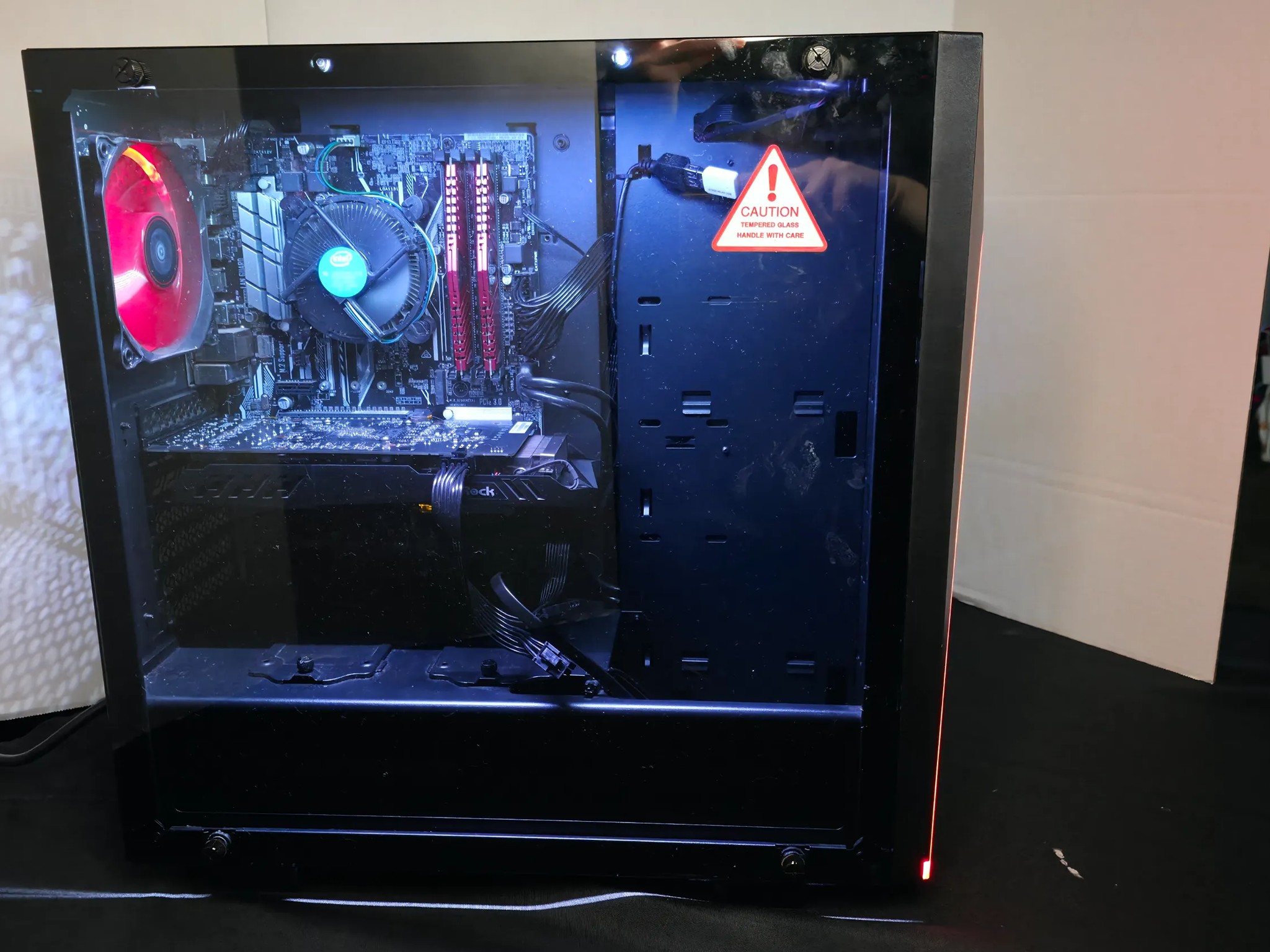
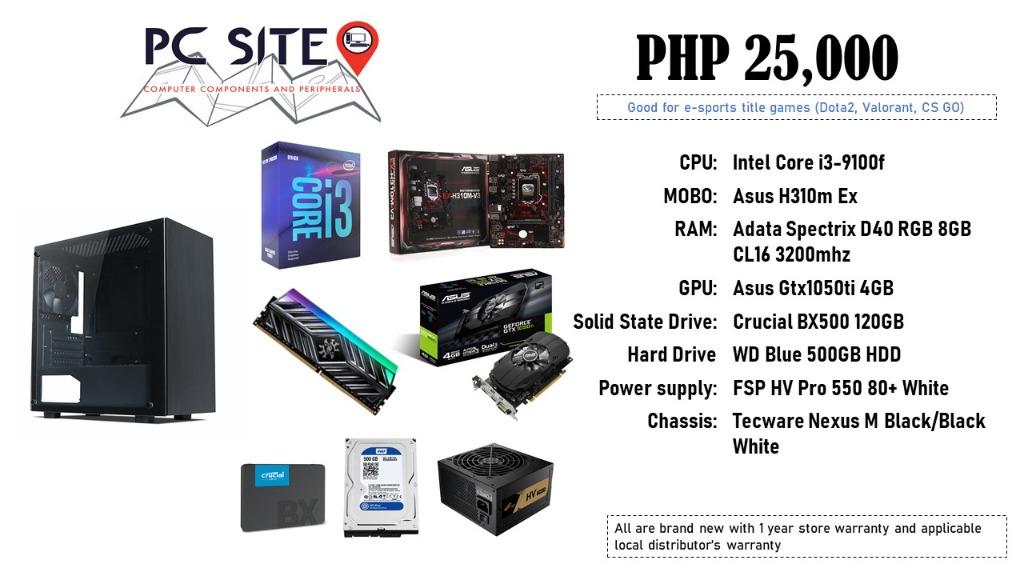


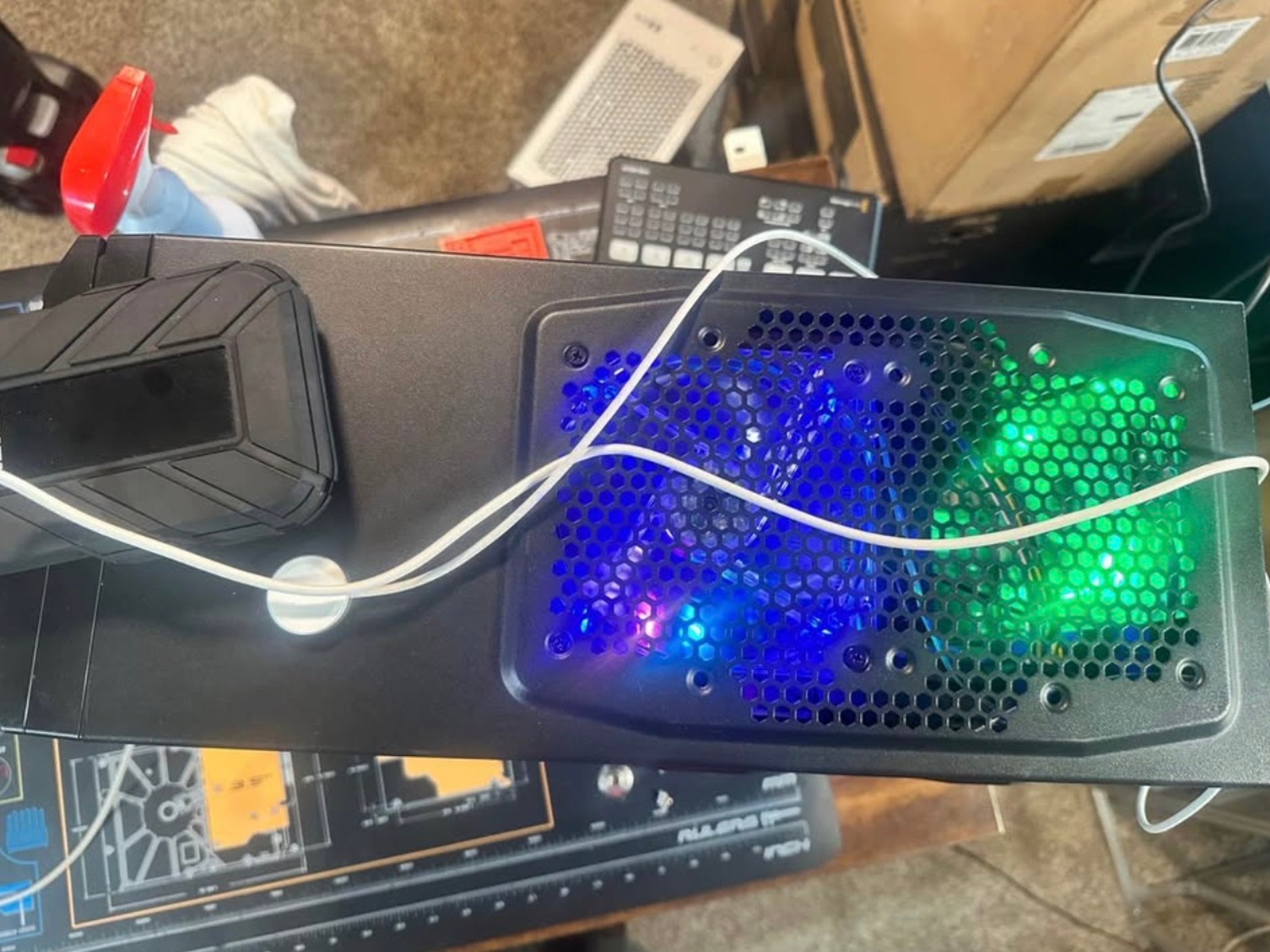
Budget Entry Level Gaming PC Jawa. Entry Level Gaming PC W GPU Computers Tech Desktops On Carousell Entry Level Gaming Pc 1620492212 9165b974 Progressive. Building The Perfect Entry Level Gaming PC For Beginners Technoid Building The Perfect Entry Level Gaming PC For Beginners . 5 Best Entry Level Gaming PCs 2026 Gaming Net 1345610 . Entry Level Gaming PC Jawa
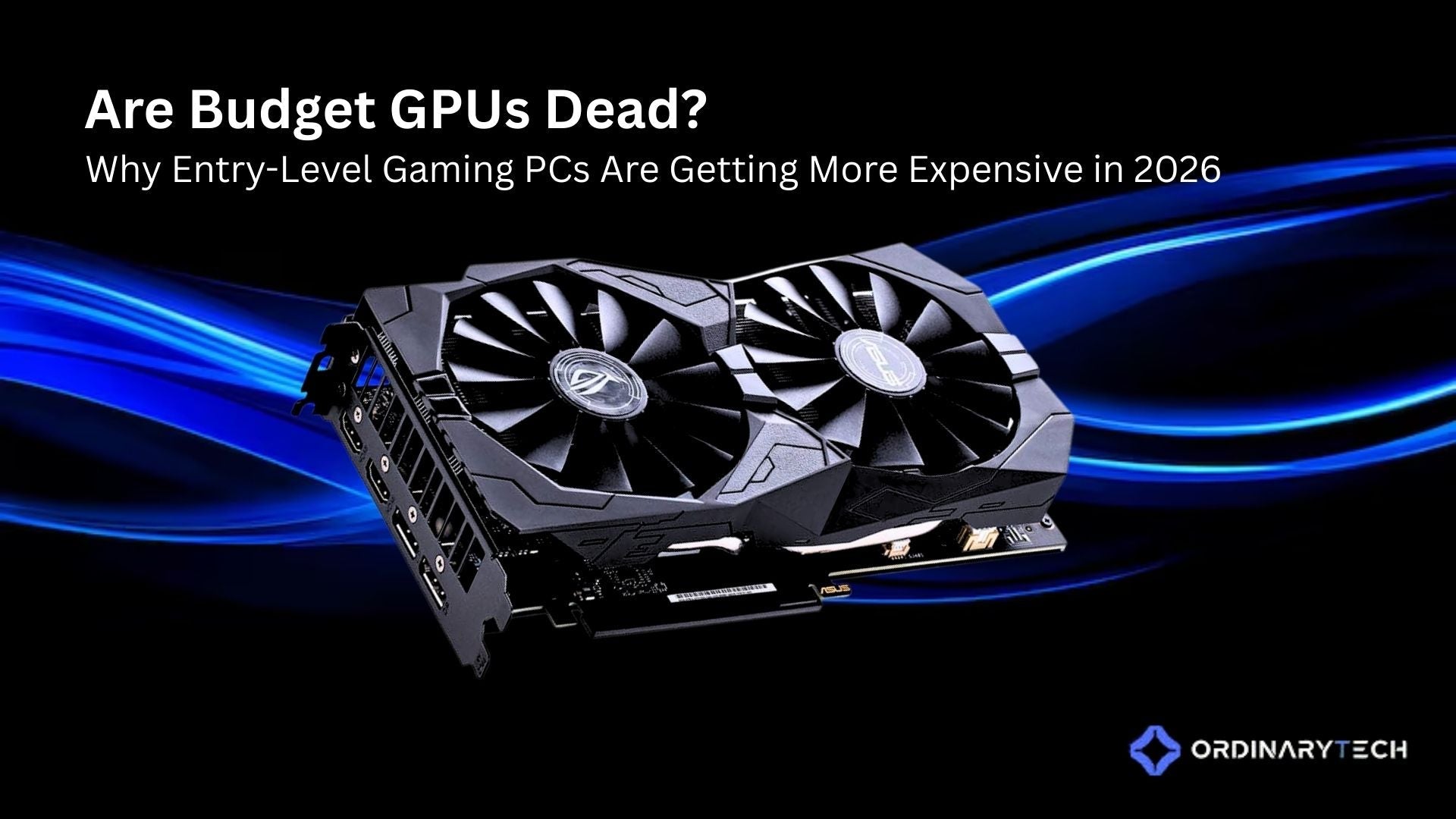


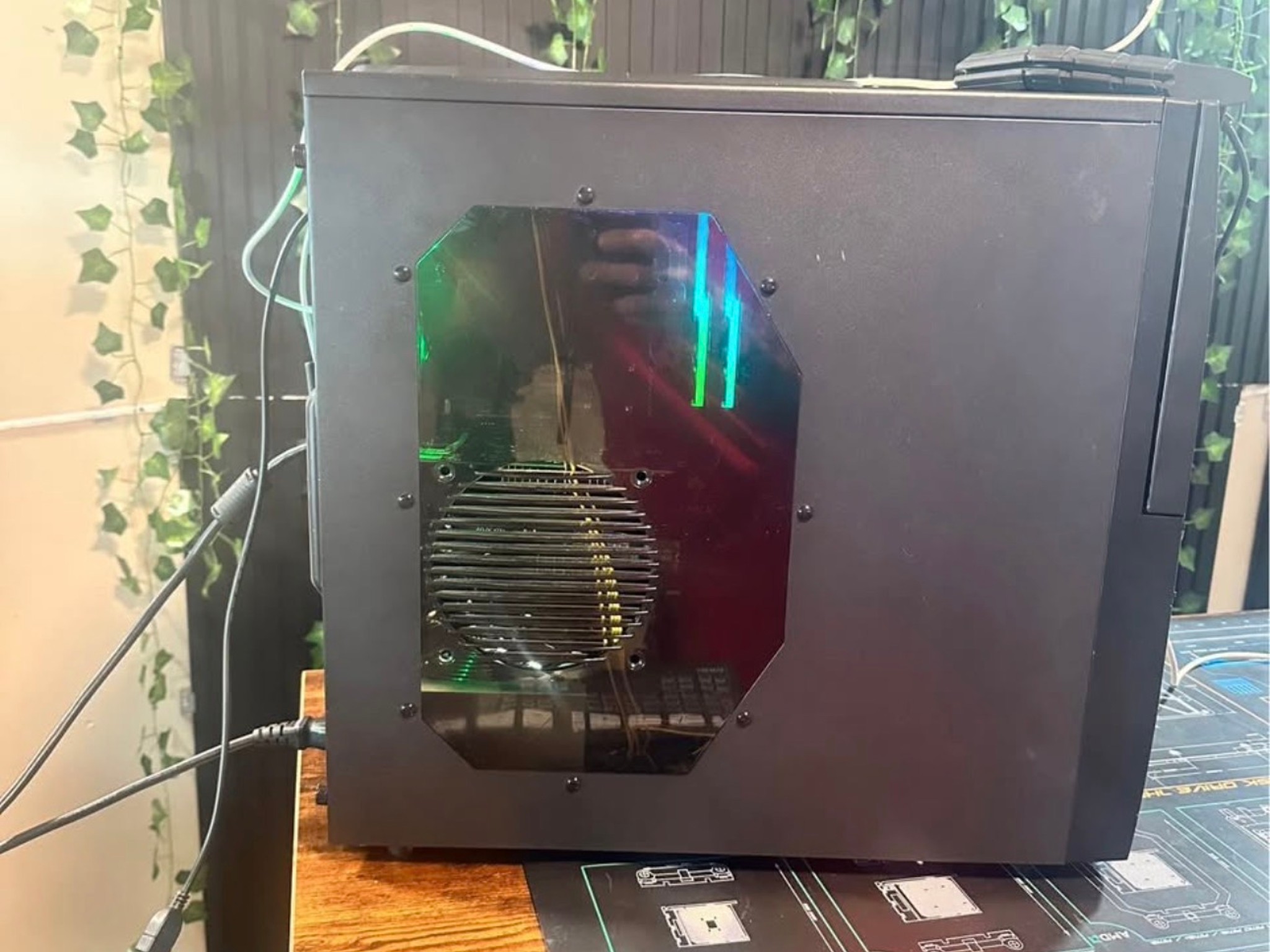
Are Budget GPUs Dead Why Entry Level Gaming PCs Are Getting More Expe 6 . Quale PC Gaming Scegliere Nel 2026 Zendia Zendia Pc Gaming Blog Cb70d7a7 6556 4c25 A230 . Built My Sister An Entry Level Gaming Computer My First Build Too . 5 Best Entry Level Gaming PCs 2026 Gaming Net Gamin.net 2022 05 400x240 . Entry Level Gaming PC Jawa

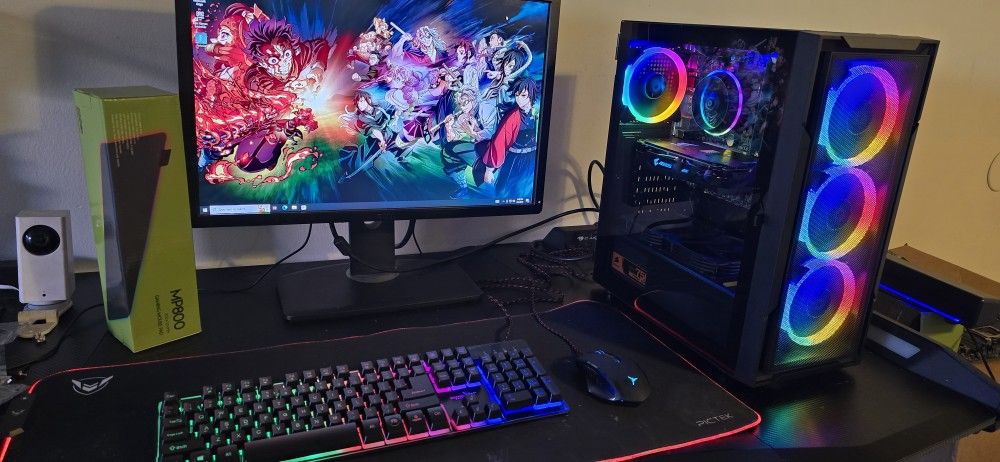
GA1000 Entry Level Gaming Computer PDF GA1000 Entry Level Gaming Computer 1 320 . Entry Level Gaming PC Bedrock Computers . I7 Entry Level Gaming PC For Sale In Lakewood CA OfferUp . Entry Level Gaming PC Jawa. Entry Level Gaming Pc Laptop Periphio Entry Level Gaming PC With I5 6500 1024x765